
Introduction to Inventory Locations
In this article
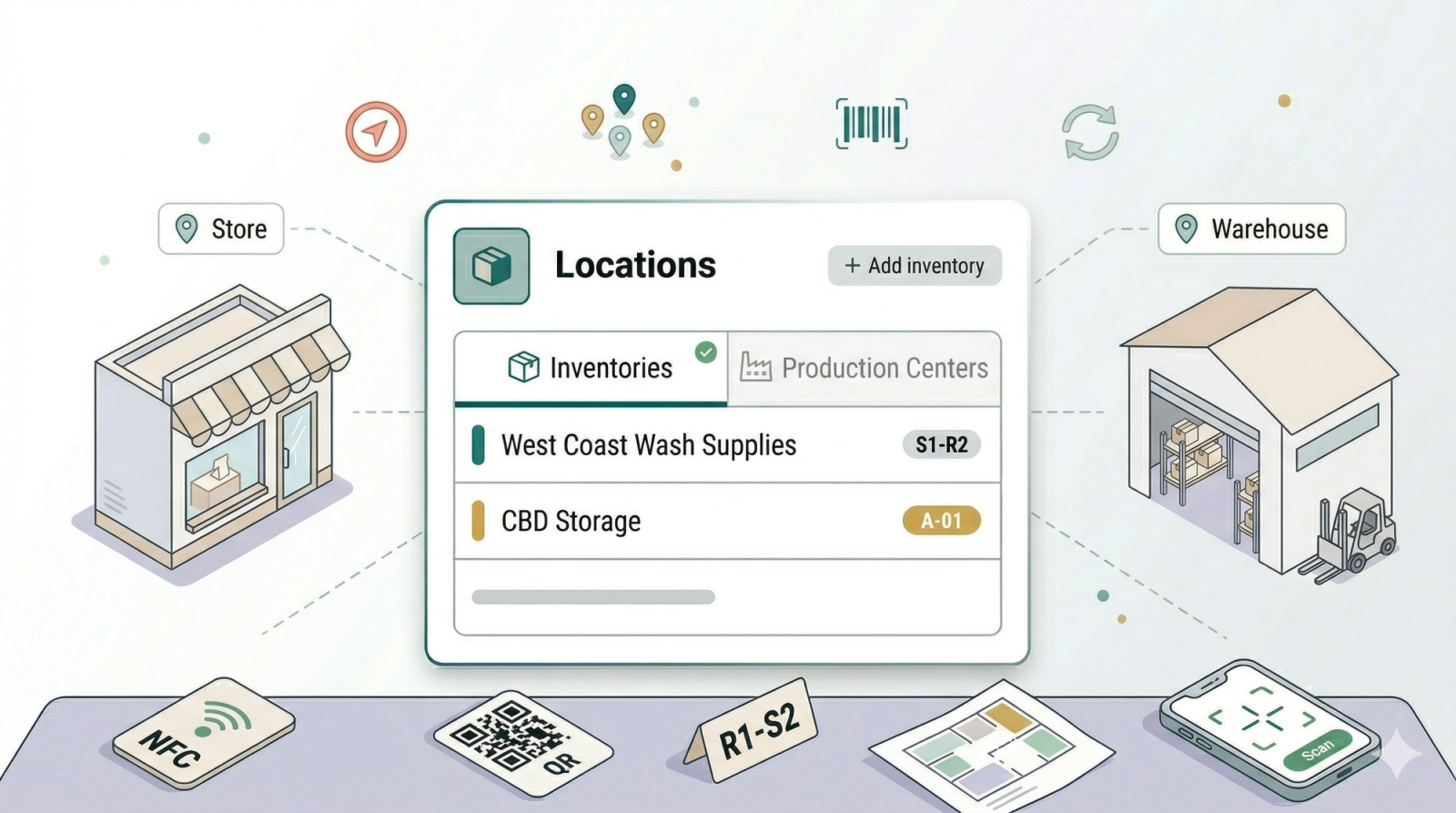
Inventory locations help EasyBiz understand where things are kept and where work is handled. A laundry shop may have a backroom storage area, several POS outlets, and one central production center. A bag repair shop may have a front counter, a storage shelf, and a workshop. Setting these up clearly helps your staff avoid guessing where items or stock should go. This article explains the two location types and what to prepare before you start.
Contents
Contents
What Inventory Locations Are
An inventory location is a named place that your team recognises in daily work. In Locations settings, you manage two areas:
| Area | What it means | When to use it |
|---|---|---|
| Inventories | Storage areas that can contain Storage Sections such as racks or shelves | Use this when you want to organise physical storage areas for workflow scanning and storage tracking |
| Production Centers | Places where work is processed, such as a laundry plant or repair workshop | Use this when orders need to be routed to a team or workshop |
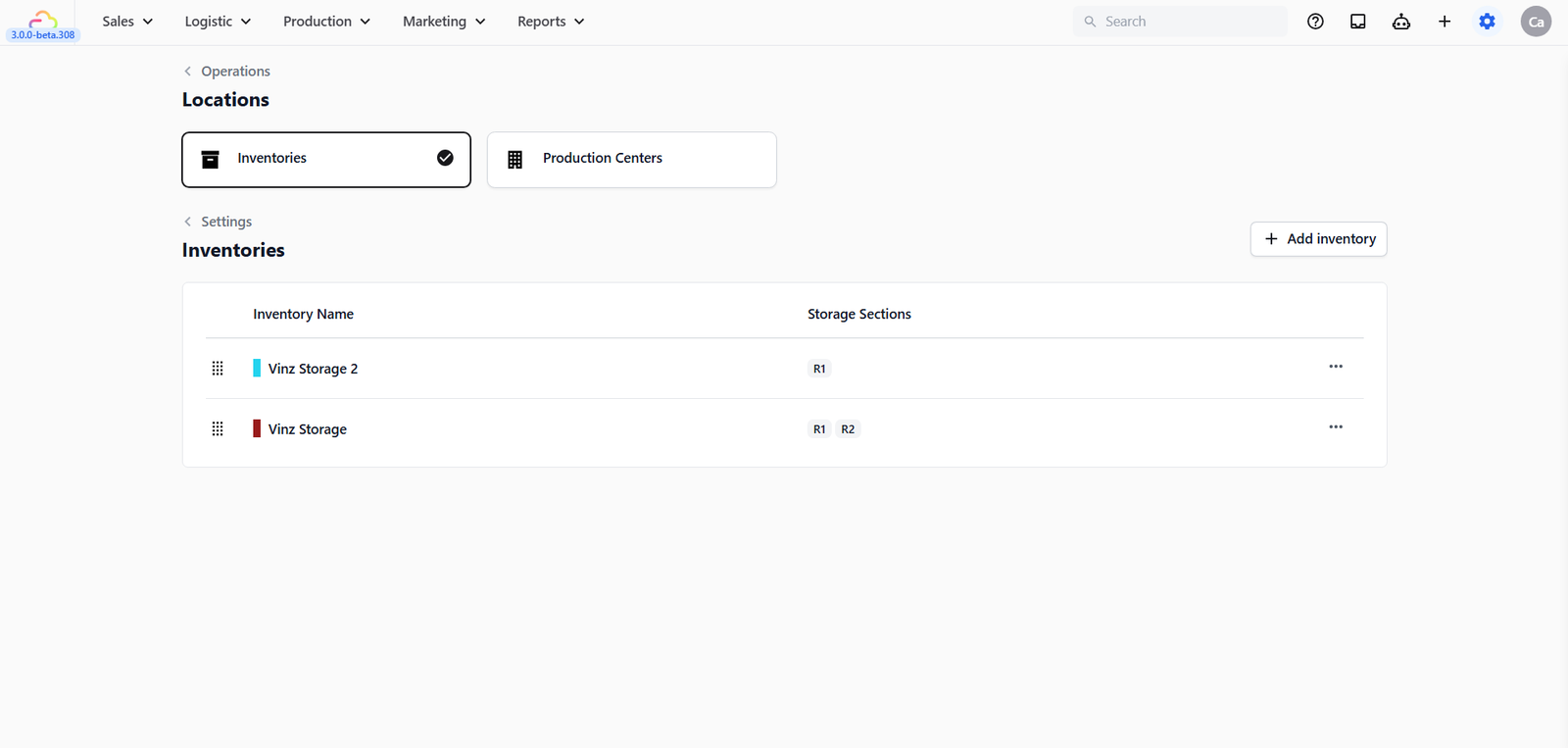
Inventories vs Production Centers
- Inventories are for storage. For example, CleanFast Laundry may create Backroom Storage and add sections called R1 and R2.
- Production Centers are for work. For example, BagCare Pro may create Main Workshop and route all bag repair work there.
The main difference is purpose. Inventories answer "Where is this stored?" Production Centers answer "Where should this work be handled?"
Before You Start
- You need locations before your team can choose where stock or work belongs.The Inventory stock page tracks retail product counts by POS locations and production centers.Inventories in Settings do not change POS sales by themselves.
FAQs
Do I need Inventories before going live?
Not always. If your team does not use storage sections or scanning workflows yet, you can start without them. Add Inventories when you want clearer storage control.
Will adding an Inventory change my POS screen?
No. Inventories are storage settings. The Inventory stock page uses POS locations and production centers for stock counts.
Can I track stock without a production center?
Yes, if you have a POS location available for stock. Add a production center when stock also needs to sit at a workshop or plant.
Can I create storage locations in EasyBiz?
Yes. Use the Inventories tab to create named storage areas, then open the inventory to add Storage Sections such as racks or shelves.
Do Production Centers affect where orders go?
Yes, but only when Fixed Assignments are configured on them. See Managing Production Centers for how this works.
What's Next
Now that you know the difference between storage areas and work centers, continue to [Managing Inventory Locations] to create your first inventory.
Give feedback
Up next
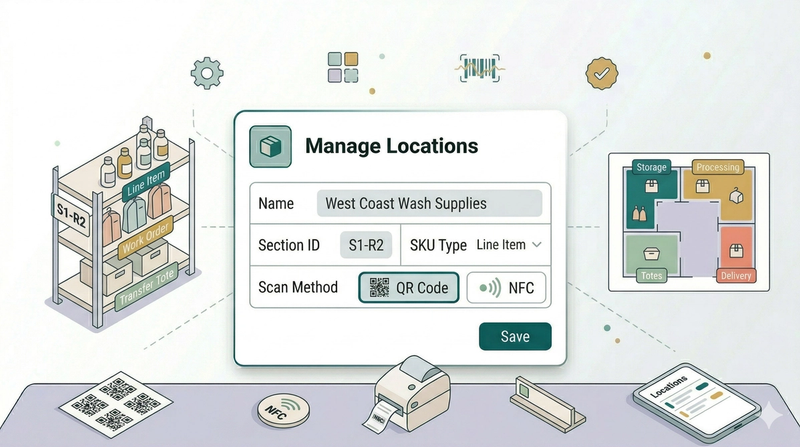
Managing Inventory LocationsCreate storage areas and sections so your team can recognise where items belong.
Read more