
Access Control
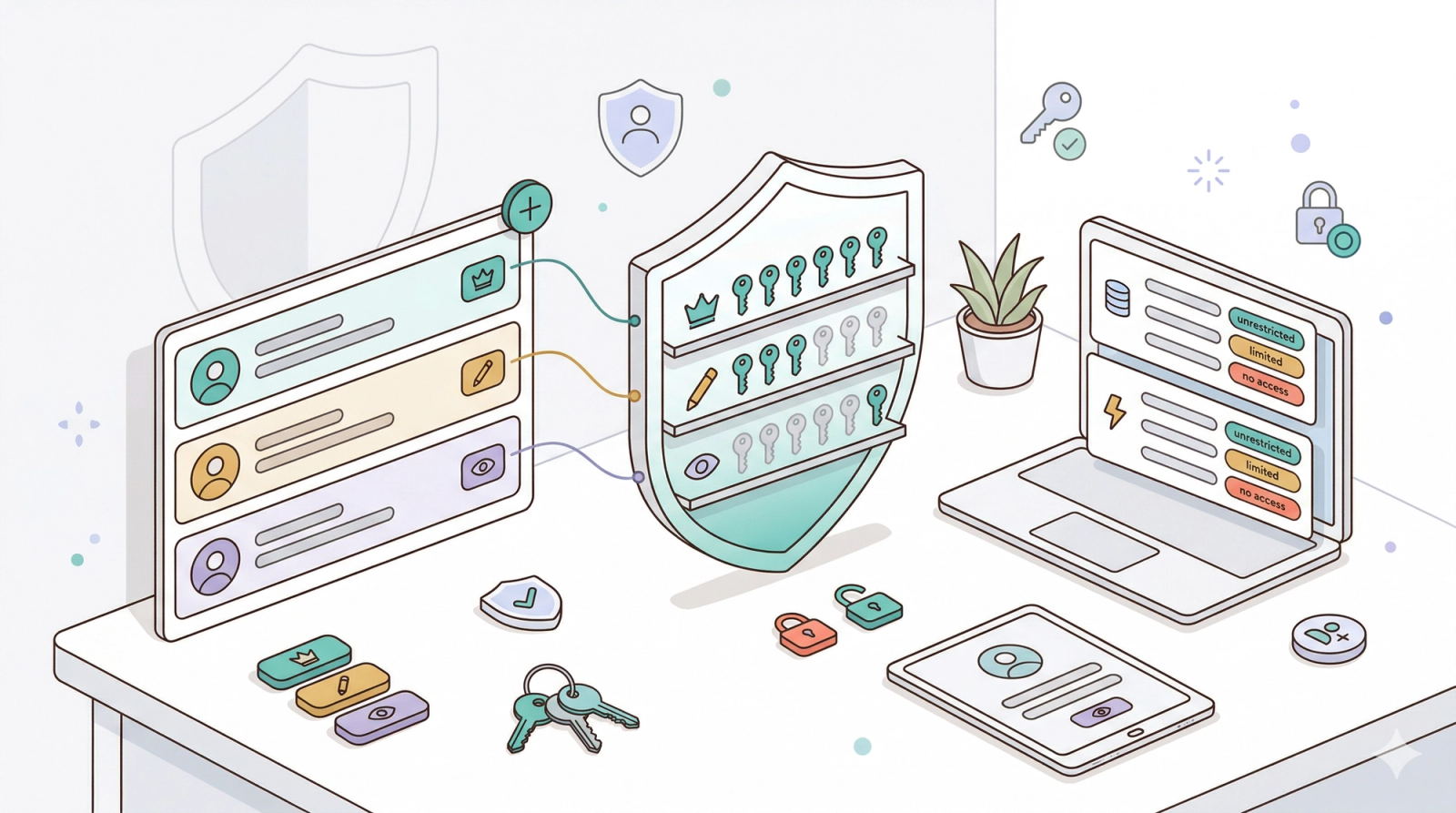
In this chapter
Access Control is where you decide who on your team can use EasyBiz and what each person is allowed to do once they sign in. You add a teammate account for each staff member, then choose which apps they open, which data they see, which actions they can perform, and whether they can change admin settings. This keeps your shop secure as your team grows and stops staff from accidentally seeing pricing, reports, or billing details that should stay private.
Articles
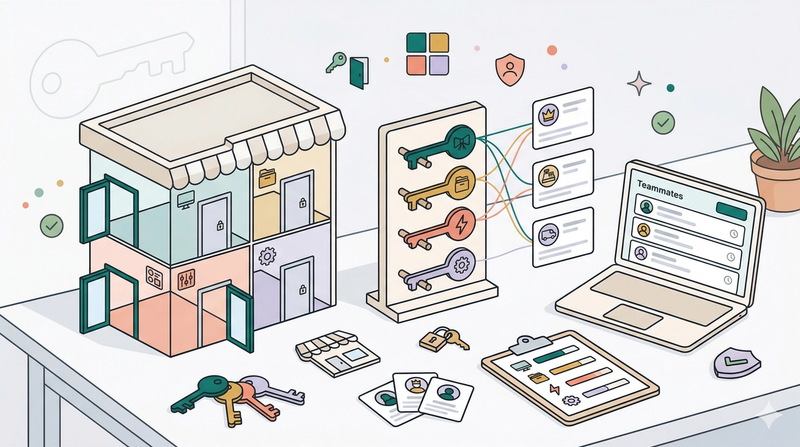
Learn the four areas of access EasyBiz lets you control for every teammate, before you set anything up.
Read more
Create a new teammate account, send them a sign in link, edit their profile later, or remove them.
Read moreChoose which of your apps a teammate can sign in to before you fine-tune any other permission.
Read moreDecide which types of data each teammate can view inside their assigned apps, and how much of it.
Read morePick which write operations a teammate is allowed to perform, with optional limits like time windows and approval gates.
Read moreDecide whether a teammate can change settings, manage billing, manage other teammates, handle the chat inbox, or run agent tasks.
Read more