
Mini Apps
In this chapter
Most service businesses still take bookings the slow way — customers ask over WhatsApp, staff ask for the address, ask for the time, confirm manually, and type everything in by hand. Mini Apps cut all of that out. You set up a simple booking form once, and the next time a customer asks, you send them a button. They tap it, fill in their details, and the booking goes straight into your system — while you focus on running your business.
Articles
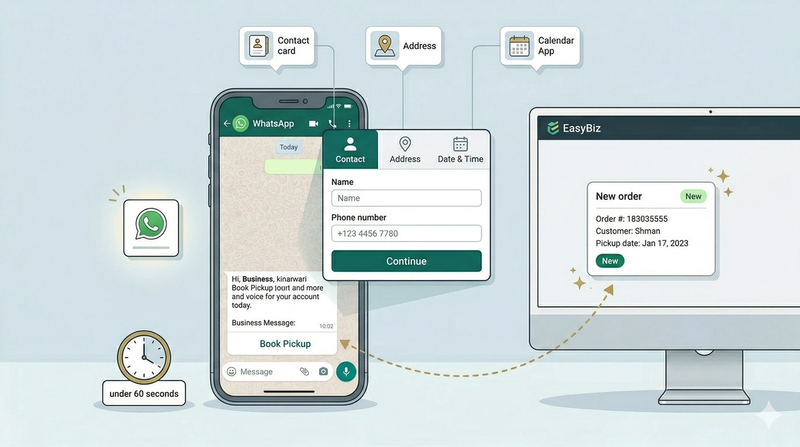
What Mini Apps are, how they help your business get more bookings, and what you need to set up before getting started.
Read more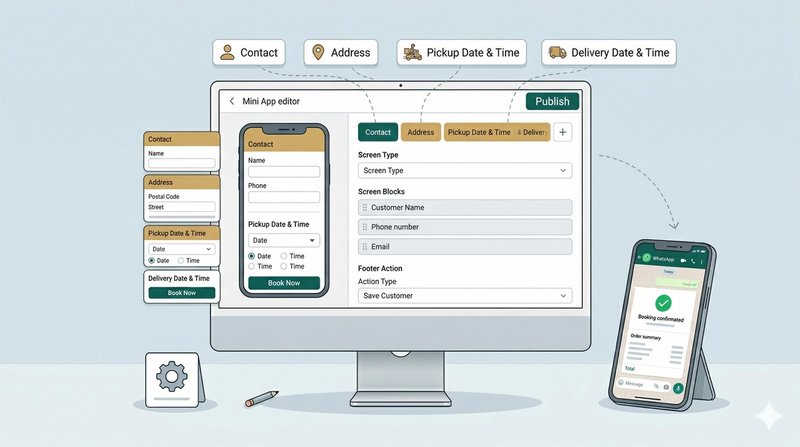
Let customers book a home pickup and return delivery in one WhatsApp form — ideal for laundry and dry cleaning businesses.
Read more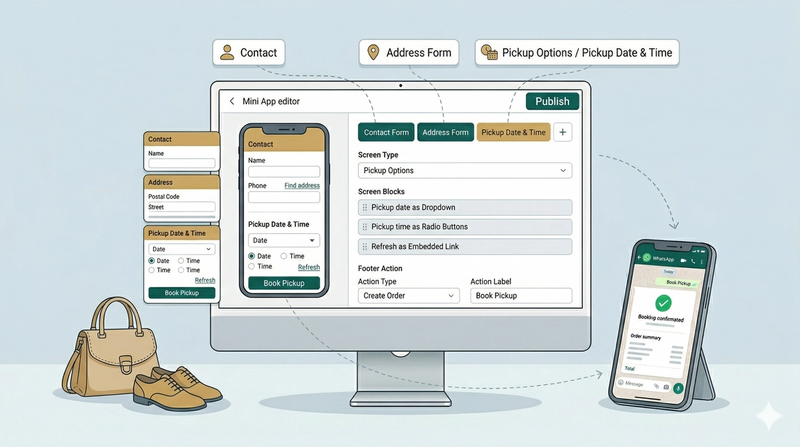
Let customers schedule a home pickup through WhatsApp — ideal for repair businesses where the return date isn't fixed at the time of pickup.
Read more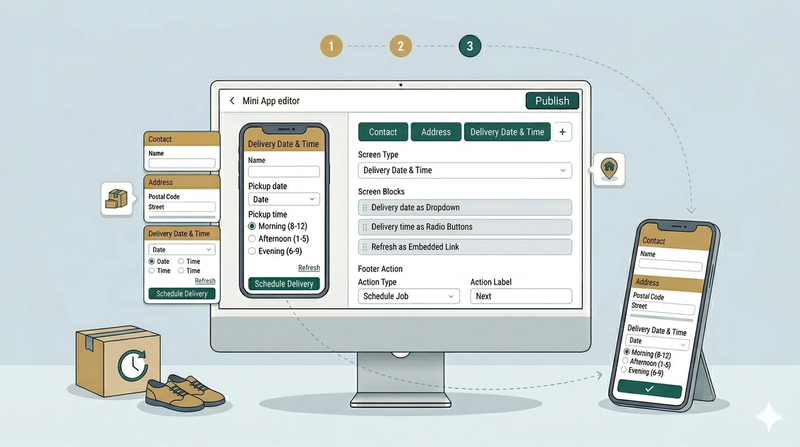
Schedule the return delivery of a completed order by sending customers a booking form directly on WhatsApp.
Read more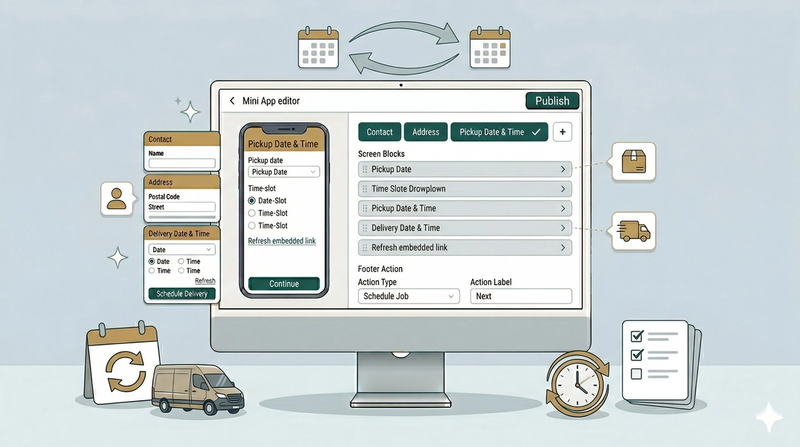
Let customers move an existing pickup and delivery booking to a new date and time — directly through WhatsApp.
Read more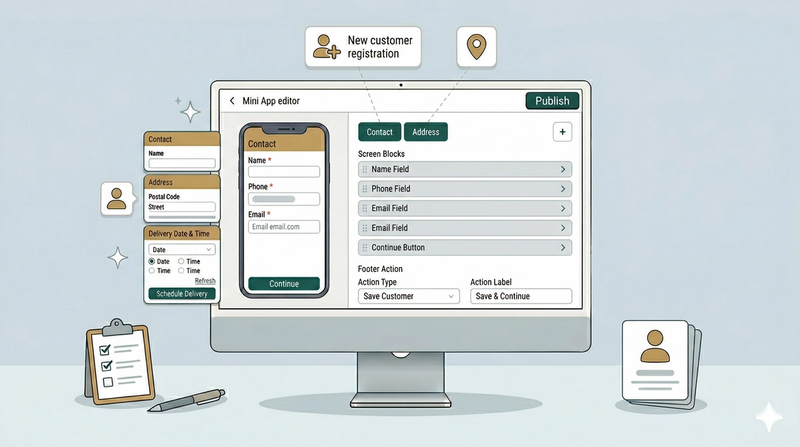
Let new customers register their contact details and address through a simple WhatsApp form — ideal for onboarding walk-ins or capturing leads.
Read more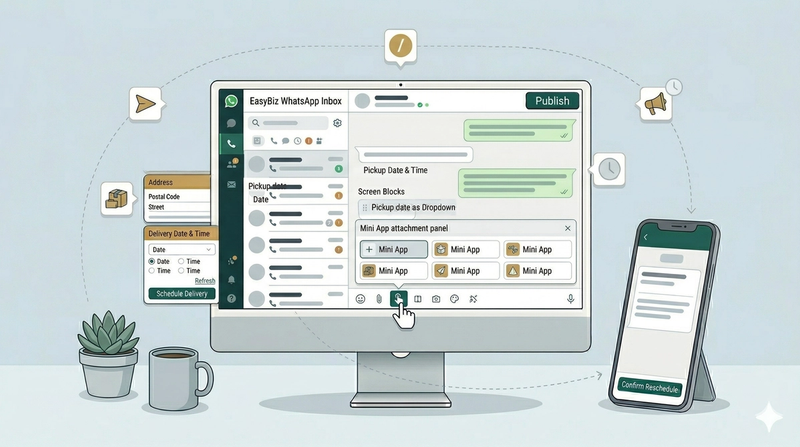
Once your Mini App is set up, the next step is getting it to your customers. Here are three simple ways to share your booking forms.
Read more