
Help Center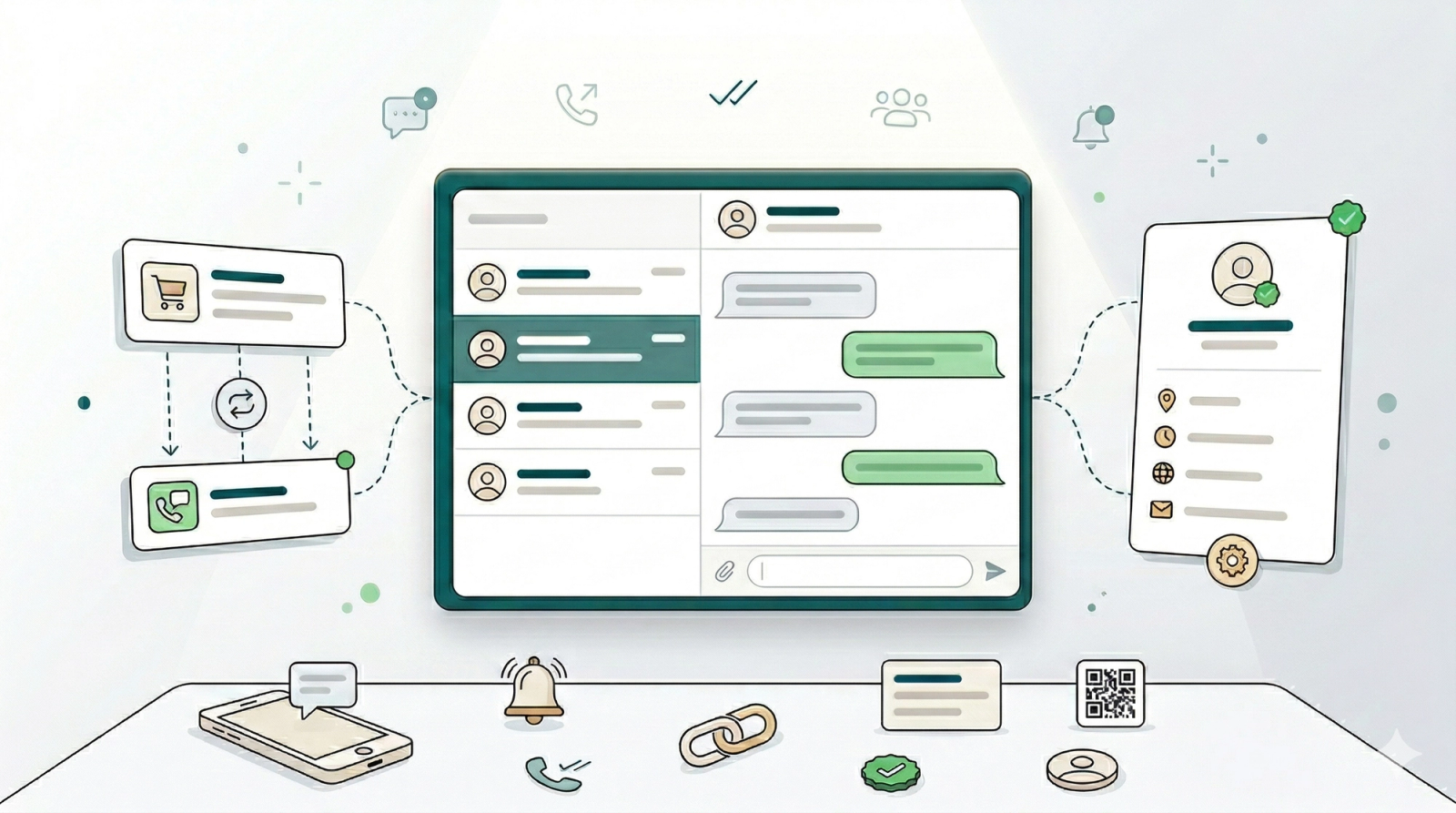
WhatsApp Integration
In this chapter
Most service businesses rely on WhatsApp to communicate with customers — but managing it through a personal phone means missed messages, no team visibility, and no connection to your orders or customer records. Connecting WhatsApp to EasyBiz puts all your customer conversations in one shared inbox, automatically sends order updates and reminders, and gives your whole team a clear view of every chat.
Articles
WhatsApp Integration Overview
What WhatsApp integration does and why it matters for your business.
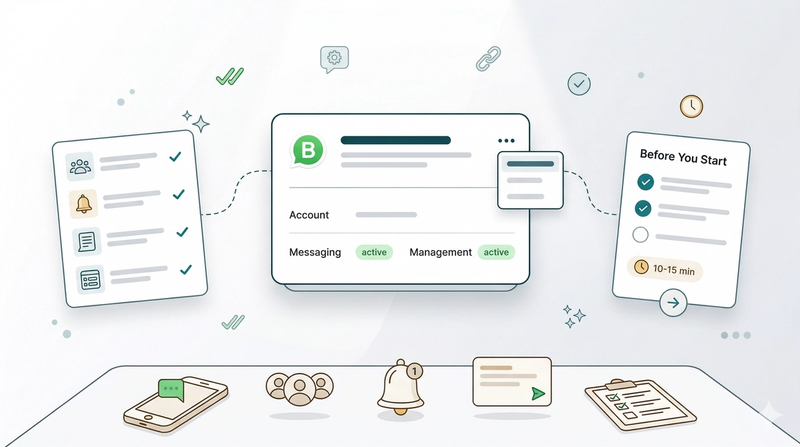
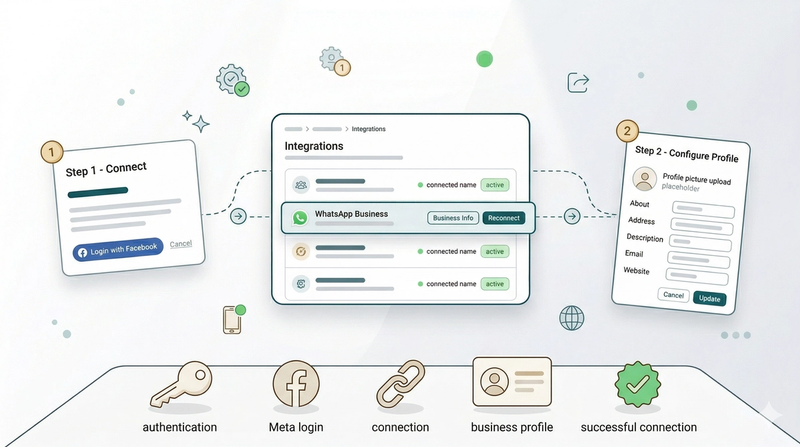
Read moreConnect & Configure WhatsApp
How to connect your WhatsApp Business account to EasyBiz and set up your business profile so customers see your logo, address, and contact details.
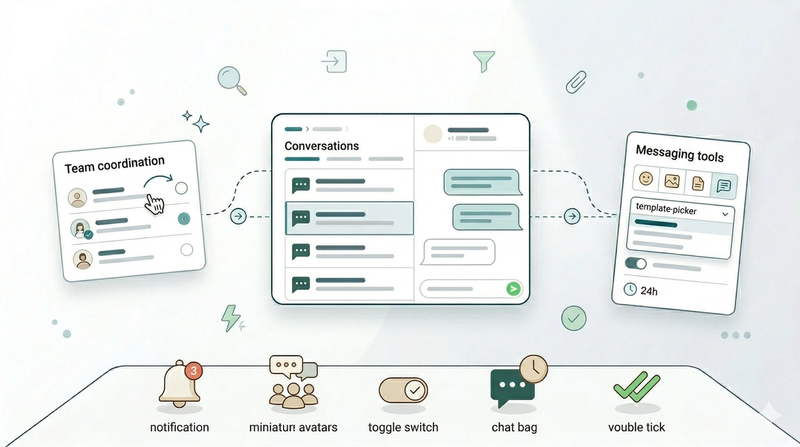
Read moreManaging Conversations Inbox
How to manage customer chats, assign conversations to your team, and stay on top of who still needs a reply.
Read more