
Xero Integration
In this chapter
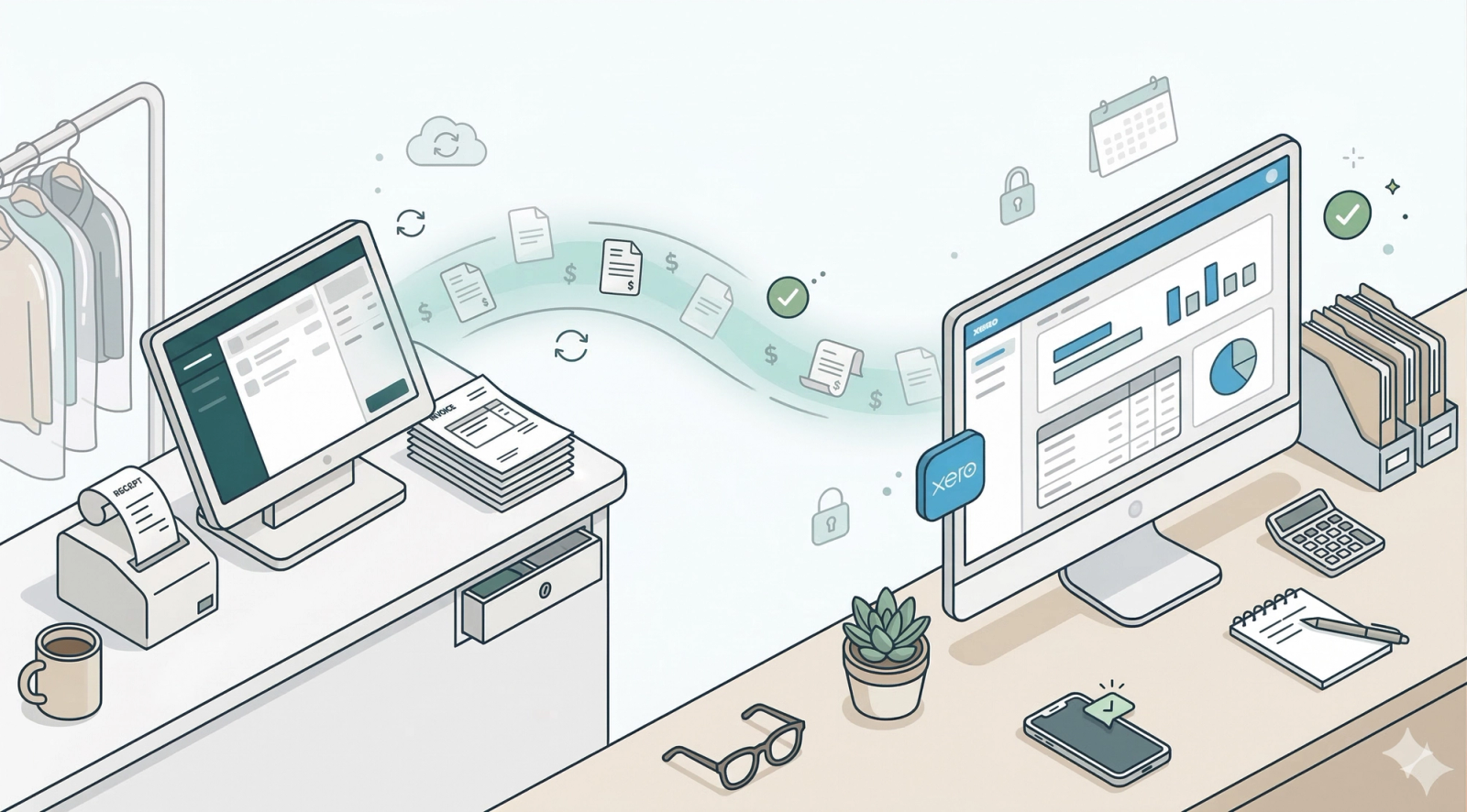
The EasyBiz Xero Integration acts as a bridge between your daily operations and your accounting. instead of manually entering data at the end of the day, this tool automatically syncs your sales records to Xero in real-time. This eliminates manual errors, saves you hours of data entry, and ensures your financial reports are always 100% accurate and up-to-date.
Articles
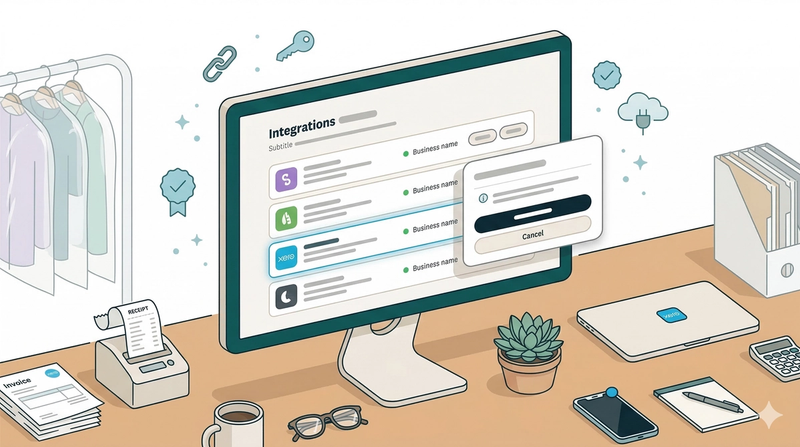
Automatically sync your EasyBiz sales to Xero in real time, cutting manual work, reducing errors, and keeping your financials always up to date. 💸📊
Read more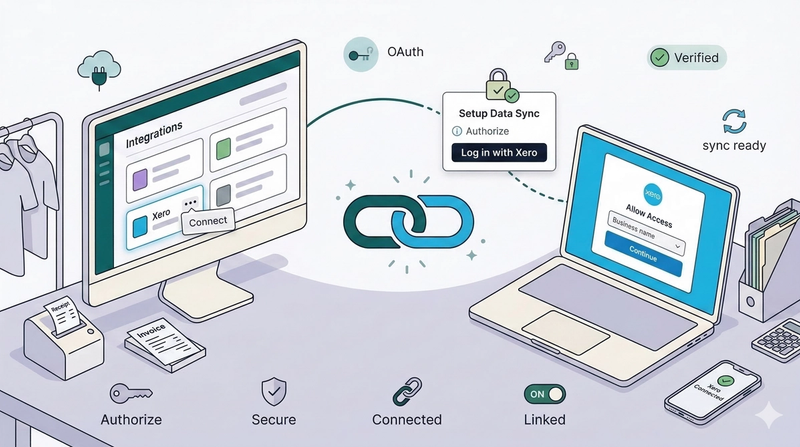
🔗 Learn how to link your accounts. This guide walks you through the one-time setup process to authorize EasyBiz and establish a secure connection with your Xero organization.
Read more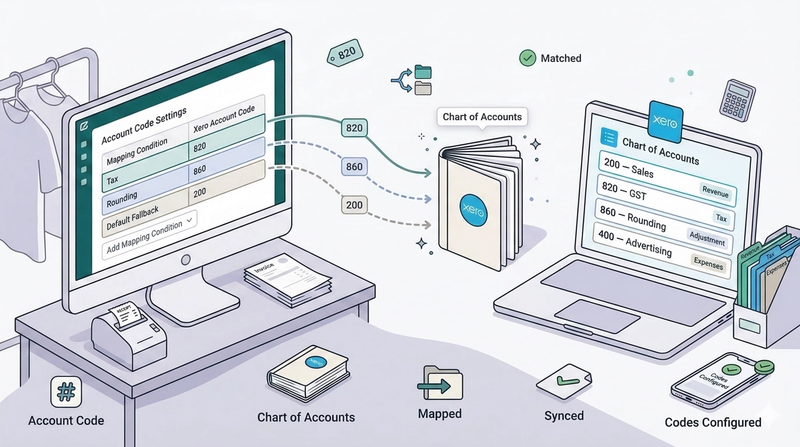
🏷️ Categorize your revenue correctly. Learn how to map your sales, taxes, and expenses to the right Xero accounts so your financial reports are always accurate.
Read more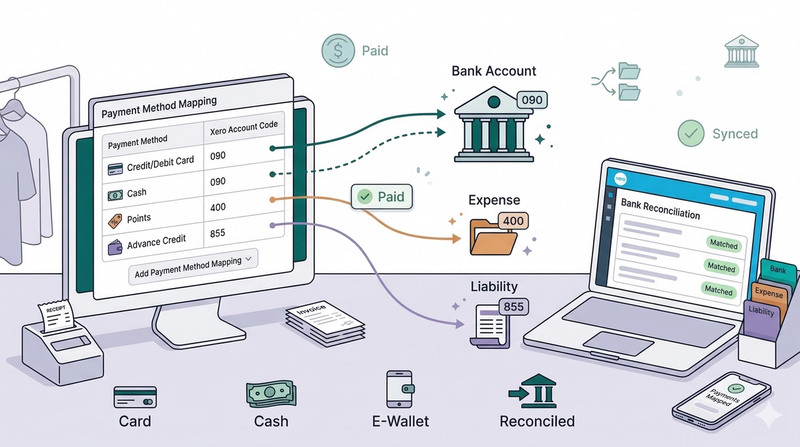
💳 Get paid automatically. Configure your payment mappings to ensure that when a customer pays in EasyBiz, the invoice is instantly marked as 'Paid' in Xero.
Read more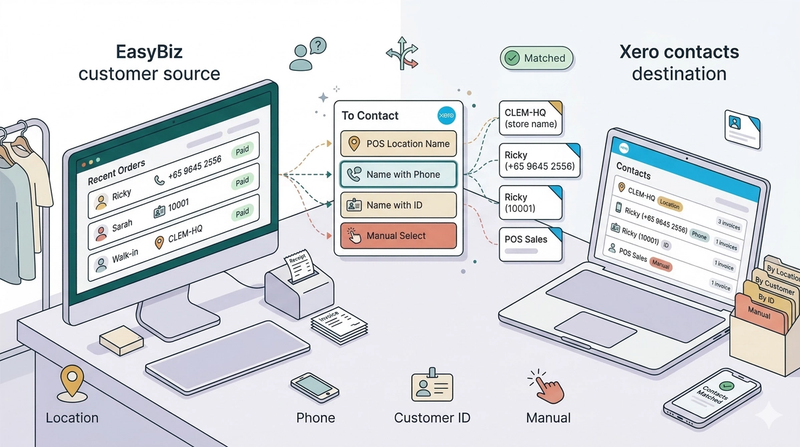
Learn how each contact matching method works and find the one that best fits how your business manages customers in Xero.
Read more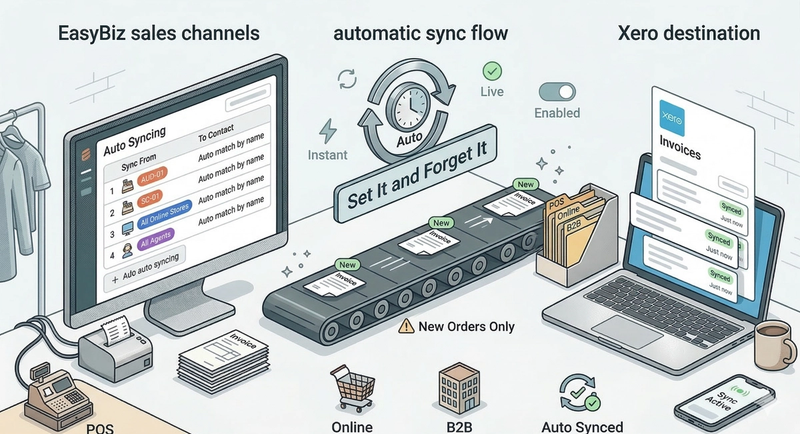
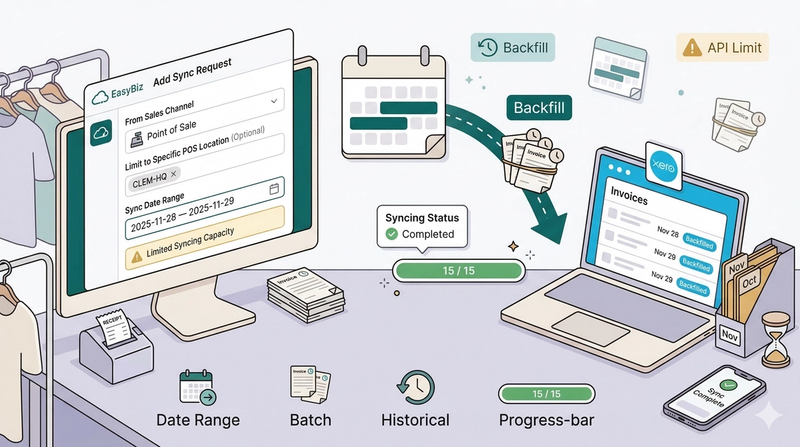
📅 Sync historical data. Use the manual sync tool to backfill past orders or recover data if an internet outage interrupts your auto-sync.
Read more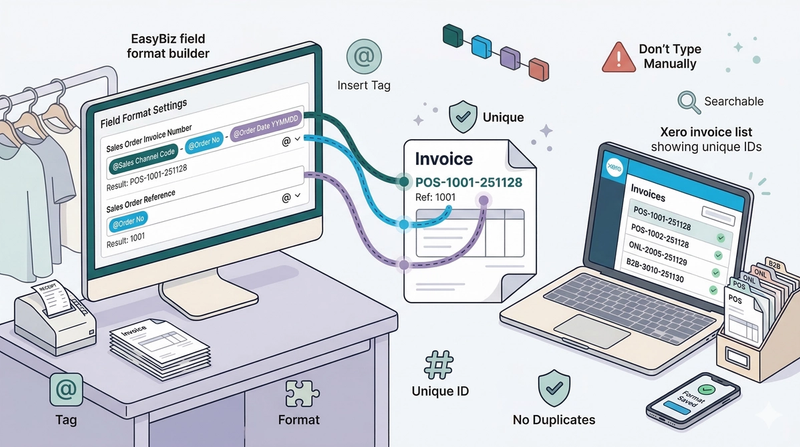
🔢 Prevent duplicate errors. Customize your invoice numbering format to keep your Xero data organized and avoid conflicts with other systems.
Read more