
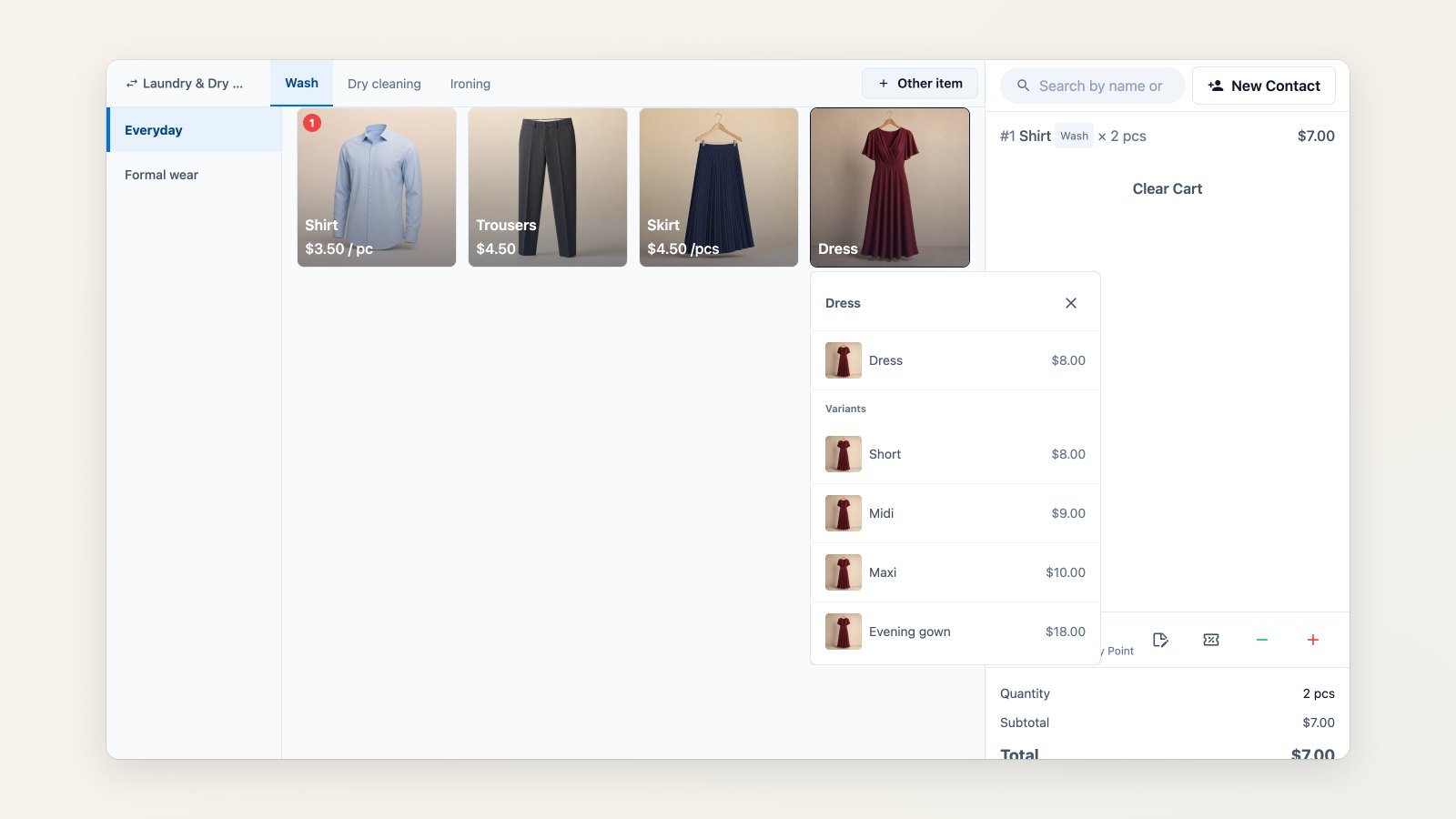
Small things slow a counter down: an item that isn't on the price list, a garment rung up under the wrong name, a label that prints too faint. This round of improvements deals with them.
Sell something that isn't in your catalog
Customers bring in things you've never priced, like a wedding gown or a costume. If you allow it for the business unit, staff tap Other item, type a name, pick the service and unit, and enter the price. The order goes through without anyone editing the price list.
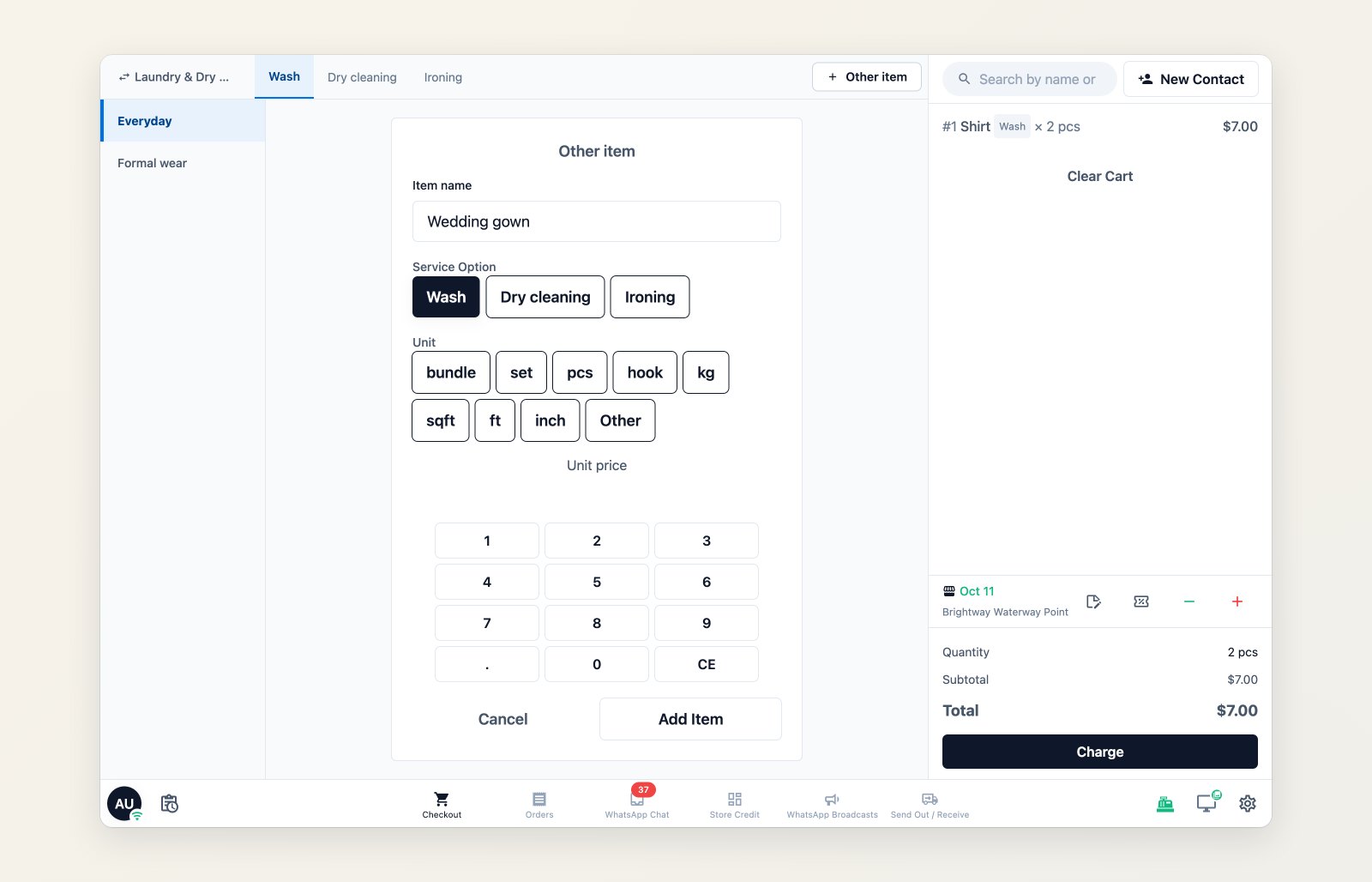
Add a one-off item with its own name, service, unit and price.
Fix a line item instead of starting again
If an item was entered under the wrong product, change the product on that line, at the POS or in the Console, without deleting and re-adding it.
Message only the items that are ready
When a customer collects part of an order, choose which items the WhatsApp message, email or receipt lists, so the message matches what's actually ready.
And a few more
- Next order number: the POS shows the order number the next order will get before you submit it, handy when writing tags by hand.
- Label printer calibration: set darkness and a vertical offset for each label printer, with a test print, to fix faint or clipped labels.
- PayNow on the customer display: the paired customer screen shows the PayNow QR and the amount, then "Payment received", so customers scan their own screen.
- Top-up receipts: design the receipt printed when a customer tops up store credit.
Where to find it
Allow one-off items in Settings → Business Units → Catalog with Allow other items. The other changes are already in your POS and Console. For labels, see Blurry or misaligned labels.