
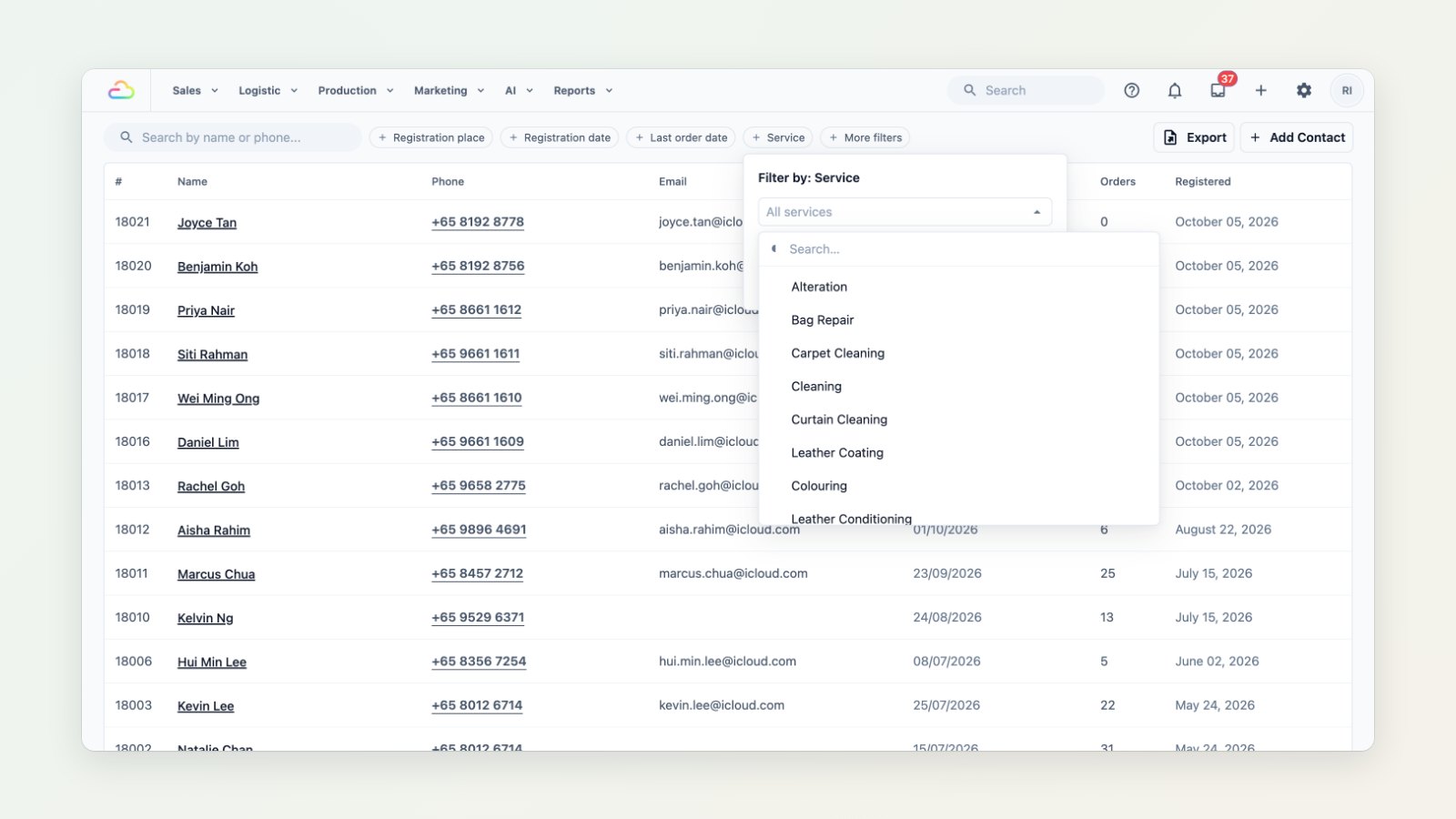
The best customers to bring back are the ones who already know your work. If someone had their sofa cleaned two years ago, they probably need it again. You can now find them by the service they used.
Filter customers by service
On Contacts, add a Service filter and pick one or more services, then combine it with Last order date. For example: customers who ordered leather coating but nothing in the last twelve months.
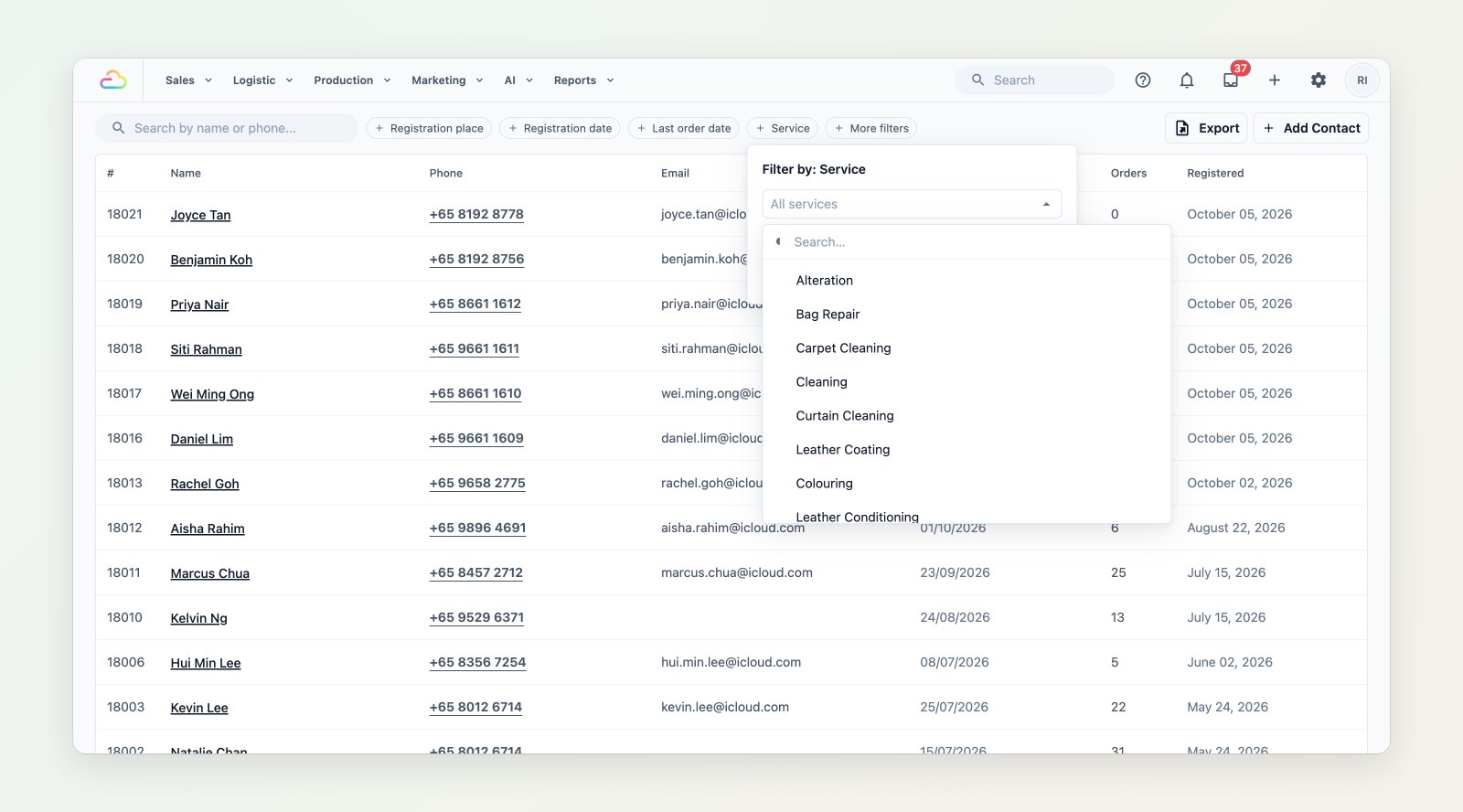
Pick the services, then combine them with the last order date.
Take the list with you
Export the filtered list with phone numbers and last order dates. The Contacts report export now also has a By Service sheet and a top services column, so you can see what each customer usually buys.
Send a campaign to exactly that group
When you build a WhatsApp campaign, the audience step offers the same filters: services ordered, inactive since, not messaged recently and joined between. Send a reminder or an offer only to the customers it's relevant to.
Where to find it
Use the Service filter in Sales → Contacts, or the audience step of a new campaign in Marketing → Campaigns. See Choosing your campaign audience and Introduction to contacts.