
Help Center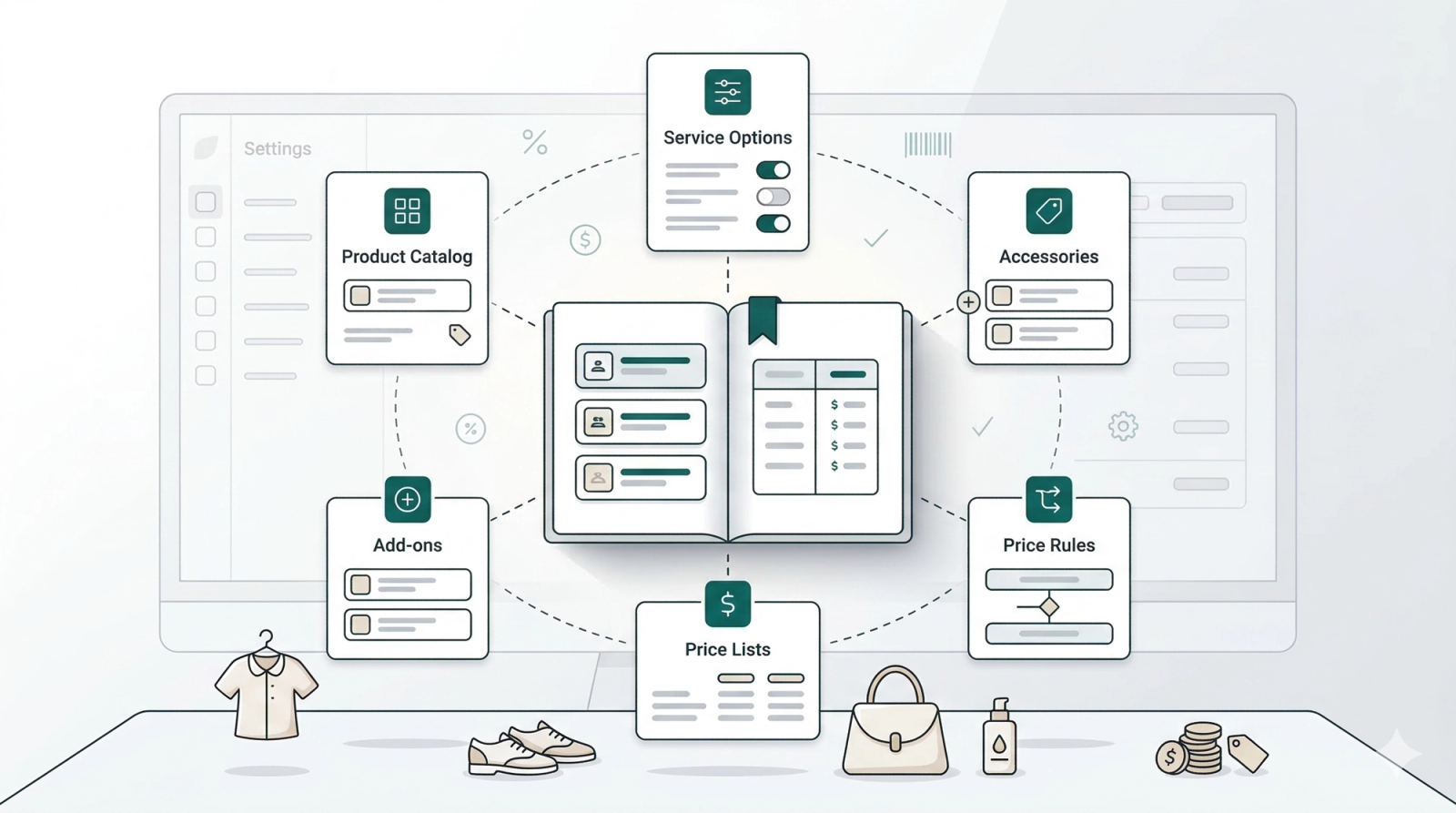
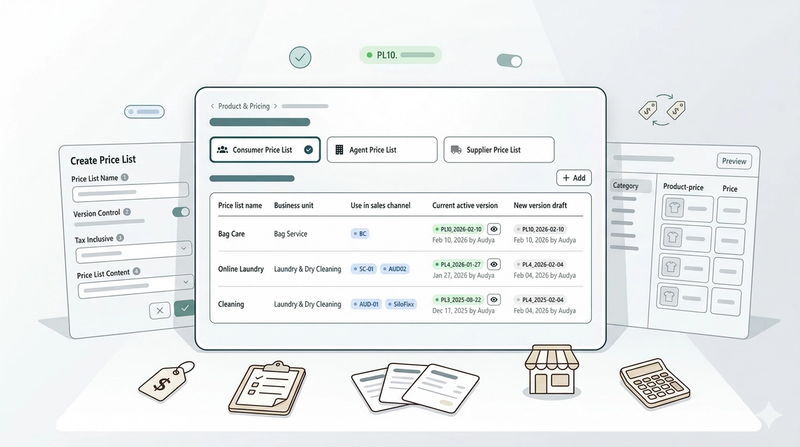
Products & Pricing
In this chapter
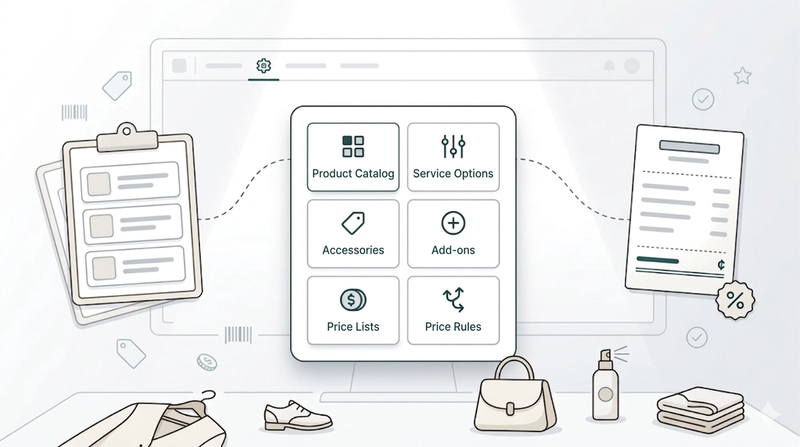
Manage your full product catalog, including service options, accessories, and add-ons. This section also lets you configure price lists and rules to control exactly how you charge your customers.
Articles
Introduction to Products & Pricing
Before your staff can take a single order, EasyBiz needs to know what you sell and what you charge. This is where you set that up.
Read moreSetting Up Product Catalog
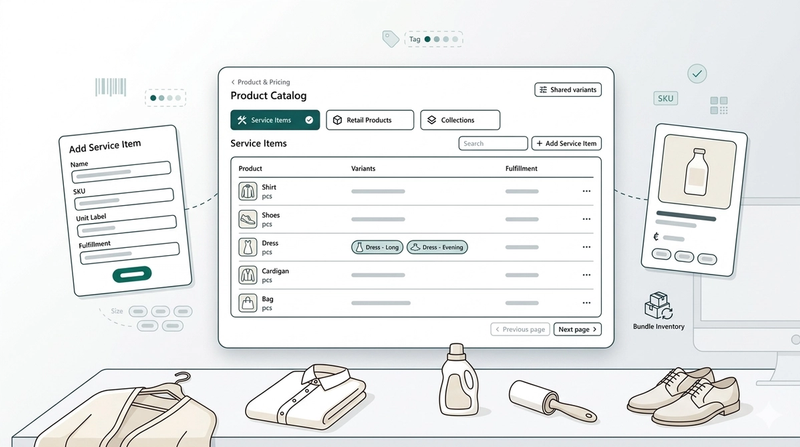
Set up your services and products in one place so your team can take orders quickly — no guessing, no manual pricing.
Read moreSetting Up Service Options
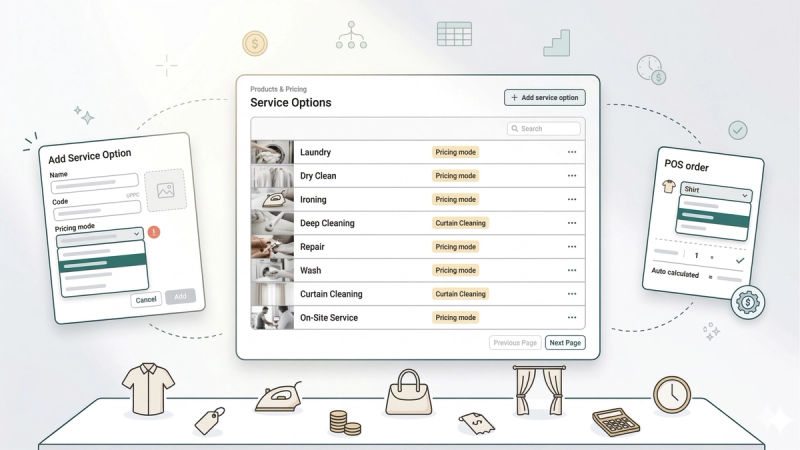
Tell EasyBiz what services you offer and how each one is priced — so your staff always picks the right service and the price calculates itself.
Read moreSetting up your Price Lists
Learn how to configure, version, and manage custom pricing tiers for your laundry business—from standard consumer rates to specialized agent pricing.
Read more