
WhatsApp Integration Overview
In this article
If your team is handling customer messages through personal phones, it's easy for things to fall through the cracks — a missed message, a chat no one replied to, or no way to tell if a customer was followed up. Connecting WhatsApp to EasyBiz solves this by bringing all your customer conversations into one shared inbox that your whole team can access, while automatically sending order updates, payment reminders, and booking confirmations on your behalf.
Contents
Contents
What You Can Do
Once connected, WhatsApp becomes a full part of how you run your business:
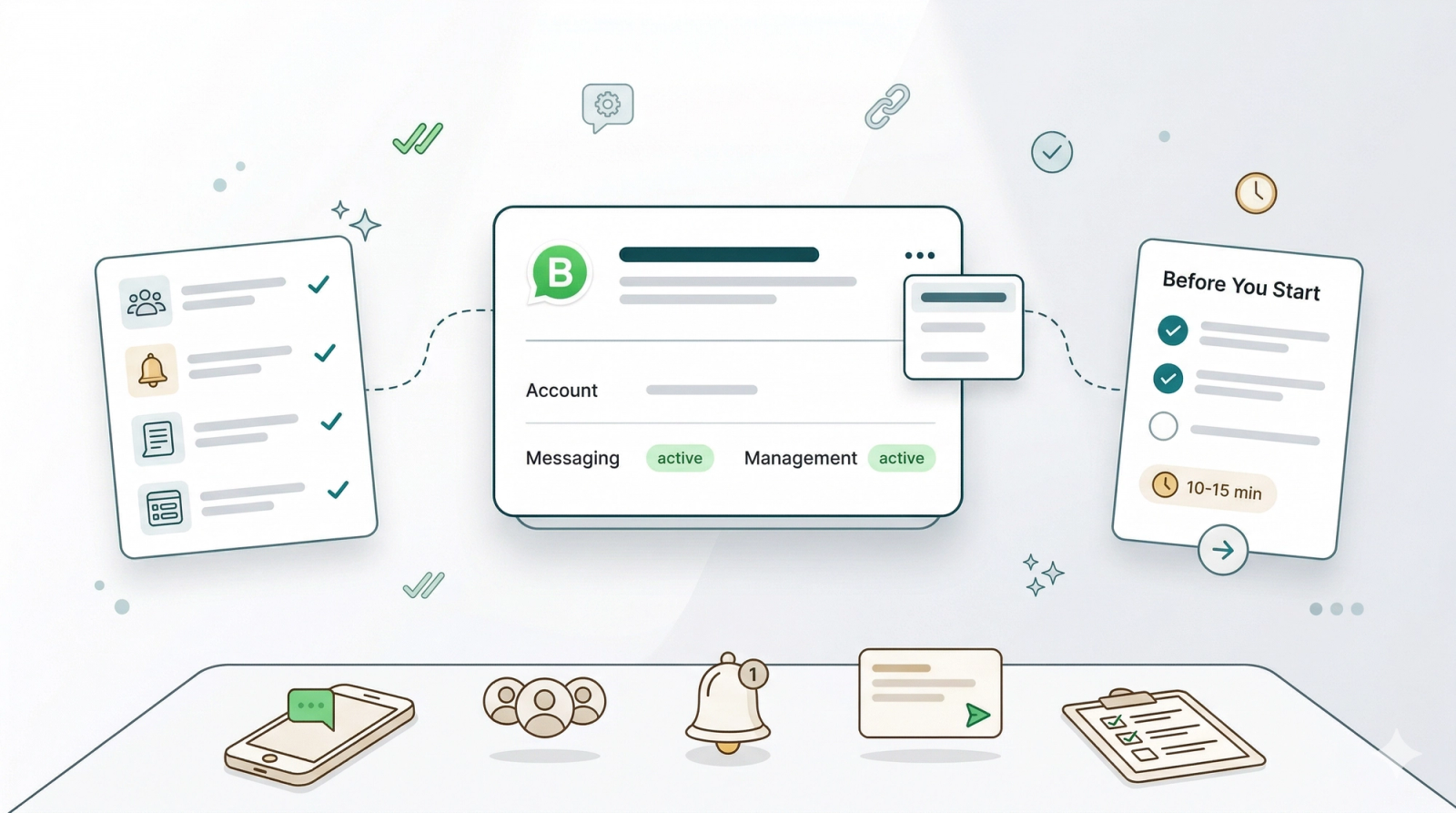
- Shared team inbox — Your whole team can see and reply to customer messages from one place, so nothing gets missed
- Automatic notifications — Order confirmations, payment reminders, and collection notices are sent to customers automatically without your staff having to do it manually
- Message templates — Create pre-written messages (templates) for common situations like promotions, order updates, and reminders. Once set up, these can be sent with one click or triggered automatically
- Interactive booking forms — Send customers a form directly through WhatsApp so they can place orders or make bookings without calling or visiting your store. Learn more at [What is a Mini App]
Before You Start
To connect WhatsApp, you'll need a personal Facebook account — this is a standard Meta requirement and is only used to verify your identity. Nothing from your personal Facebook is shown to your customers or linked to your business profile. Once verified, you can connect your existing WhatsApp Business account or create a new one in minutes.
⏱️ Estimated setup time: 10–15 minutes. You only need to do this once.
What's Next?
Now that you know what the WhatsApp integration unlocks, continue to [Connect & Configure WhatsApp] to link your business number to EasyBiz.
Give feedback
Up next
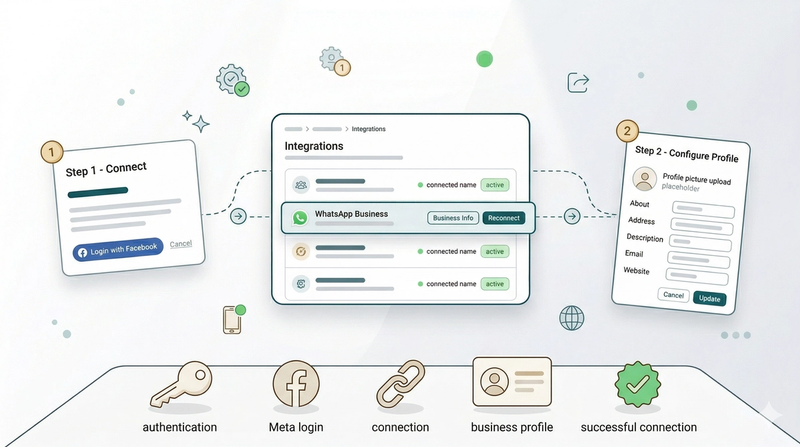
Connect & Configure WhatsAppHow to connect your WhatsApp Business account to EasyBiz and set up your business profile so customers see your logo, address, and contact details.
Read more