
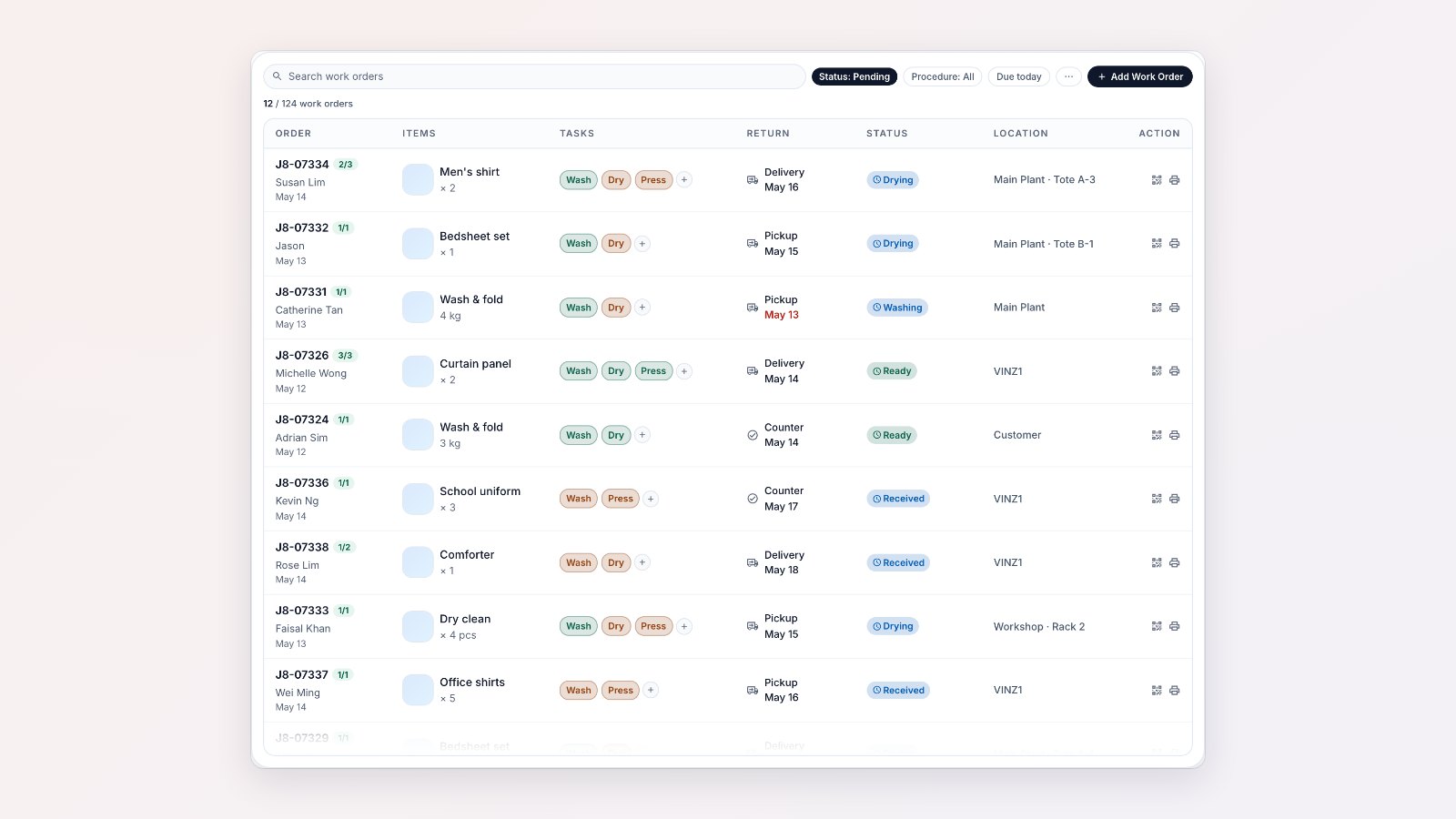
Bag and shoe repair, alterations and laundry factories handle hundreds of items that each need different work. The Work Orders page keeps track of every one.
Every item, its tasks and its due date
Each work order lists the tasks it needs, such as wash, dry and press, or a repair, with the due date, the current stage, the location and its tags. Search by order number, filter by status, tag, sales channel, location or task, and print or mark work orders complete from the list.
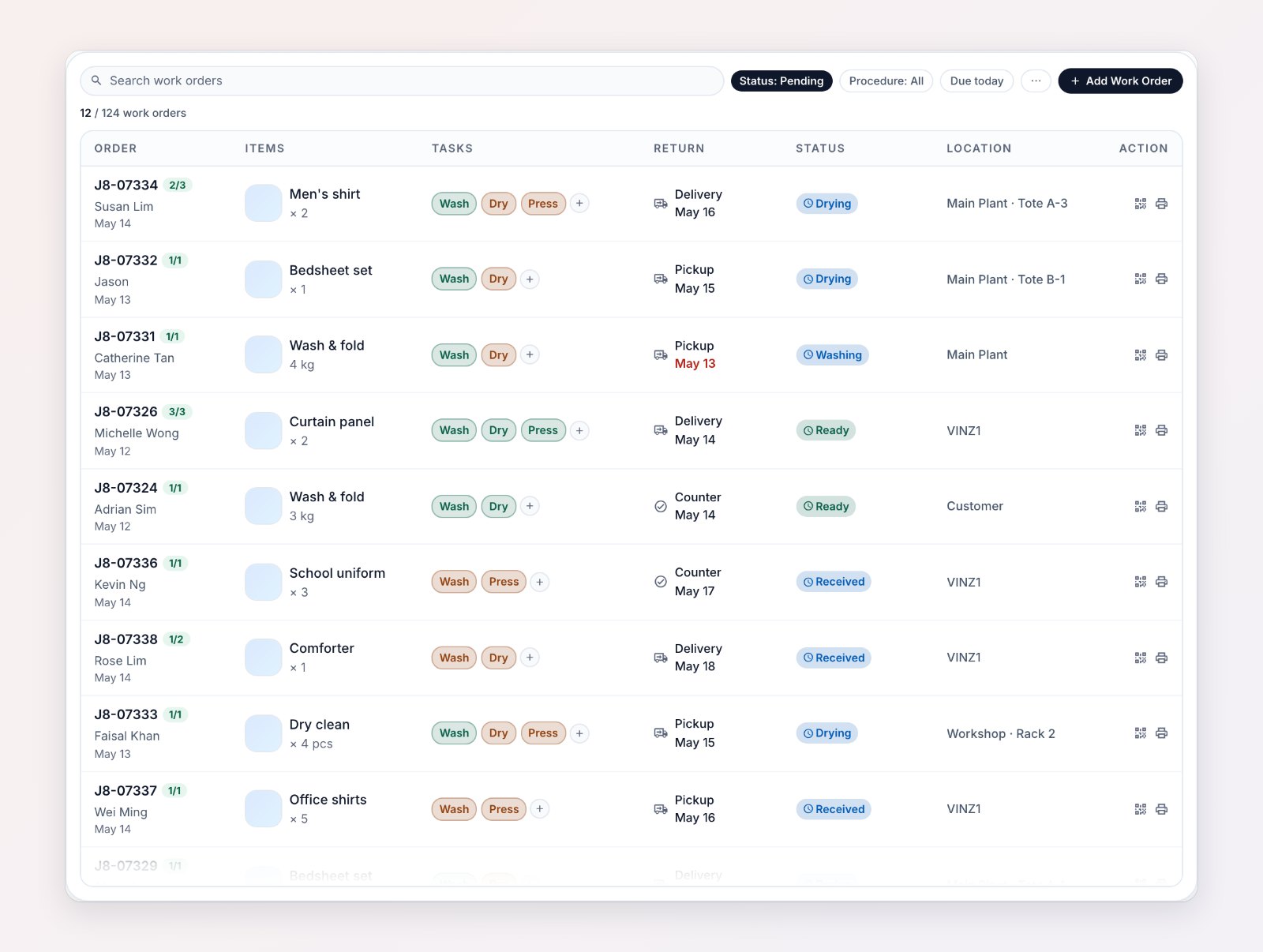
Tasks, return dates, status and location for every work order in one list.
QR codes and handover
Print a QR code for each work order and scan it to open the job. When work moves from one area to another, hand it over in EasyBiz so there is a record of who had it and when.
Price repairs after inspection
Many repairs can only be priced once someone has looked at the item. Price the work task by task and confirm the quote, and the order's line items update to match.
For your team on the floor
In the EasyBiz Workflow app, each worker opens My Tasks and works through the tasks assigned to them, adding a photo where needed.
Where to find it
Go to Production → Work Orders. See Configuring work orders.