
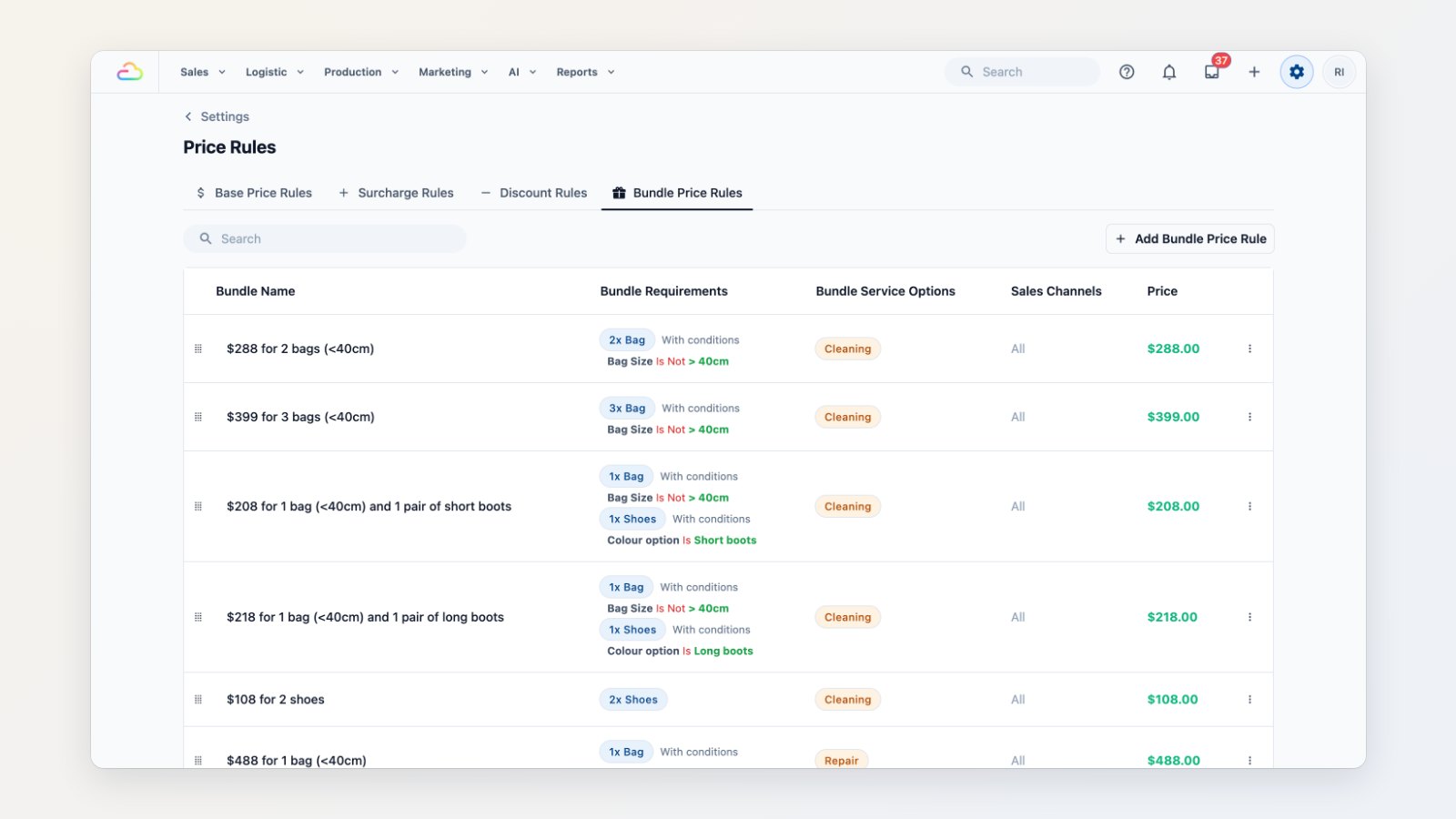
Some prices depend on more than the item. A bag costs more to clean when it's oversize, an express job carries a surcharge, and regular customers expect a deal when they bring several pieces at once. Price rules handle all of it, so staff stop working prices out by hand.
Prices from conditions
Set a base price from a combination of conditions, for example item, material and size, instead of keeping a separate price-list row for every combination.
Surcharges and discounts that apply themselves
Add a surcharge rule, such as 25% more for express service, and a discount rule, such as $50 off orders over $100 during a promotion. Each rule says when it applies, and EasyBiz applies it as soon as an order matches.
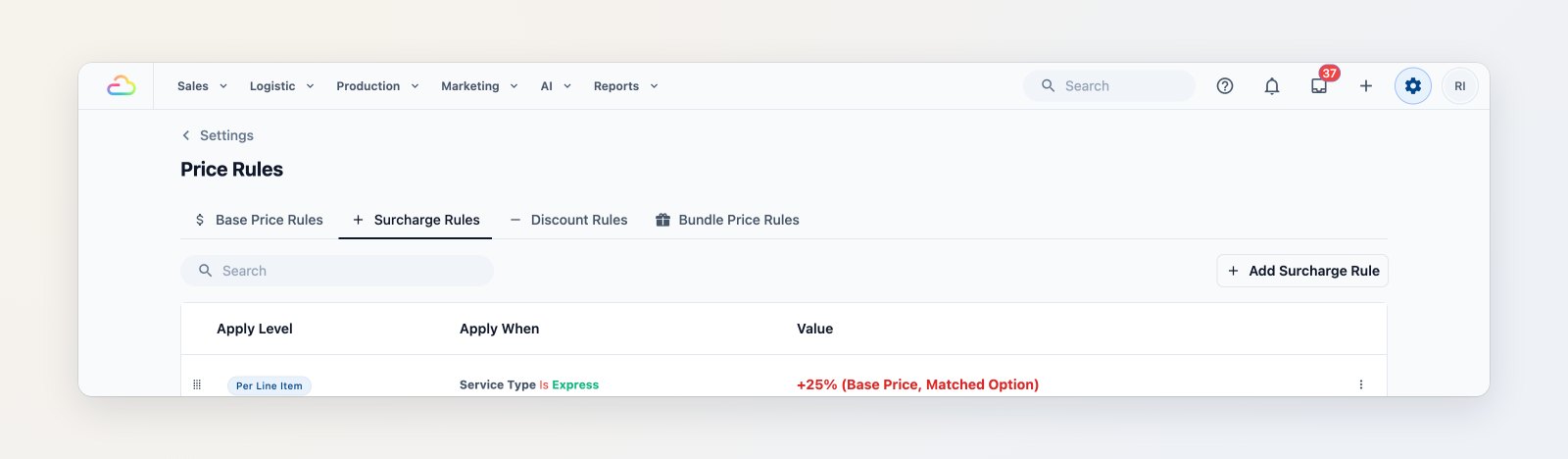
A surcharge that applies whenever an order is marked Express.
Bundle deals
Offer bundles such as "2 bags under 40 cm for $288" or "2 pairs of shoes for $108". When an order contains the right items, the bundle price is applied automatically, so your counter team never has to remember the promotion.
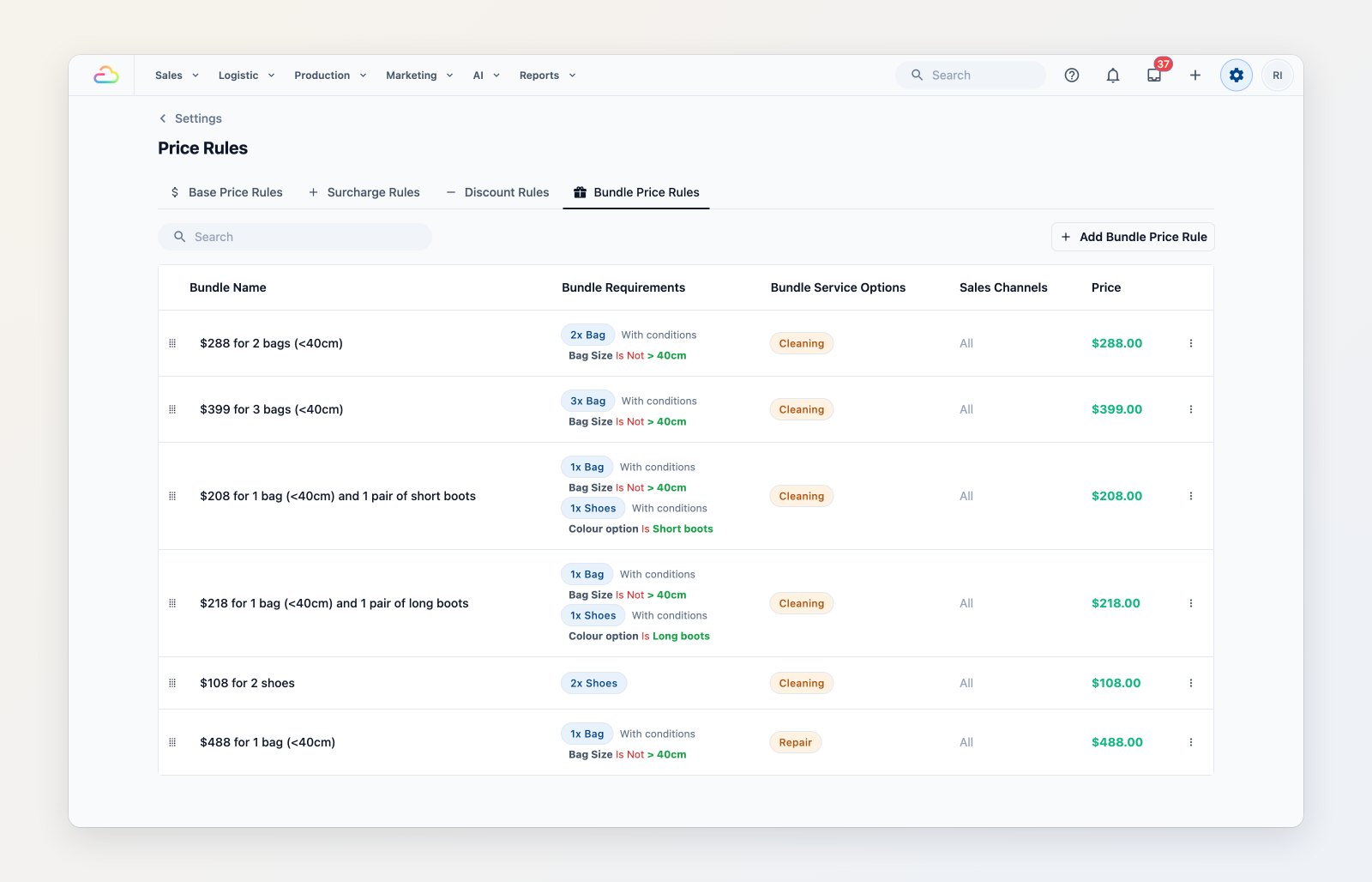
Bundle deals with the items and conditions that trigger them.
Where to find it
Go to Settings → Price Rules. See Setting up price rules.