
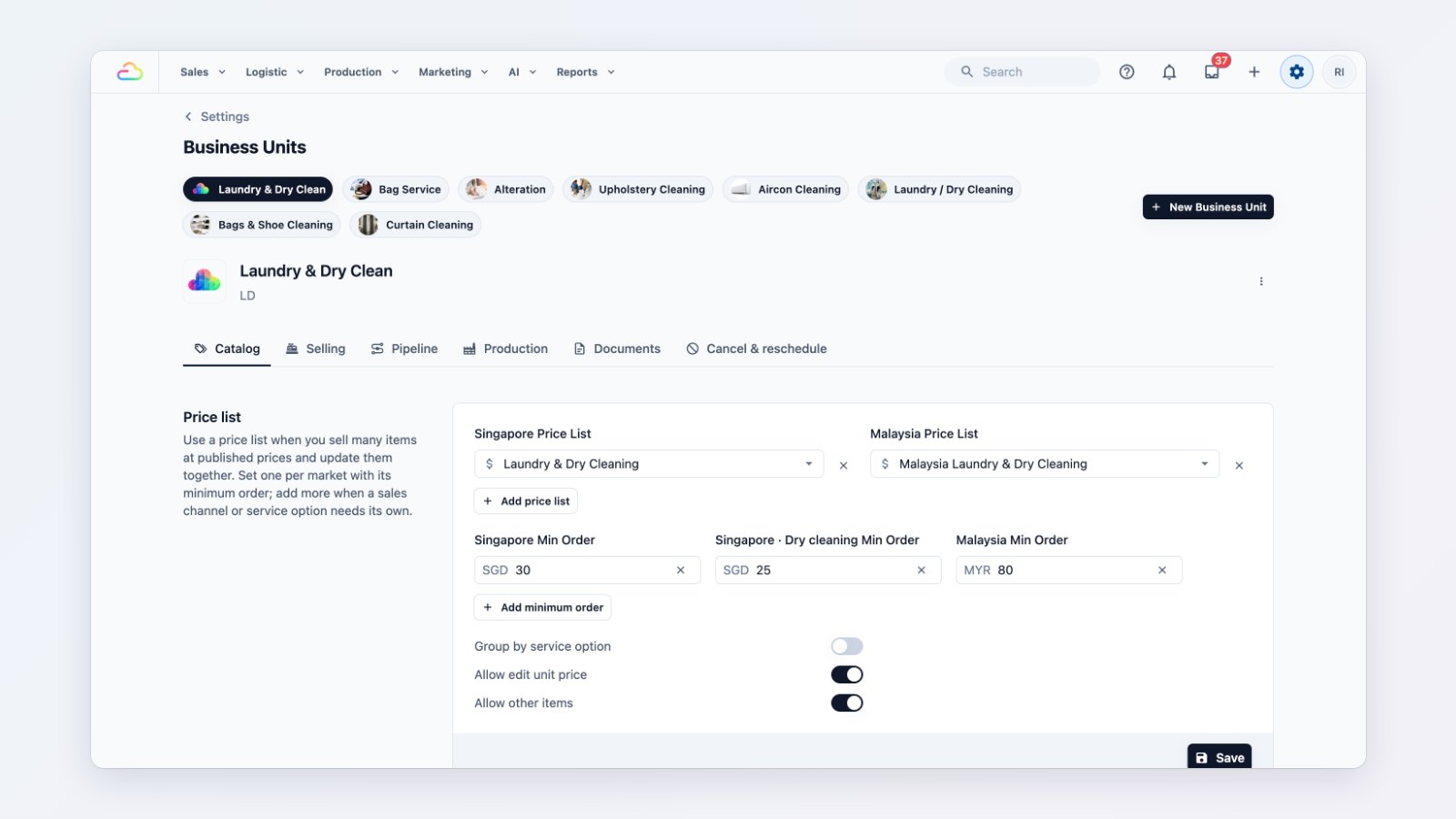
Small orders can cost you more to process than they earn, and selling in two countries means two sets of prices. The catalog settings of each business unit now handle both.
Minimum charges
Set a minimum order for a market, a sales channel or a single service option, such as Dry cleaning minimum $30. If an order comes in below it, EasyBiz adds the difference as a clearly named charge. It applies wherever the order is taken: at the counter, online, on WhatsApp and for business customers.
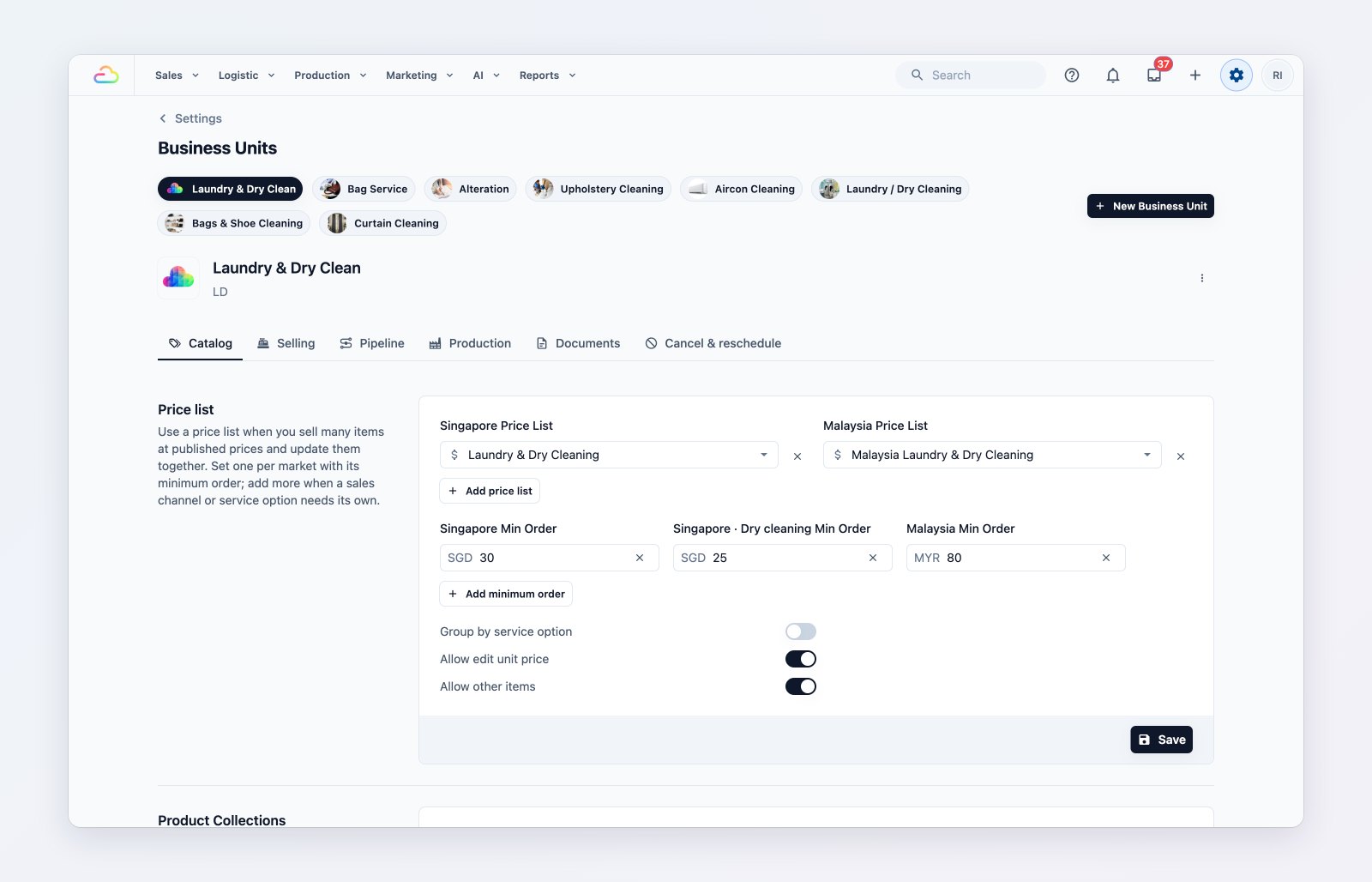
Price lists and minimum orders for each market and service.
A catalog for each market
Each market picks its own price list and its own catalog tabs on the POS. Retail products, add-ons and accessories carry a price per market, so a Singapore dollar price is never charged in ringgit.
More ways to price
A sales channel can use its own price list, for example a different list for your online store, and a business unit that sells by price list can also sell retail products on the same order.
Where to find it
Go to Settings → Business Units, choose a business unit and open Catalog. See Introduction to business units and Introduction to markets and locations.