
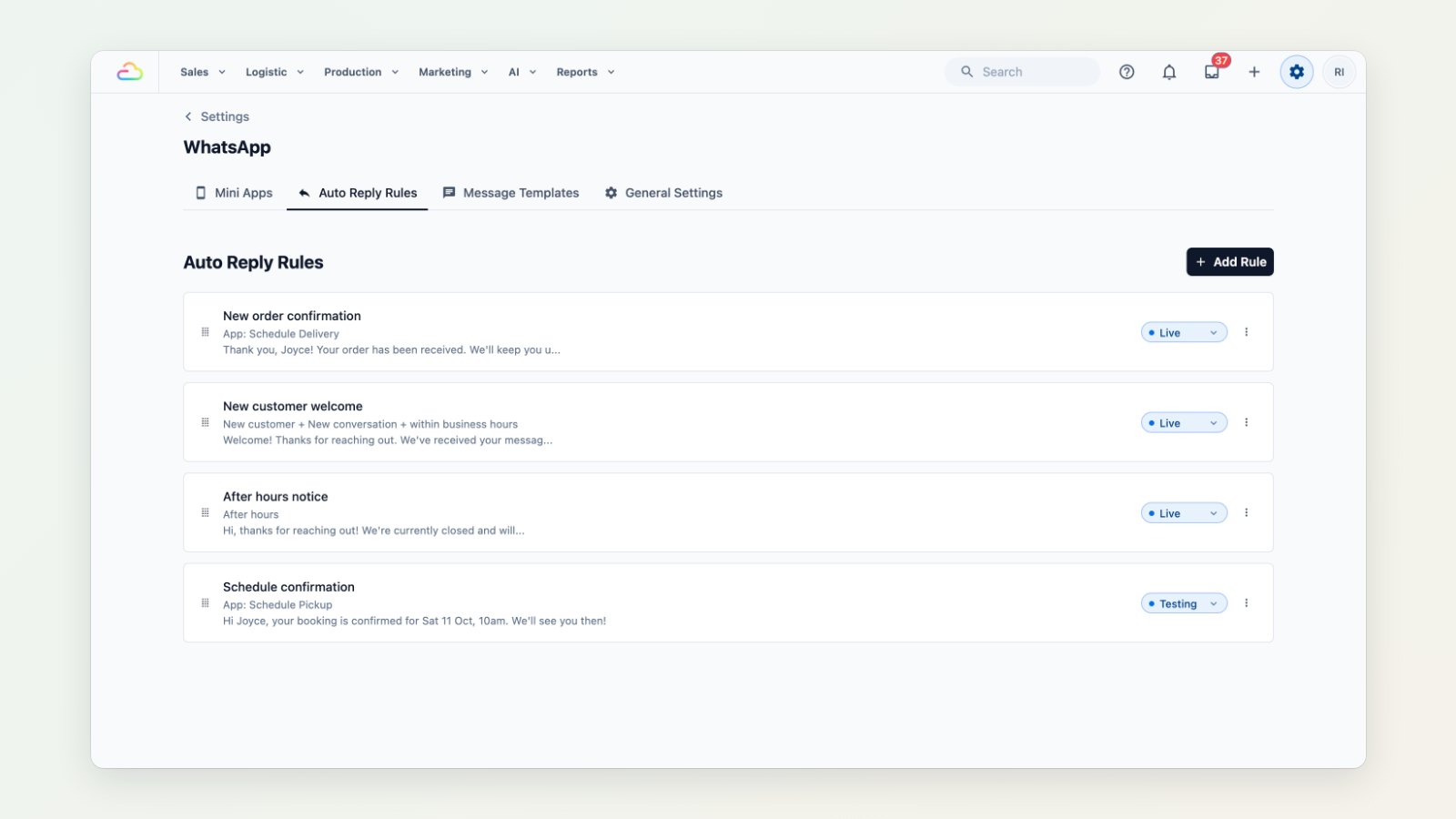
Customers expect an answer on WhatsApp straight away, even at 11pm. Auto-replies make sure they always get one, and your team picks up the conversation in the morning.
Rules for the moments that matter
Create a rule for each situation:
- New customer welcome: greet someone messaging you for the first time.
- After-hours notice: let customers know you're closed and when you'll reply.
- Order and booking confirmations: confirm right away when a customer books through a WhatsApp form.
Each rule says when it fires and what it sends.
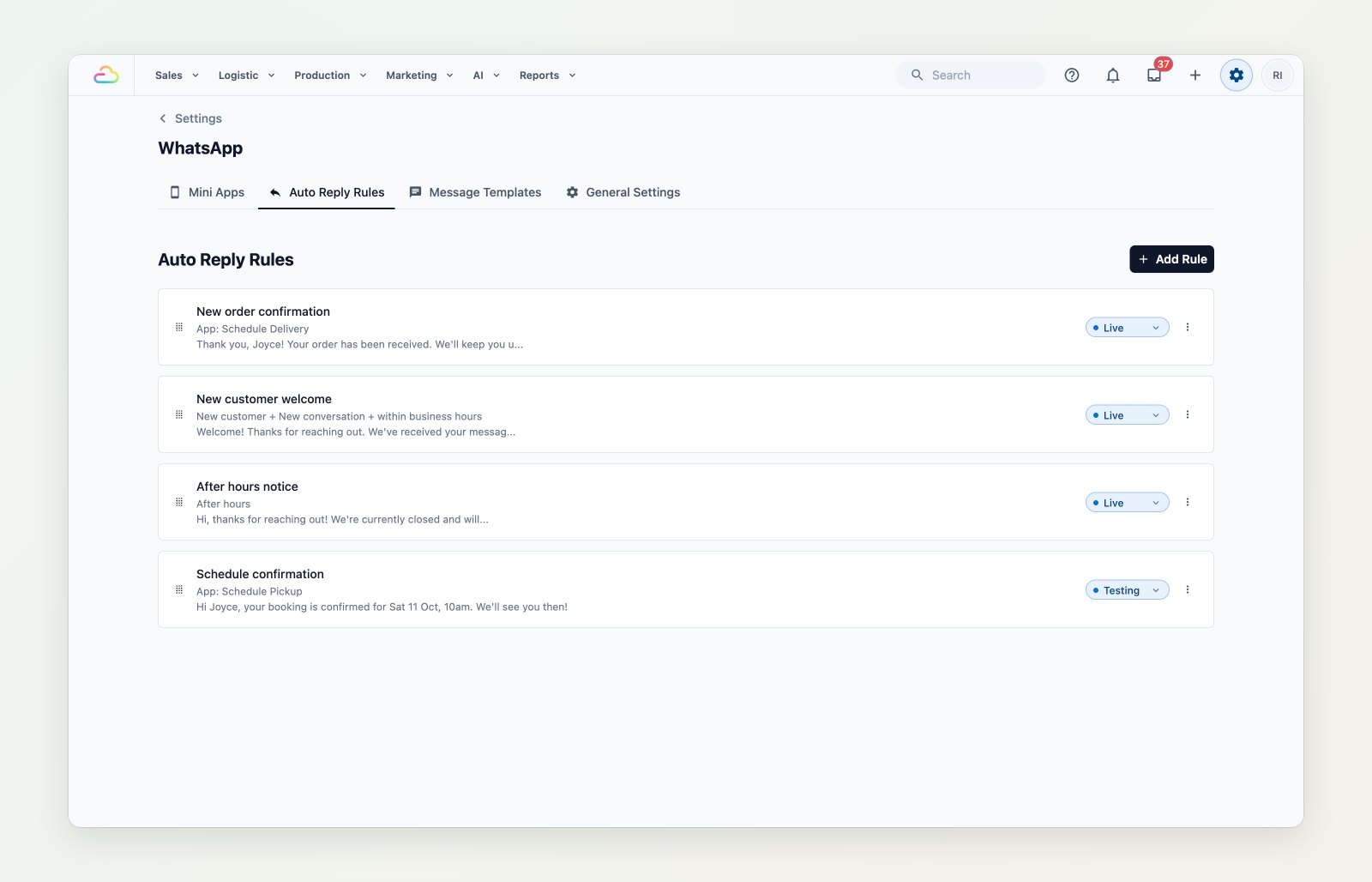
Each rule has its trigger, its message and whether it's live or still in testing.
Business hours
Set your opening hours once, and rules can reply differently inside and outside them.
Test before customers see it
Add your team's phone numbers to a test group. A rule set to "Testing" fires only for those numbers, so you can try it on your own phones before switching it on for everyone.
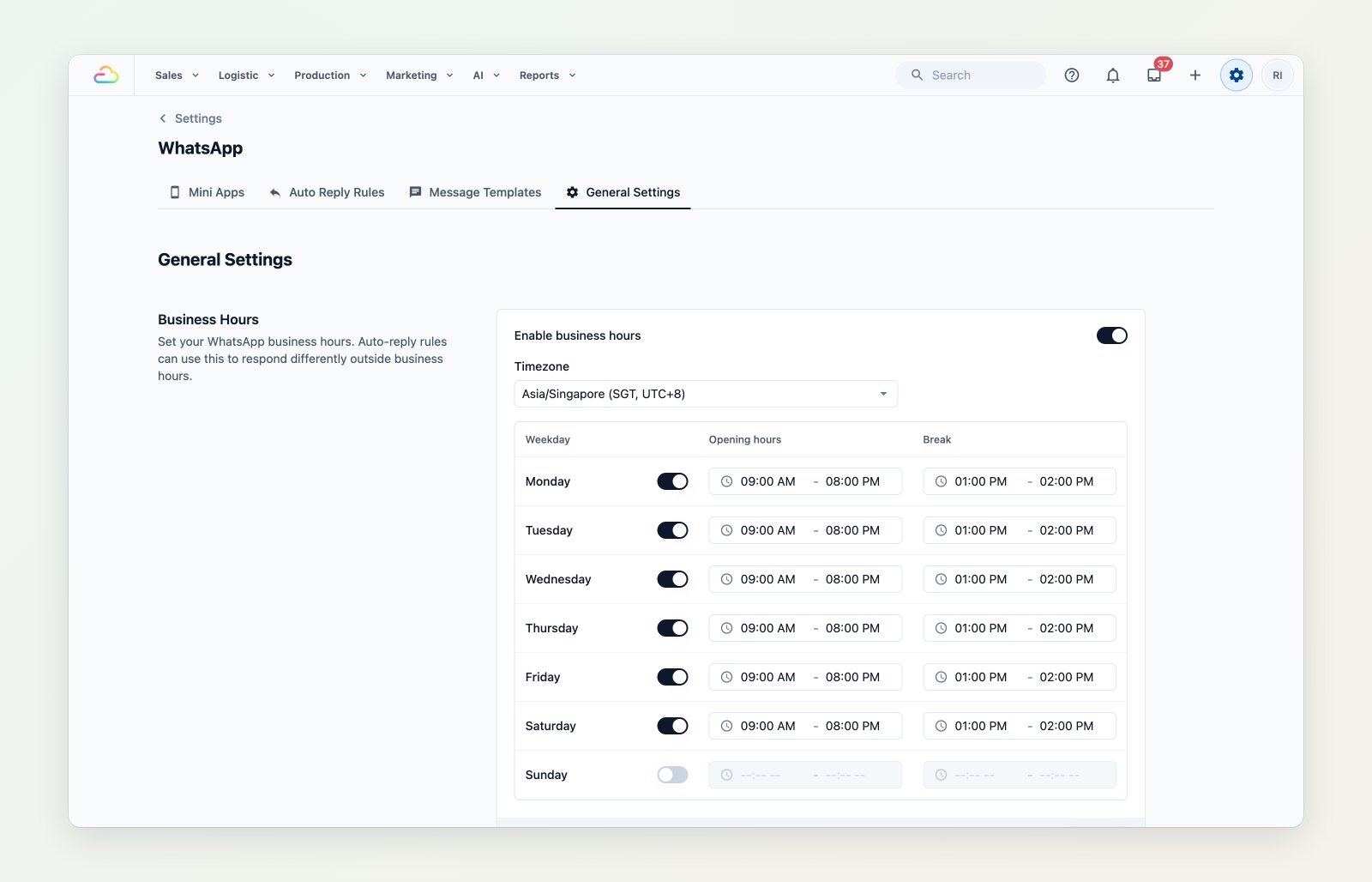
Business hours, and a test group for trying rules safely.
Everything WhatsApp in one place
Mini apps, auto-reply rules, message templates and general settings now sit together under one WhatsApp settings page.
Where to find it
Go to Settings → WhatsApp → Auto Reply Rules. See Introduction to WhatsApp message templates.