
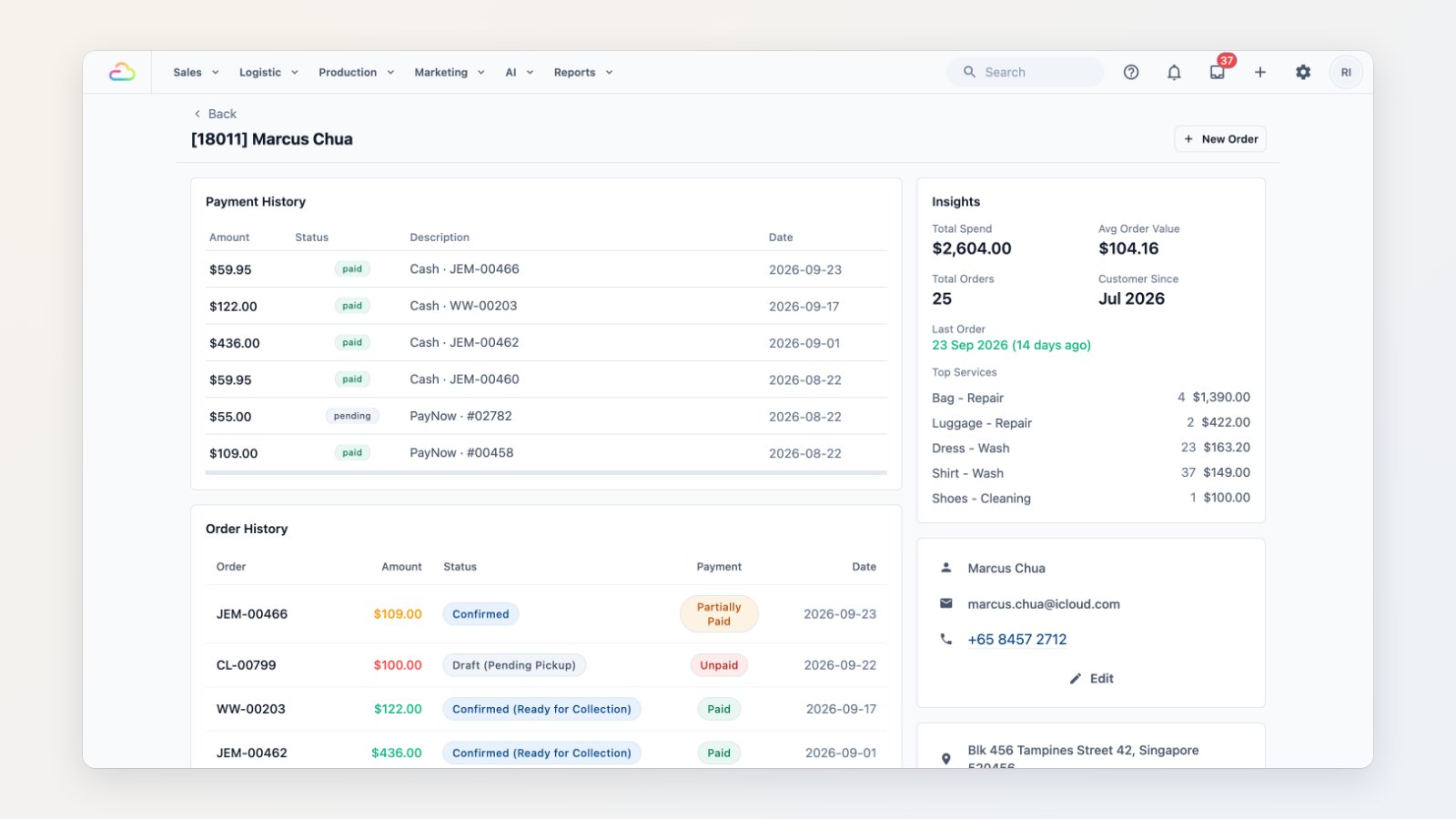
When a regular calls, your team should know who they are before they say "hello". Every customer now has a profile that puts their whole history on one page.
Know the customer at a glance
The top of each profile shows how much they've spent, how many orders they've placed, their average order value and when they last ordered. Below are their orders, payments and invoices, each linked to the full record.
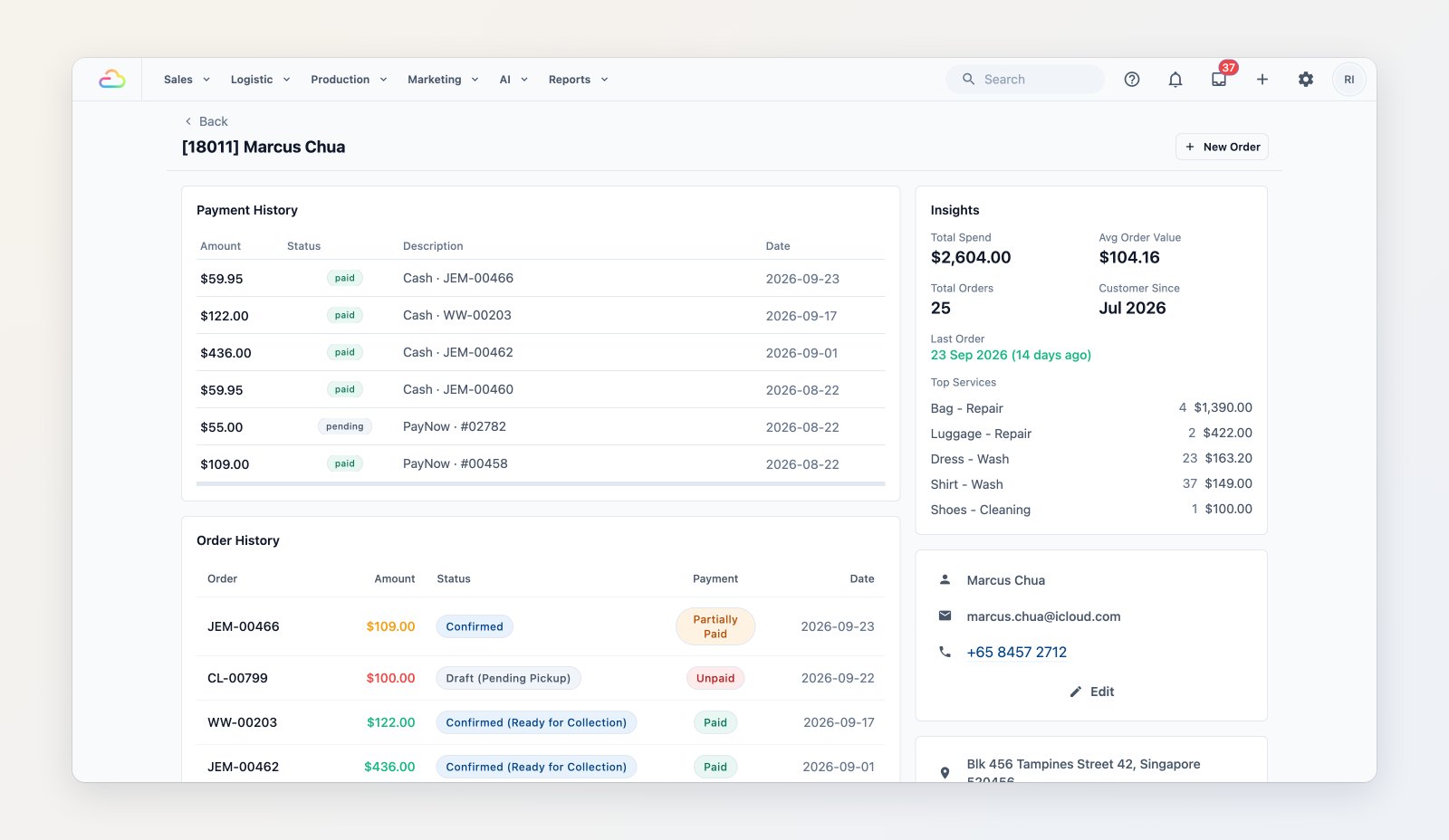
Orders, payments, insights and loyalty balances for one customer.
Wallet, addresses and notes
See the customer's store credit, points and membership, their saved addresses, and notes your team has left, such as "mild detergent only".
Find anyone fast
The Contacts list can be searched by name or phone and filtered by where they signed up and when they last ordered, and exported.
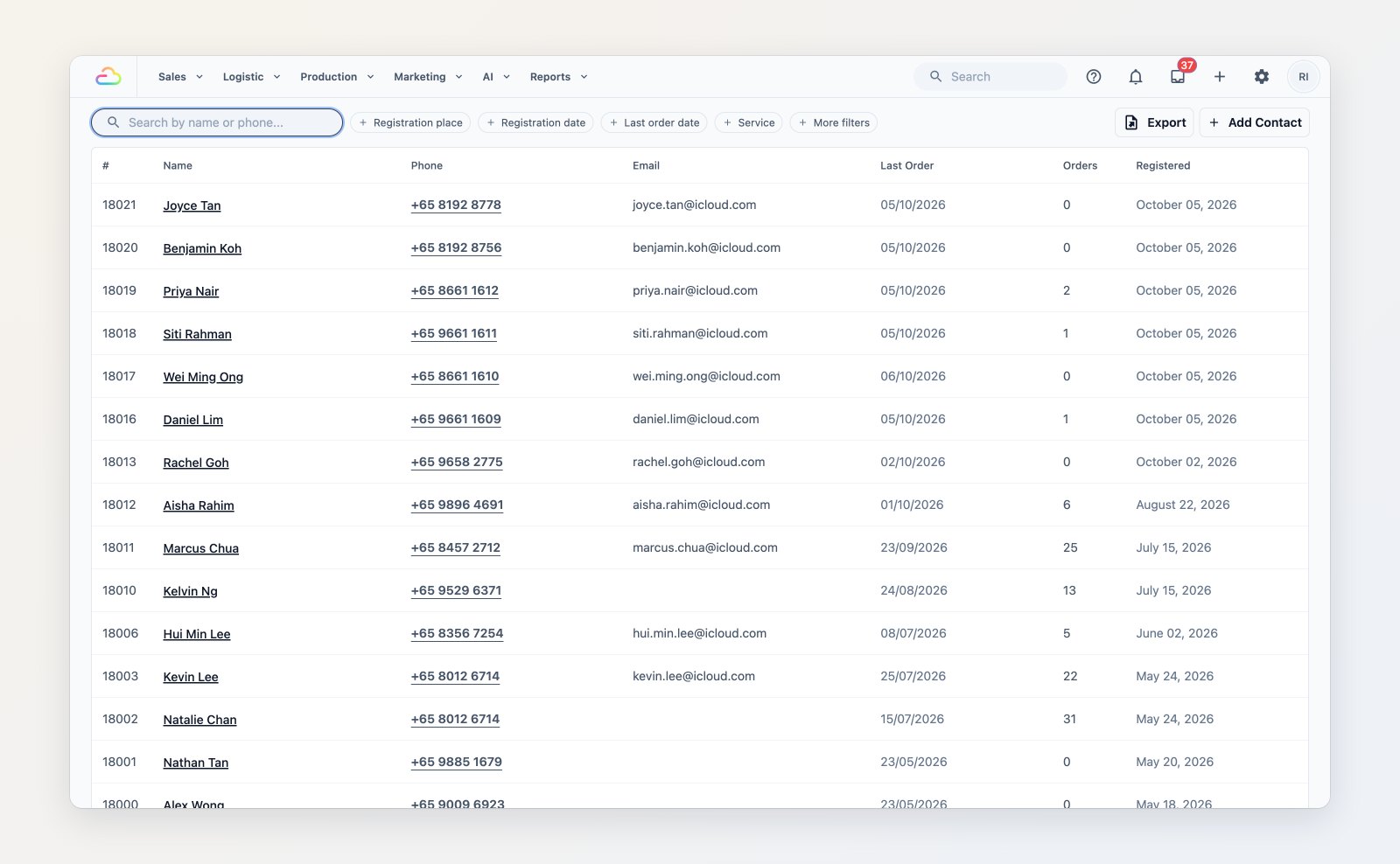
Search and filter every customer, then open their profile.
Where to find it
Open Sales → Contacts. See Understanding the contact profile and Adding and editing contacts.