
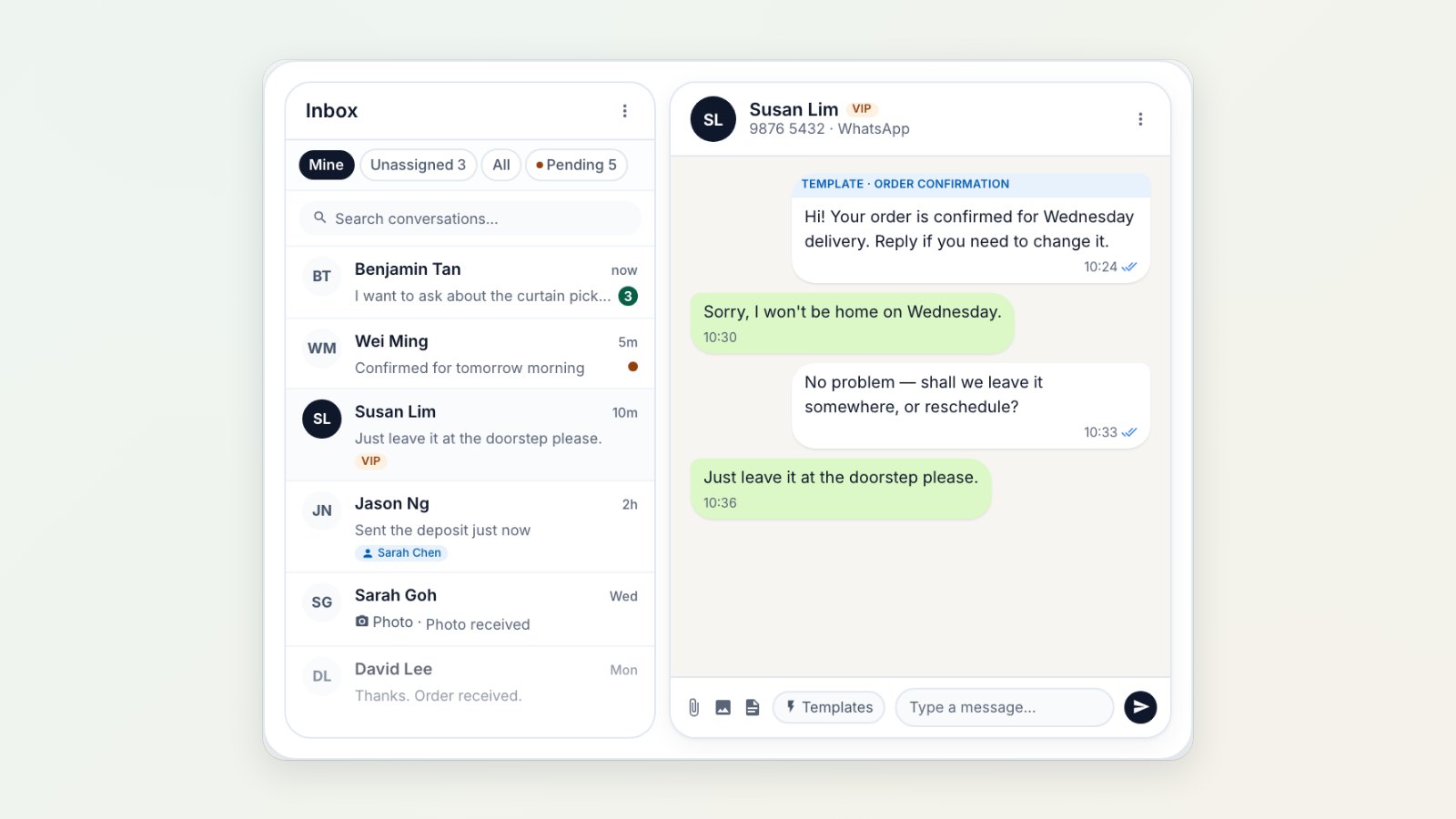
When customer chats live on one person's phone, nothing moves while that person is off. You can now bring your business WhatsApp into a shared inbox, so the whole team can see and answer every conversation.
Every chat, one place
Open the inbox from the top bar on any Console page. New messages show an unread count, so nobody has to keep checking a phone. Pick up a conversation to show your team you're handling it, and close it when the customer is sorted.
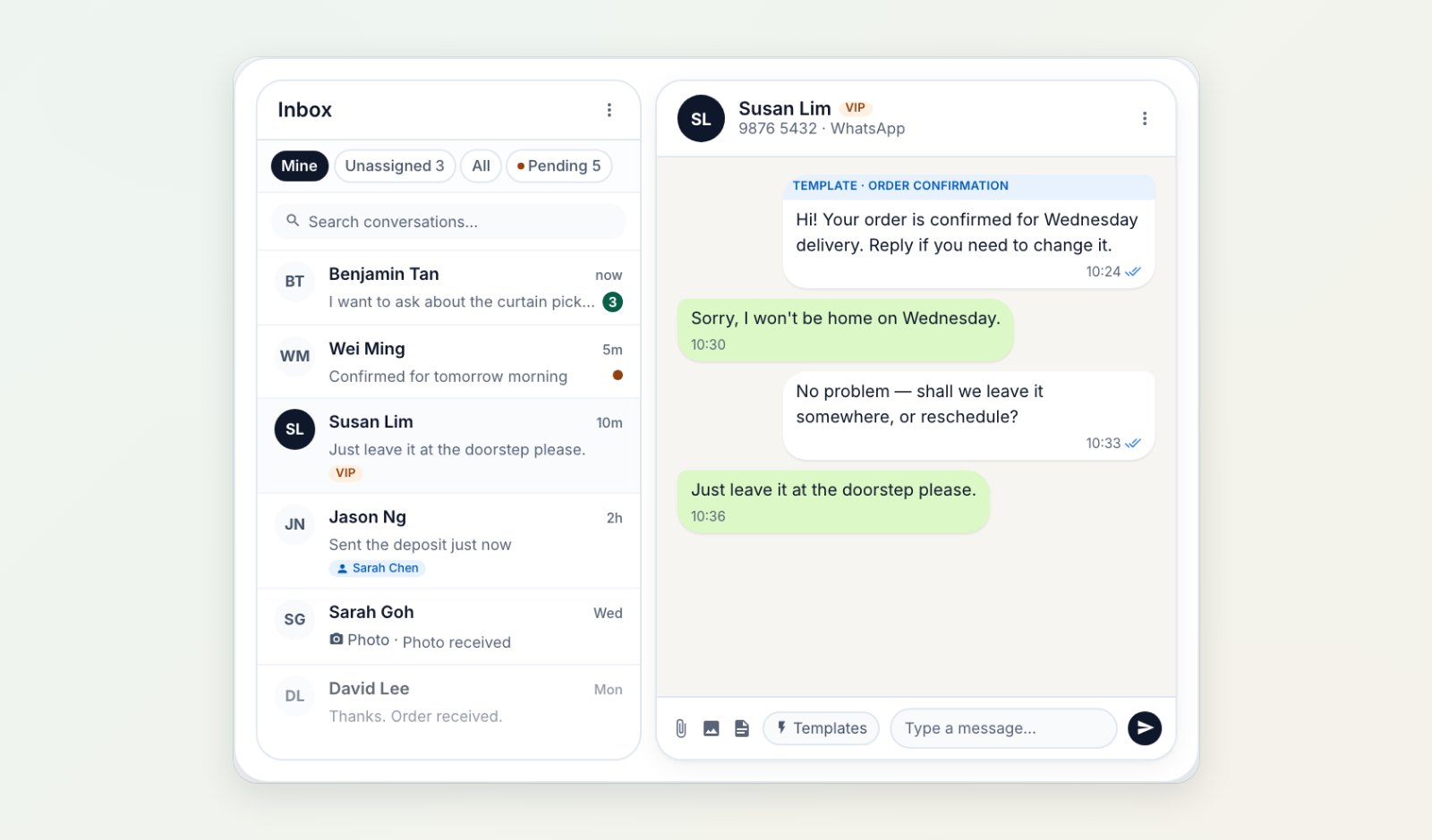
Conversations from all customers in one list, with the open chat beside it.
Reply properly
Send photos, documents and voice notes, quote the message you're answering, and react to messages, just as you would on your own phone. Use your approved message templates to restart a conversation more than 24 hours after the customer's last message.
Reply from your phone
Staff who are out on pickups or at another shop can open the same conversations on their phone in the EasyBiz app.
Where to find it
Connect WhatsApp in Settings → Integrations, then open the inbox from the top bar. See Managing conversations.