
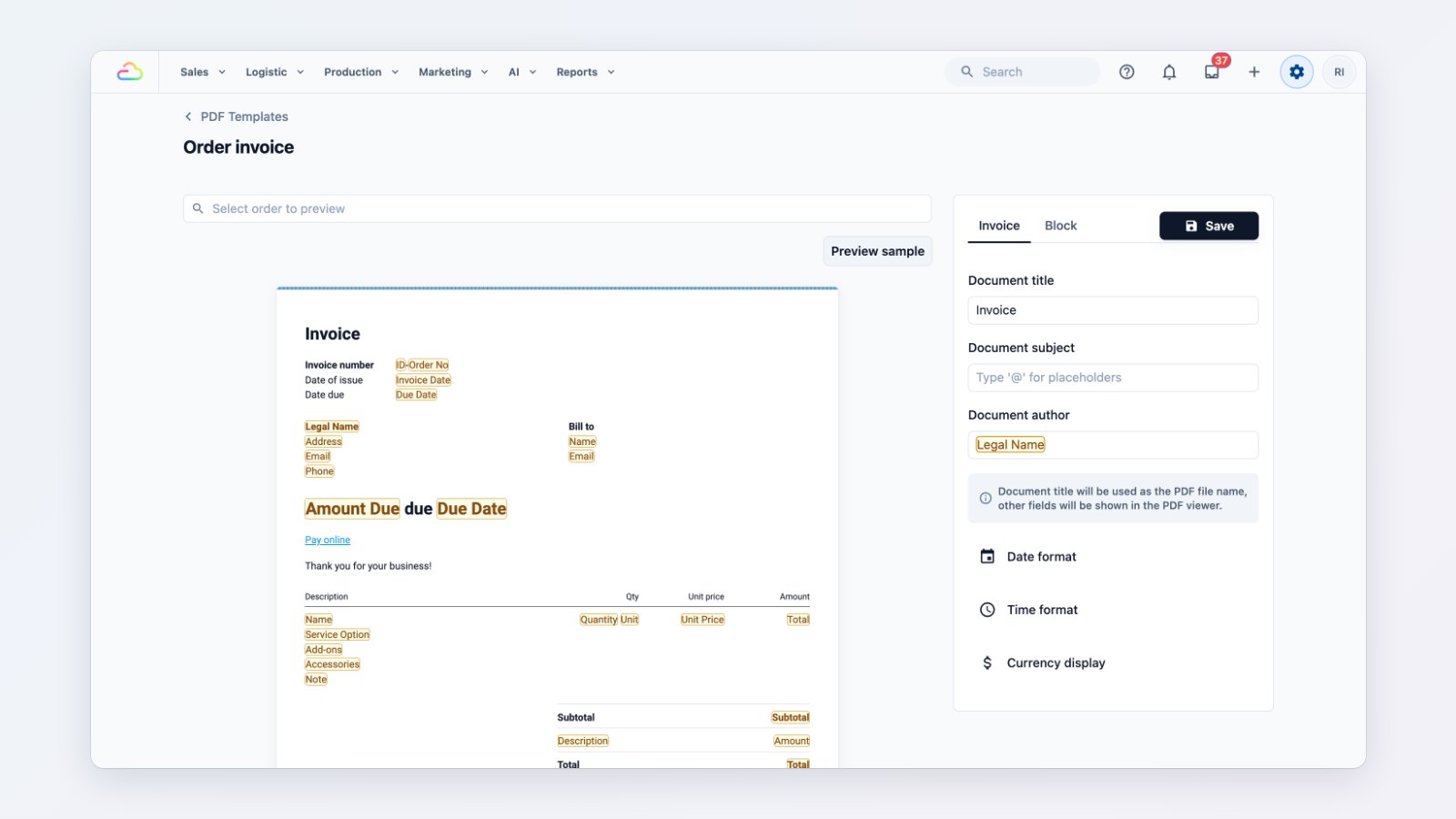
The invoice is often the last thing a customer sees from you, and the thing they pay from. You can now design the PDF invoices and receipts EasyBiz sends, instead of using one fixed layout.
Design it once, use it everywhere
Open a template and arrange it the way you want: your logo, company and customer details, the line items with quantity and unit price, subtotal, discounts, amount paid and amount due. Order details fill in automatically, so the same template works for every order. Click Preview sample to see it with real numbers before you save.
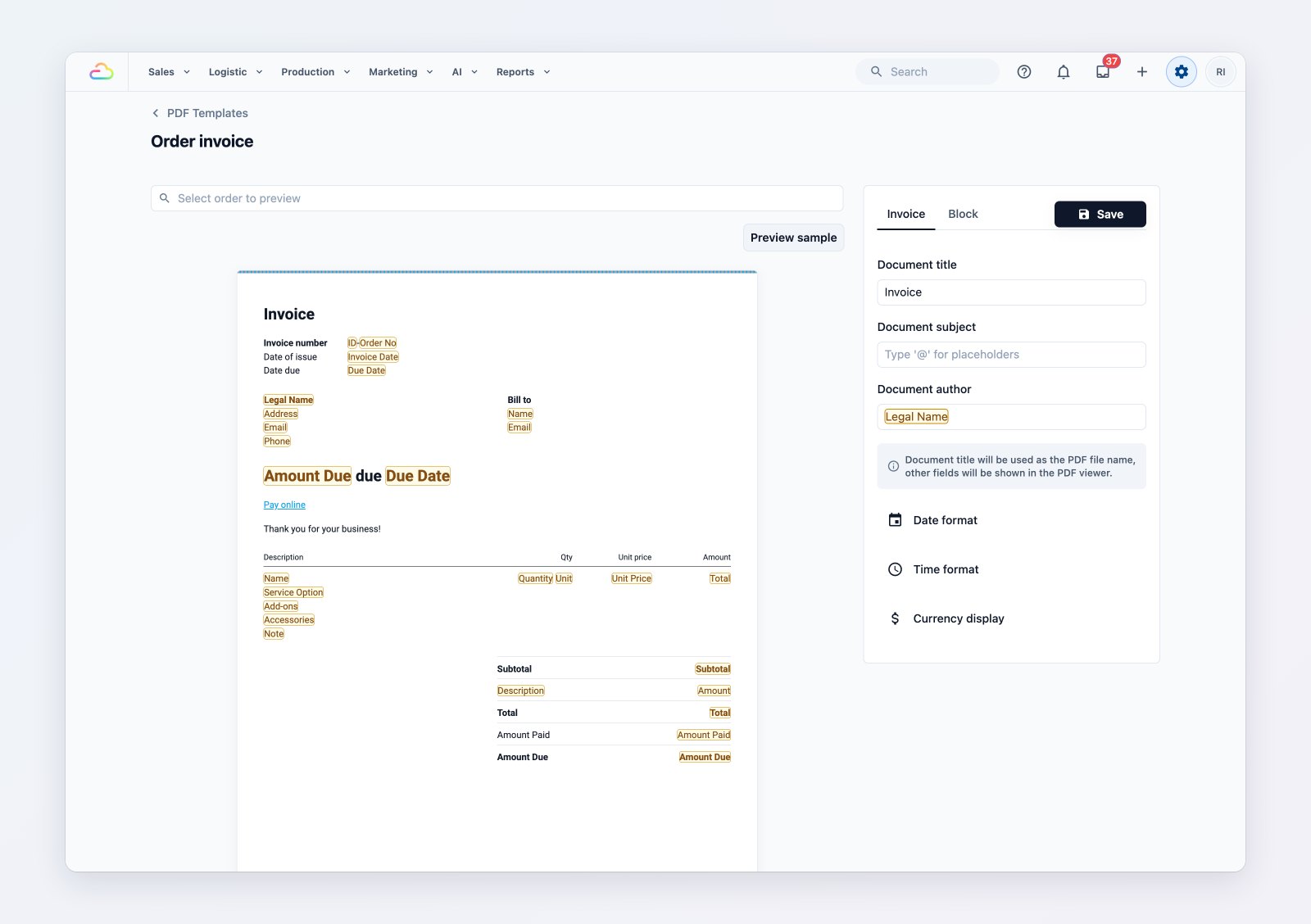
Arrange the invoice, then preview it with a sample order.
Let customers pay from the invoice
Add a PayNow QR code to the invoice. Customers scan it with their banking app and pay straight away, without asking for your bank details.
One template per business unit
If you run more than one kind of business, such as laundry and home cleaning, give each business unit its own invoice and receipt template. Each one can carry its own wording and branding.
Sent with your order messages
The PDF can be attached to your invoice and receipt emails and WhatsApp messages, so customers keep a proper copy for their records.
Where to find it
Go to Settings → Templates → PDF to edit your invoice and receipt templates. See Customise invoice templates.