
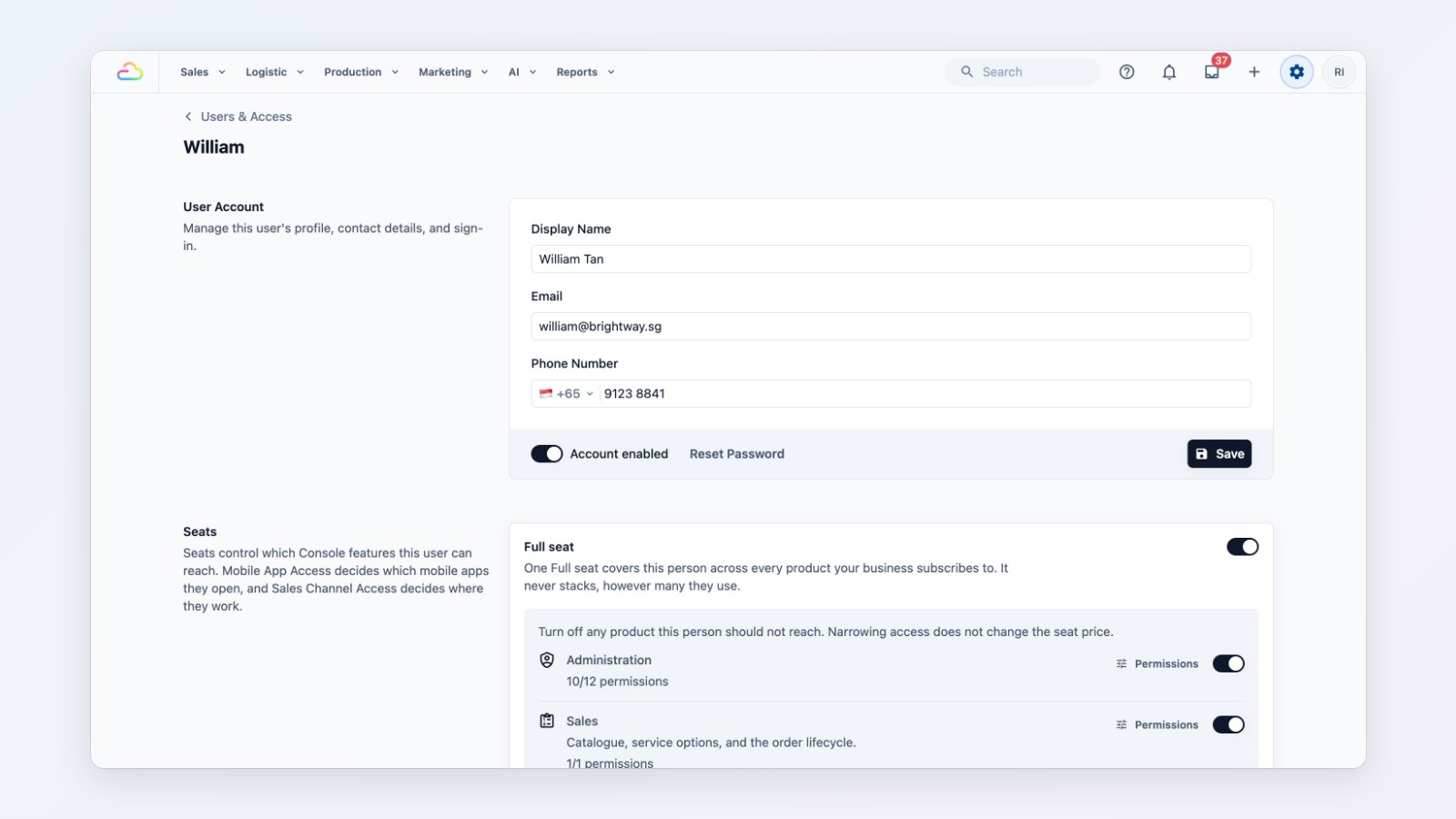
Not everyone on your team needs to see everything. Counter staff take orders, but they don't need your monthly sales figures or the power to change prices. You can now set this per person.
Seats decide the areas
Give each teammate the seats that match their job, such as Sales or Operations. A seat decides which areas of the Console they can open, so a new hire sees the screens they need and nothing else.
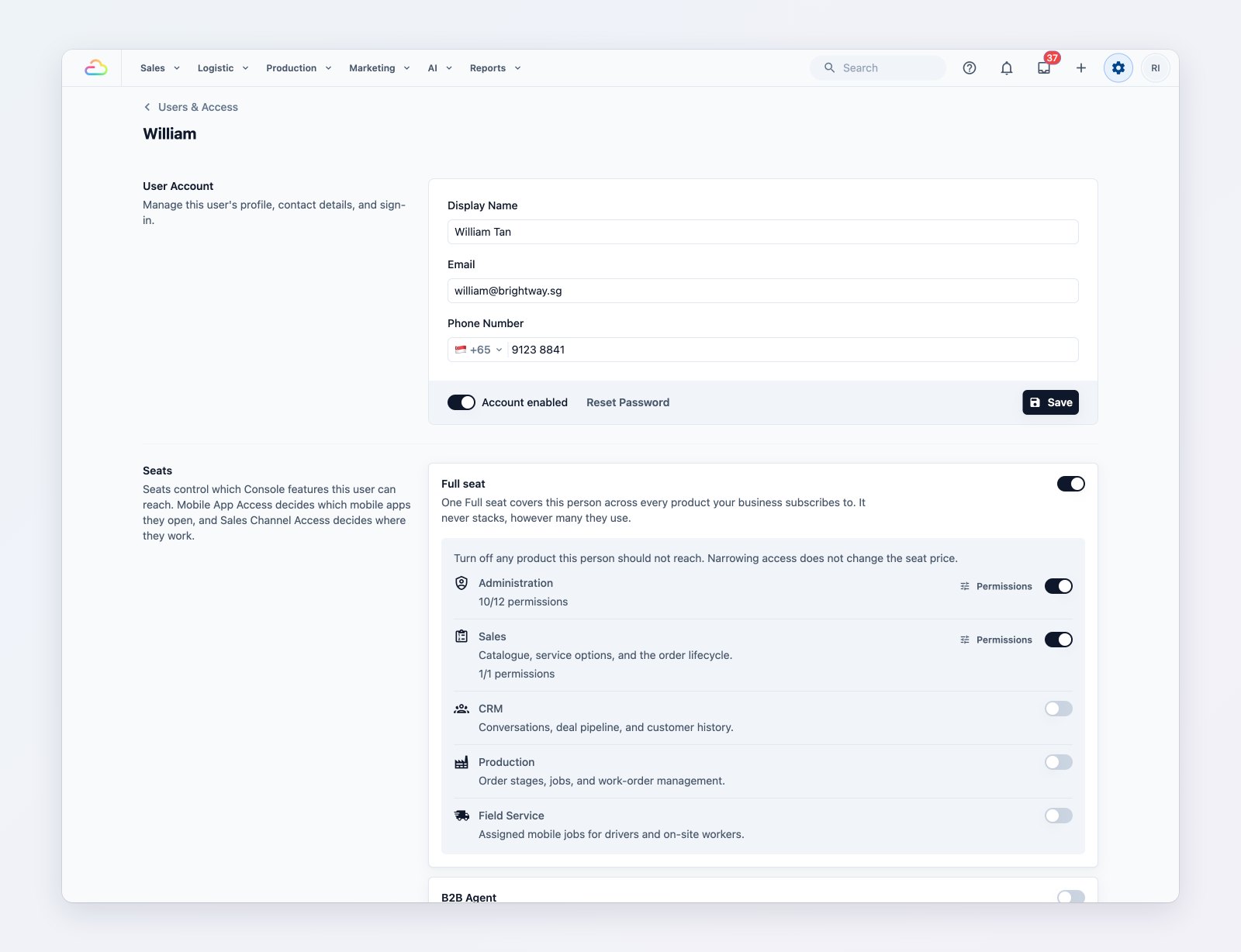
Seats give access to areas. Switches turn off sensitive pages for one person.
Switch off sensitive pages for one person
For any individual, you can additionally switch off sensitive pages: sales reports, money operations such as refunds and voids, pricing, and security settings. Use it to give a supervisor most of the Console while keeping the numbers to yourself.
The owner always has a way in
The account owner can never be locked out, so a mistaken setting can always be fixed.
Where to find it
Go to Settings → Users & Access, open a teammate and choose Access & Security. See Inviting your team and managing access and Granting the right access: common scenarios.