
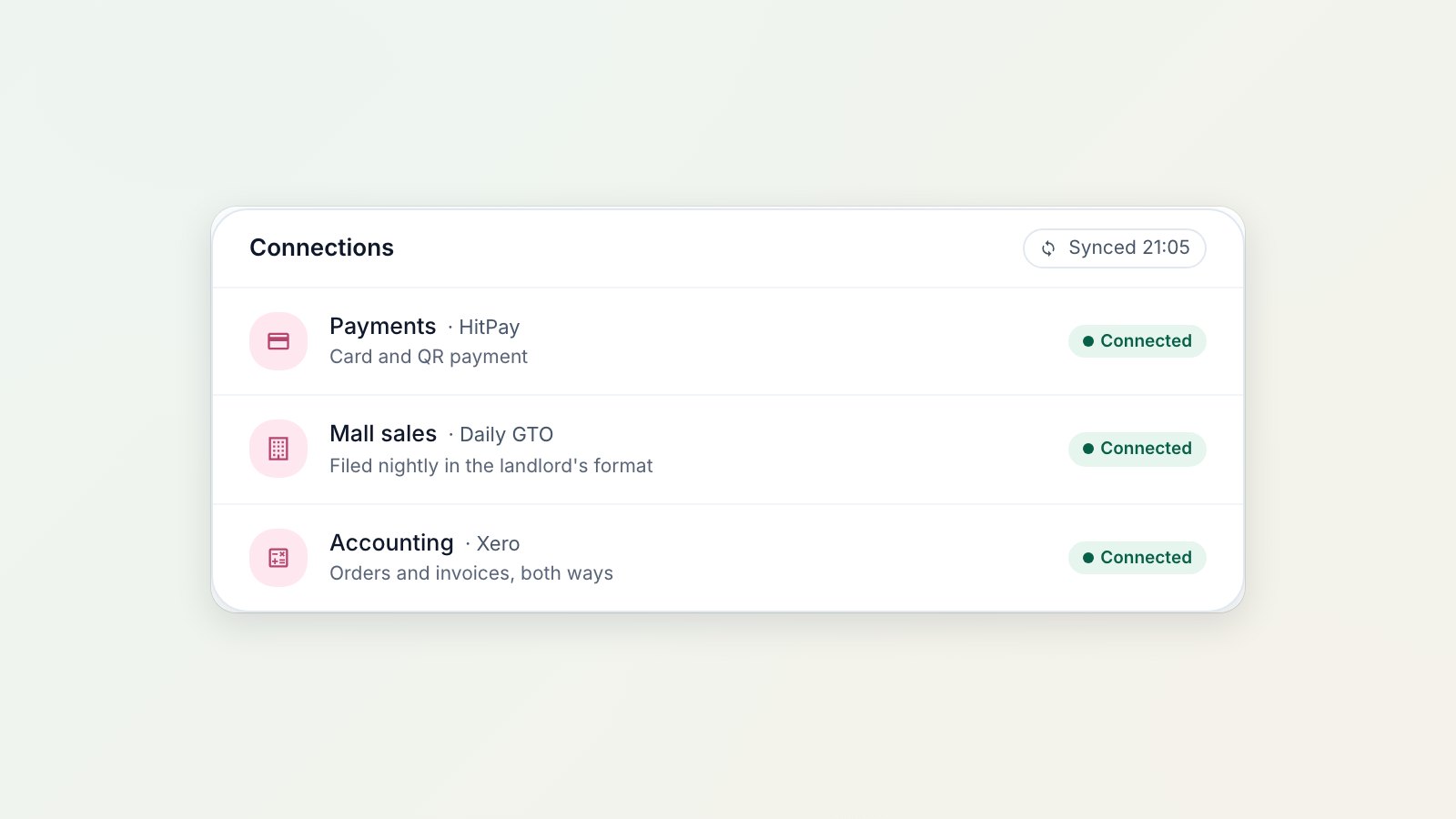
In Singapore most customers would rather scan than count cash. You can now take PayNow and cards through HitPay, at the counter and on WhatsApp, and every payment is matched to its order automatically.
Connect HitPay once
Connect your HitPay account in the Console. Payments then confirm themselves: when the customer pays, the order is marked paid, with no screenshots to check and no bank statement to match.
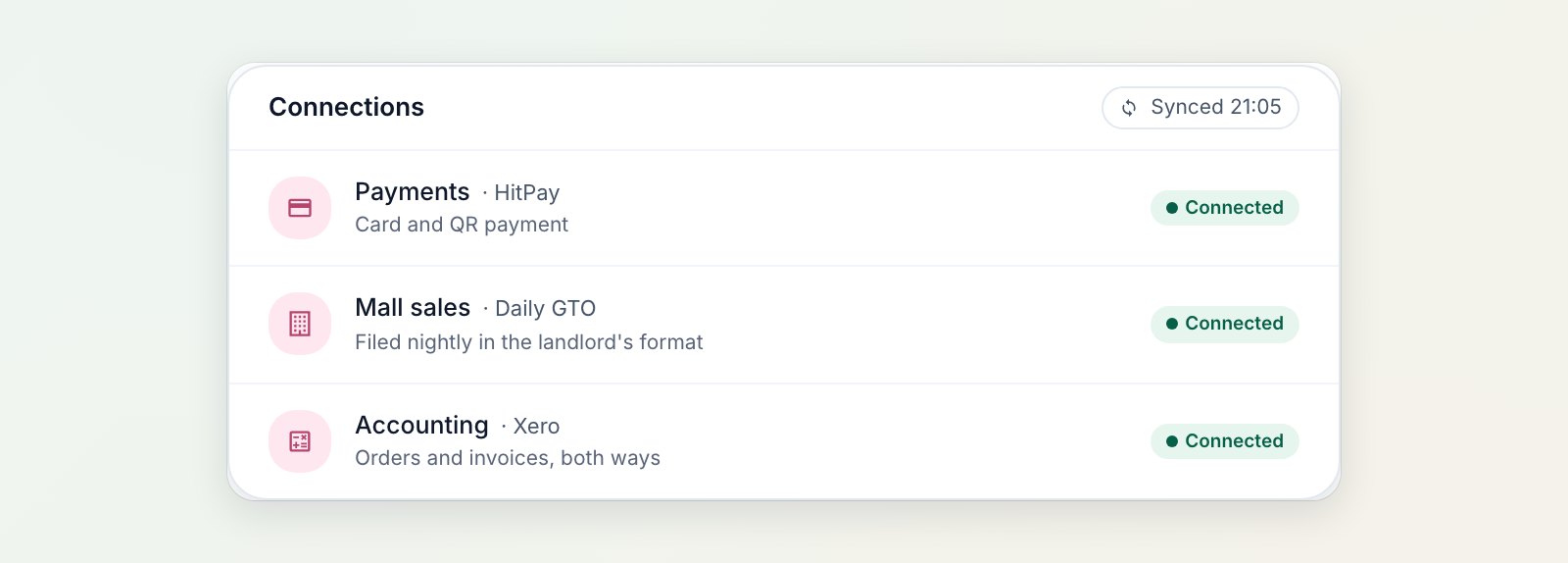
HitPay connects once and confirms every payment by itself.
PayNow at the counter
At the POS, choose PayNow and a QR code appears on screen. Print it on a slip if the customer is collecting later. The order shows the payment as pending, and the POS tells your staff the moment it's paid.
A Pay now button on WhatsApp
Add a HitPay payment link button to a WhatsApp message template. Send it with an invoice or a ready-for-collection message and the customer taps it to pay the balance by card or PayNow. Payment reminders become one tap to pay.
Refunds in the same place
When you need to give money back, refund through HitPay from the order, and the refund is recorded against it.
Where to find it
Connect HitPay in Settings → Integrations, then add PayNow to your POS payment methods. See Connecting HitPay to EasyBiz, HitPay overview and Setting up your payment methods at POS.