
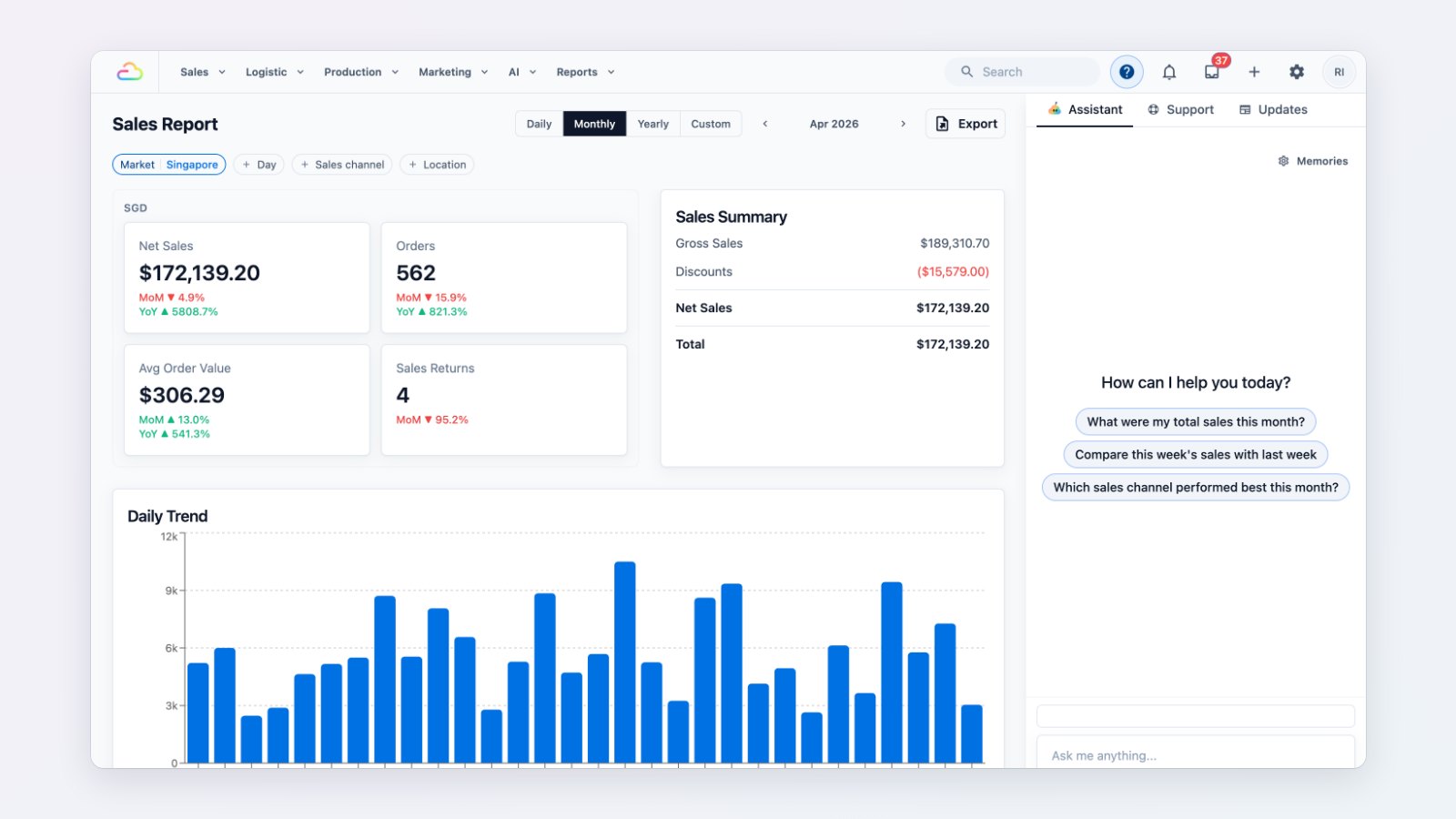
Some questions are quicker to ask than to look up. The EasyBiz Assistant sits in the Help panel of every Console and answers them.
How do I…?
Ask how to set something up, such as a new price list, a receipt footer or a booking rule, and the Assistant answers from our Help Center guides and links to the guide it used.
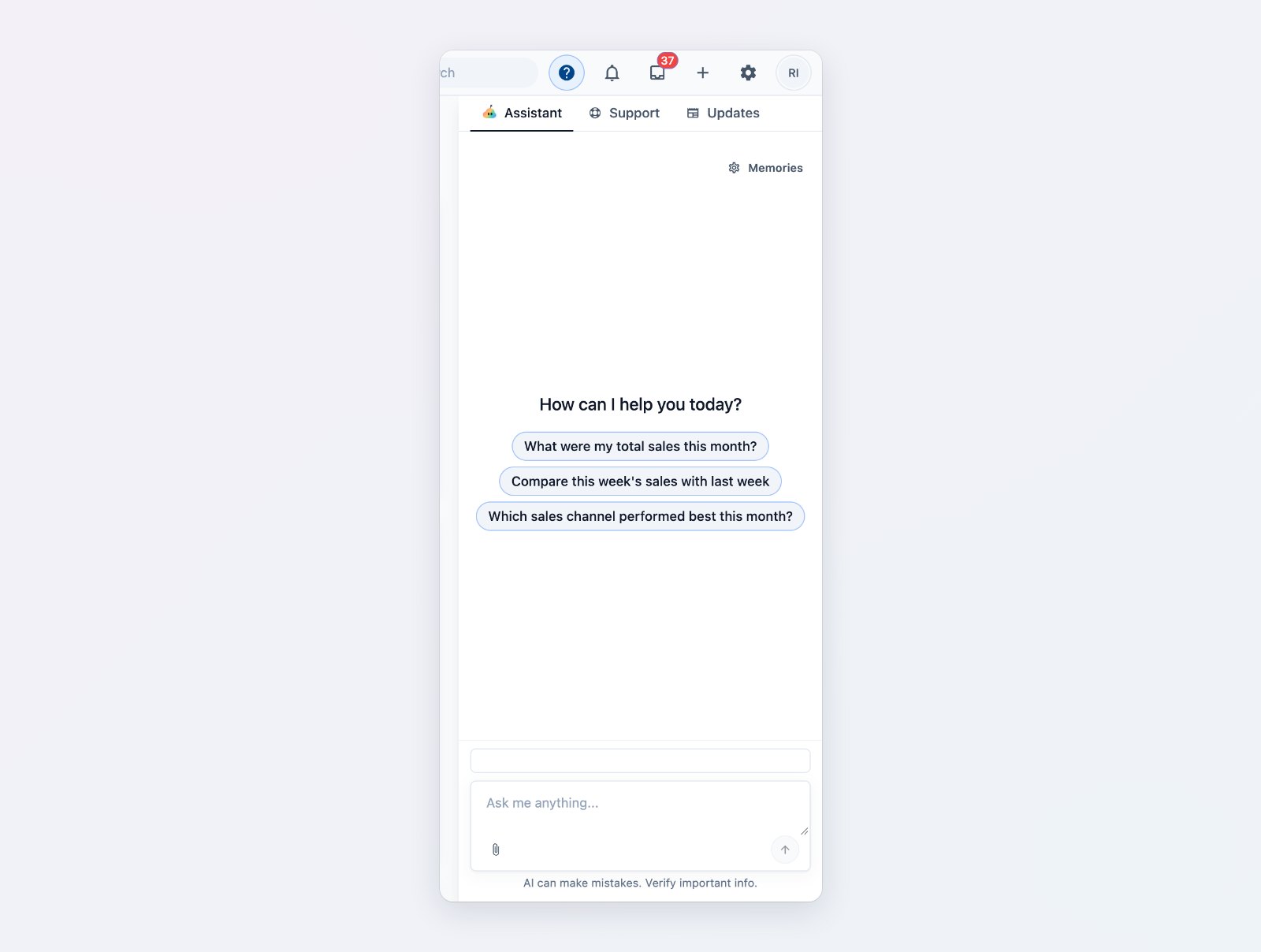
Ask in plain words, or start from a suggested question.
How did we do?
Ask about your own business: "How many orders did we get this week?", "Which orders are still unpaid?", "What jobs are due tomorrow?". The Assistant looks up your orders, payments, invoices, jobs and customers and answers with the figures, with a button to open the right page.
Change it for me
The Assistant can update common settings, such as company and tax details, rounding, WhatsApp auto-replies and shop details. It shows exactly what it will change and waits for you to approve before anything is saved.
Free, with a fair-use limit
The Assistant is included with your EasyBiz seats at no extra cost, under a fair-use limit.
Where to find it
Click Help in the top bar of the Console and choose Assistant. See Meet your AI assistant and Asking the assistant about your business.