
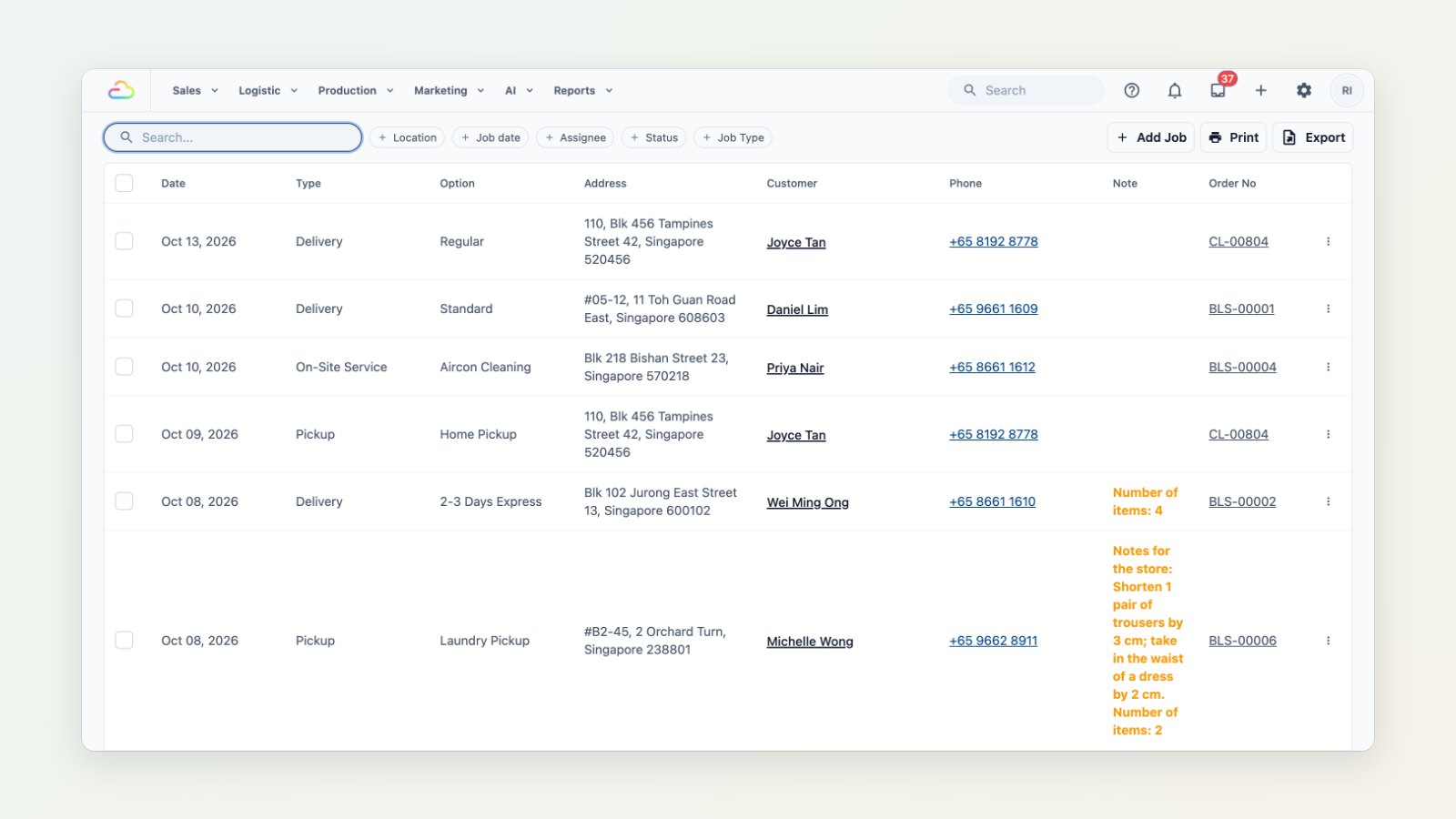
For a laundry with pickup and delivery, or a cleaning and aircon business that visits homes, the day is planned around jobs, not orders. The new Logistic menu puts them all in one place.
Every job in one table
The Jobs table lists every pickup, delivery and on-site service with its date, option, address, customer, notes and order number. Filter by location, date, assignee, status or job type. Edit fields straight in the table and save many changes at once, add a job by hand, choose which columns to show, and export to Excel for your drivers.
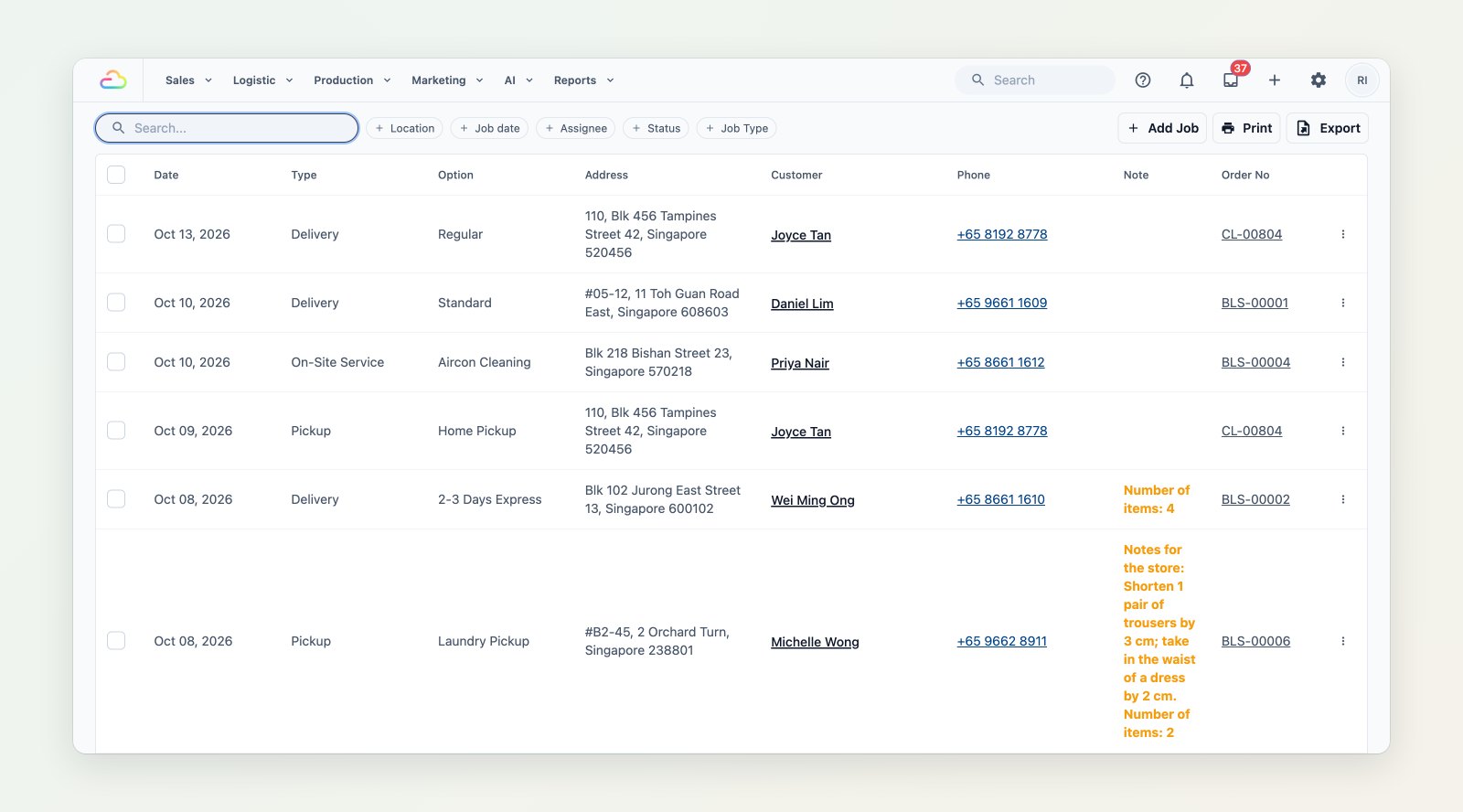
Every job with its date, address, customer, notes and order number.
The same jobs on a map
Job Map plots the jobs for any date range, coloured by status, so you can group nearby stops, see which jobs are still waiting for someone and plan a sensible route.
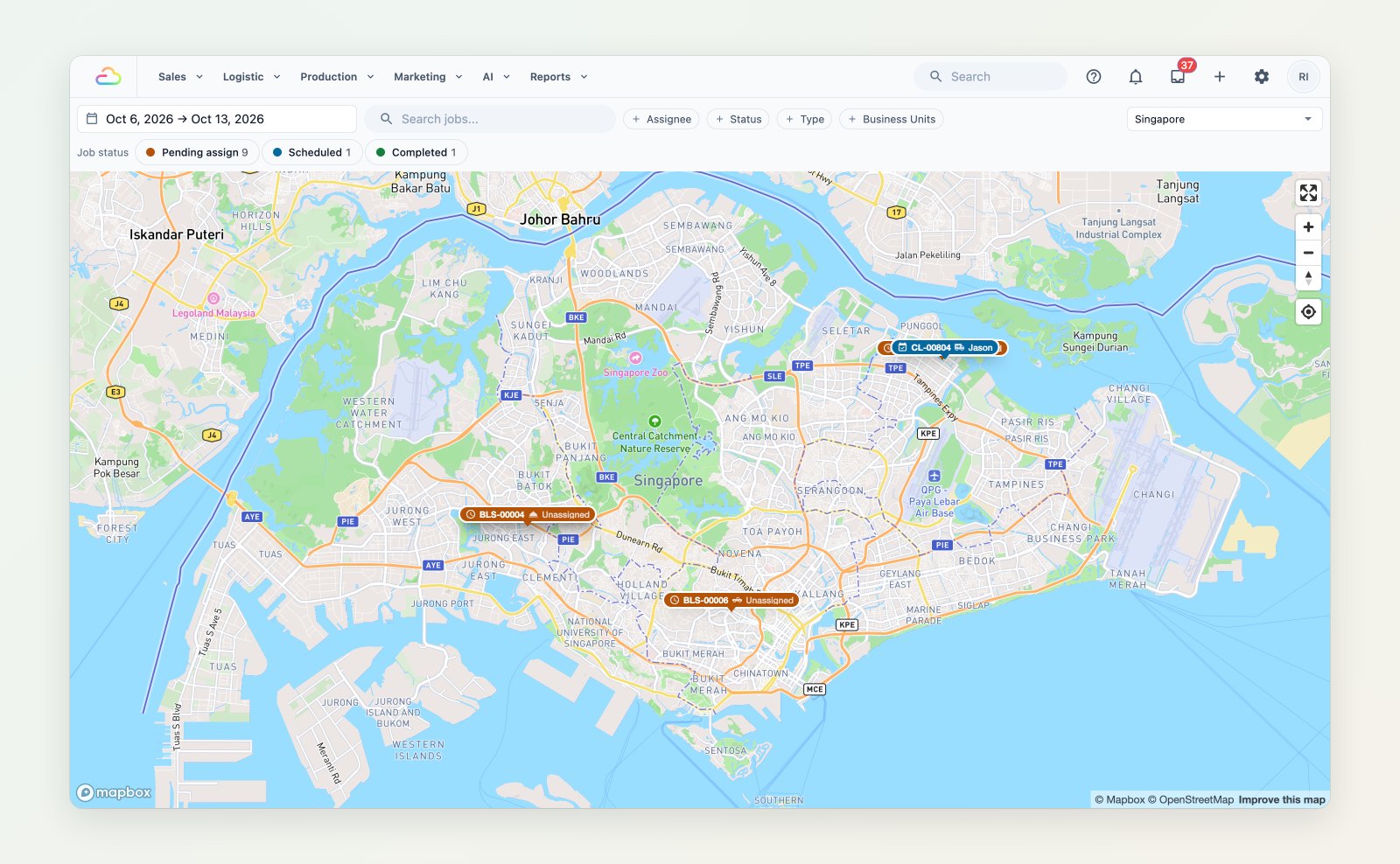
Jobs for the week on a map, with the ones still unassigned highlighted.
Assign on the Scheduler
The Scheduler shows each staff member's day as a column. Drag a job to a person or a time to assign it, and confirm the changes when you are done.
Where to find it
Open Logistic → Jobs, Job Map or Scheduler. See Setting up the job table, Job Map guide and Introduction to scheduling and dispatch.