
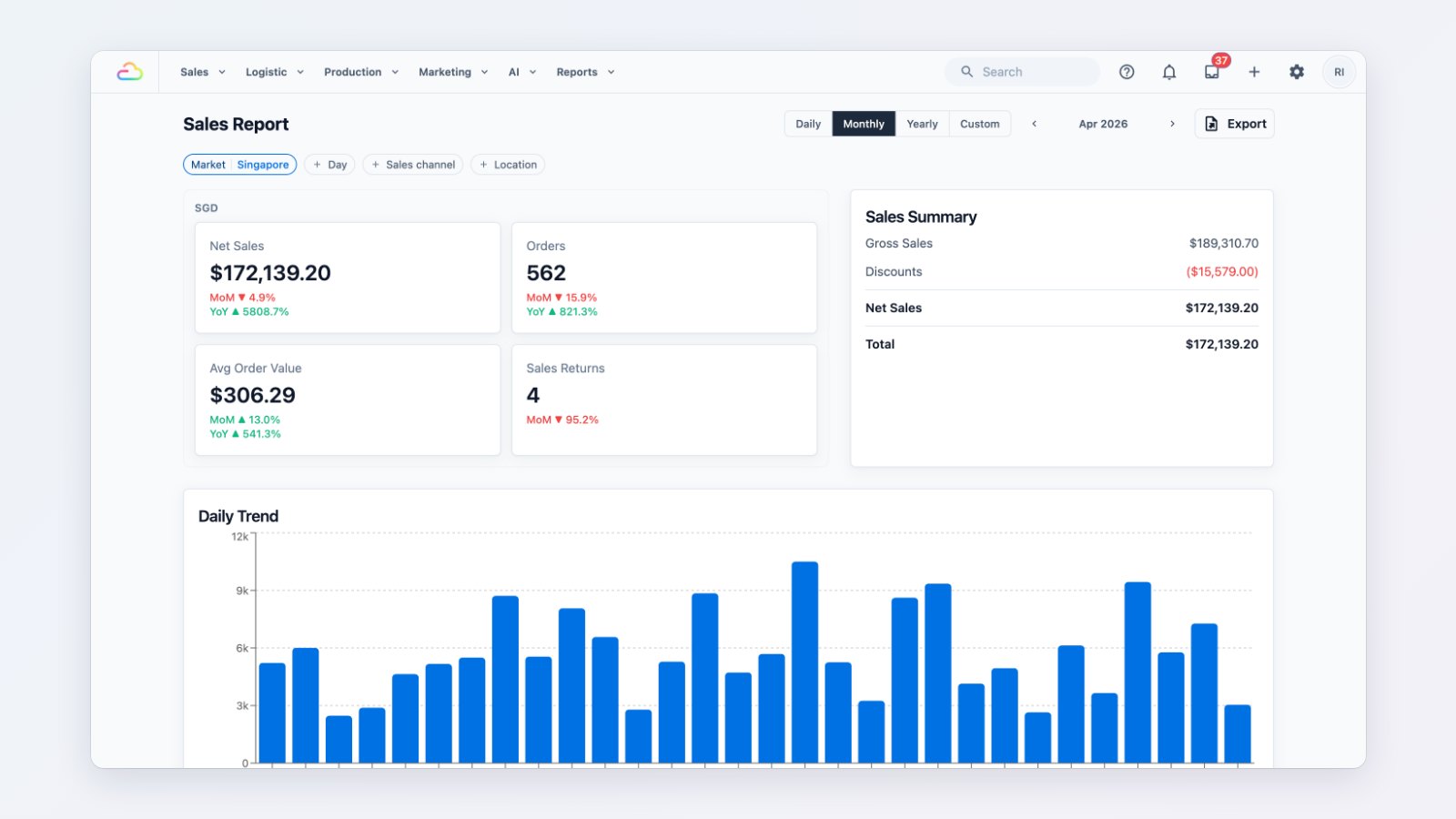
Owners of a few shops need the same answers every week: how much did we sell, how did customers pay, and who still owes us money. The new reports answer them in the Console.
Sales
Net sales, orders and average order value for any day, week, month or year, with a daily trend and comparisons with earlier periods. Break sales down by item, by source and by sales channel, and see returns. When the month's books are done, close the period so the figures stay as they were reported.
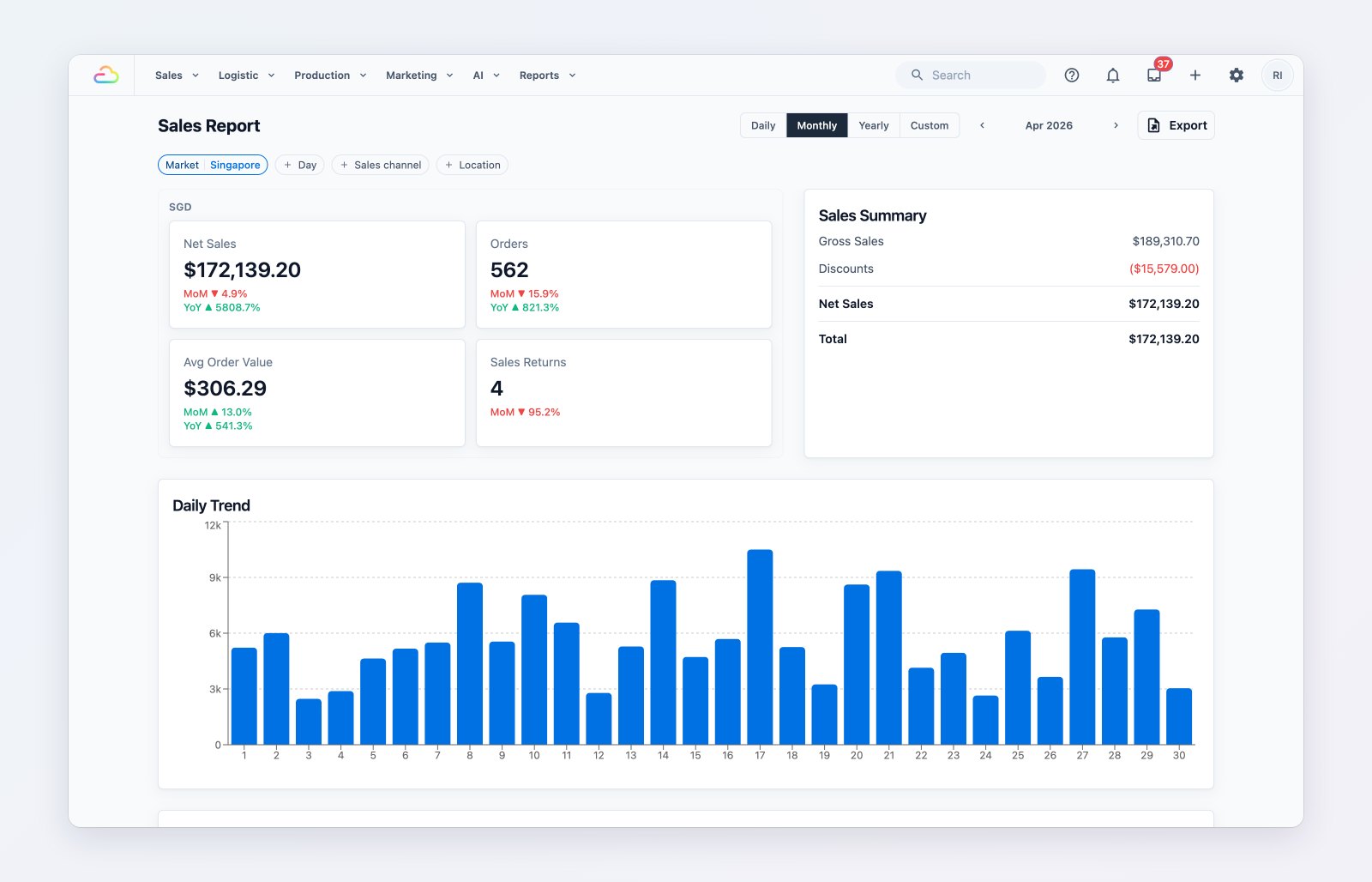
Net sales, orders and average order value, with a daily trend.
Payments
Collections by payment method and by shop, a trend chart and the refunds made, so you can match what came in against your bank and cash.
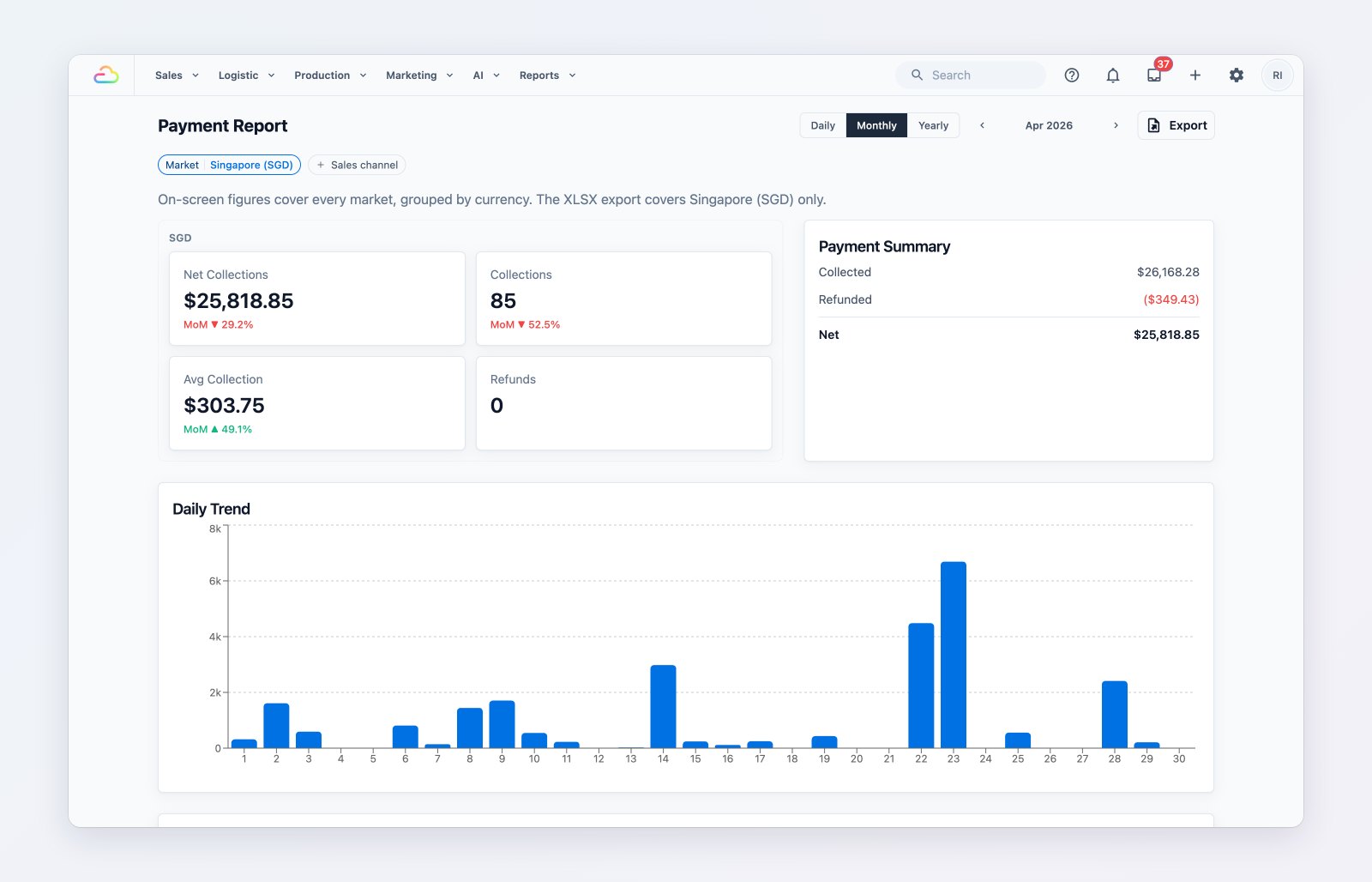
What came in, how customers paid and what was refunded.
Customers and credits
The Contacts report shows new and returning customers and your top spenders. The Credits report shows store credit topped up, used and still outstanding.
Money still owed
Receivables lists every unpaid and part-paid order across your shops, with the total outstanding and how long each amount has been owed. Filter by customer or sales channel, export the list, and send a payment reminder from the order.
Exports that don't make you wait
Every report exports to Excel in the background. The file appears in Downloads when it's ready.
Where to find it
Open the Reports menu, and Sales → Receivables. See Understanding your sales report and Managing your receivables.