
Regular customers are the backbone of a home cleaning, aircon or laundry business: the office that needs fresh towels every Monday, the family that books a clean every fortnight. You can now set them up once and let EasyBiz create each order on time.
Set it once
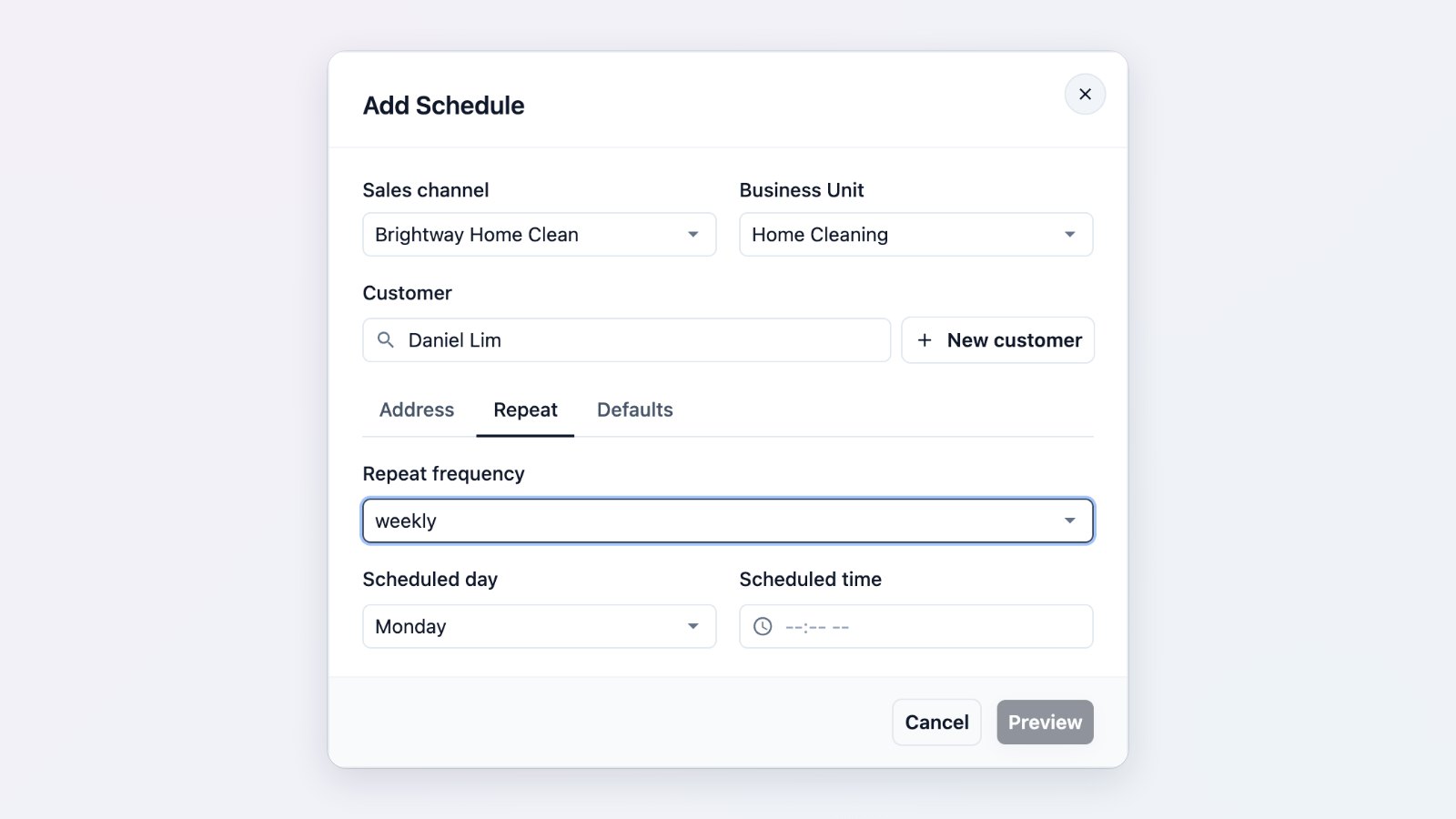
Choose the customer, the sales channel and business unit, the address, and how often it repeats: every few days, every week or two, or every month, on the day and time you serve them. Add the default items so each new order arrives ready to work on. Before you save, EasyBiz shows the dates the next orders will be created on.
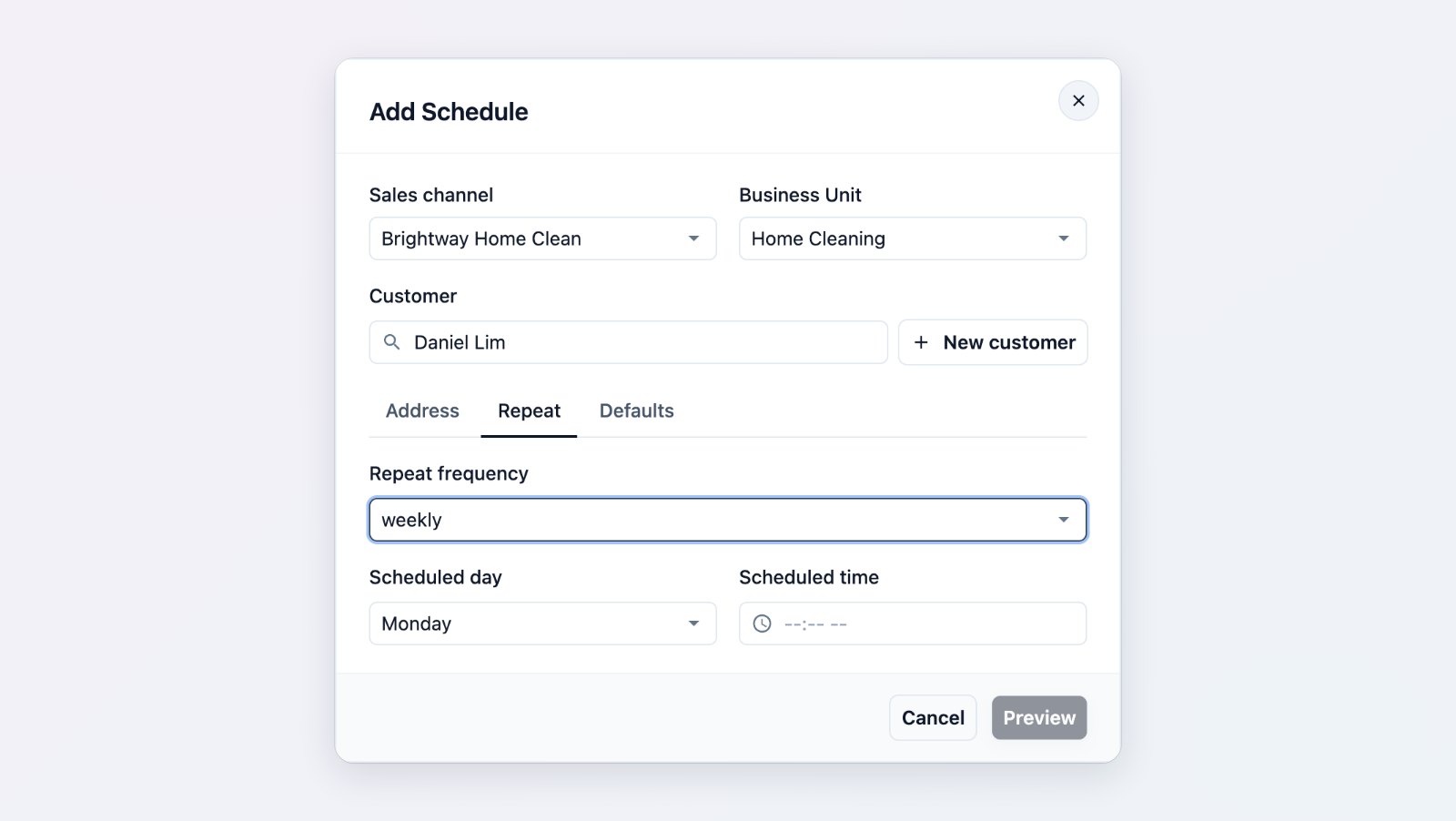
Pick the customer, address and repeat pattern, then preview the upcoming dates.
Pause, resume and catch problems
Schedules are listed as Active, Paused or Failed. Pause a schedule while a customer is overseas and resume it when they return. If an order could not be created, the schedule appears under Failed so you can fix it before anyone misses a visit.
For business customers too
Corporate and hotel accounts often have standing pickups. Each business customer can have its own recurring schedules, so their regular orders are created under their account and billed the way you agreed.
Tell your team when something happens
Alongside recurring orders, Internal Notifications let you choose order events that should alert your staff, and who should be alerted, with a test push to check it works.
Where to find it
Go to Settings → Recurring Scheduler. See Introduction to the recurring scheduler and Setting up a recurring schedule.