
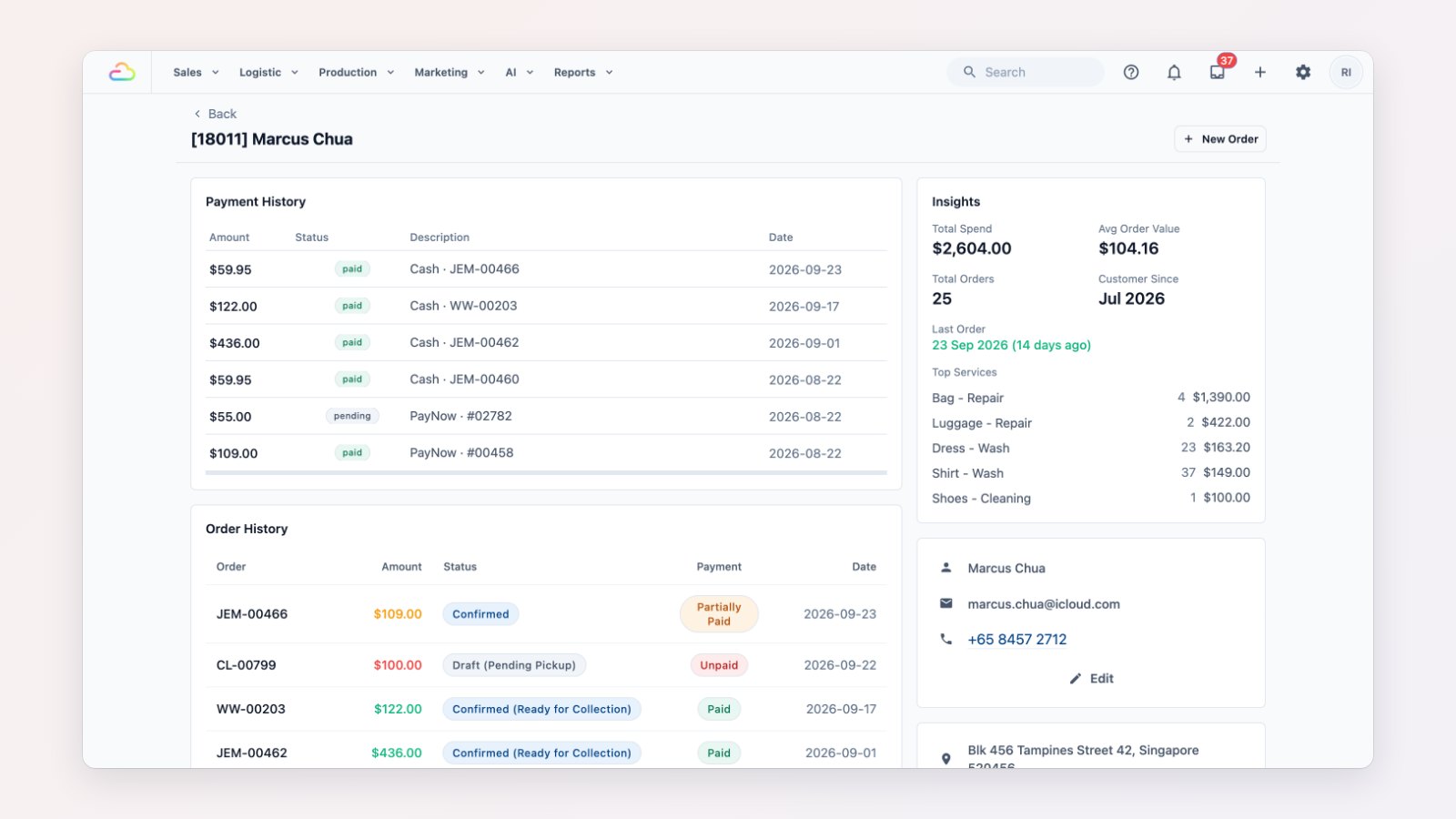
The same customer often ends up with two records: one created at the counter, another from WhatsApp, a third with a new phone number. Their points and order history get split, and staff can't see the full picture. You can now fix that safely.
Merge duplicates, keep everything
Open the duplicate contact and use Delete in the Danger Zone. If the contact is empty, it's simply deleted. If it has history, you choose the record to keep, and everything moves across: orders, payments, jobs, WhatsApp conversations, store credit and points, and notes. A log records what was merged and by whom.
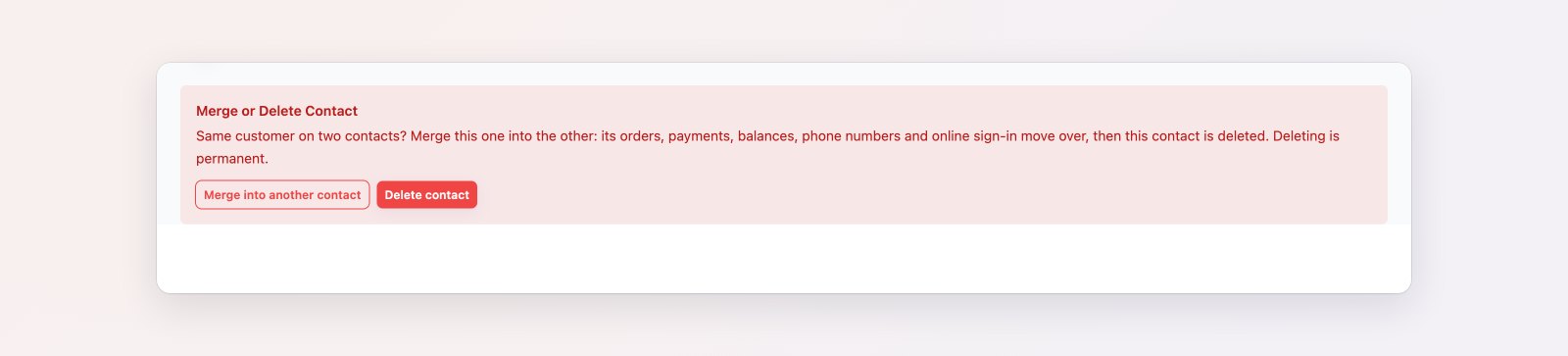
Merging moves orders, payments, conversations and wallet balances into the record you keep.
Do Not Contact
Some customers don't want promotional messages. Switch them to Do Not Contact, with an optional note. A badge appears next to their name and they're left out of every WhatsApp campaign audience, so you respect their choice and reduce the chance of your number being reported.
Target by how customers buy
A new Channel mix filter on Contacts and in campaign audiences shows customers who only buy in store, only online, or both. For example, invite walk-in regulars to try online booking.
Where to find it
Open a customer in Sales → Contacts. See Merging and deleting duplicate contacts and Understanding the contact profile.