
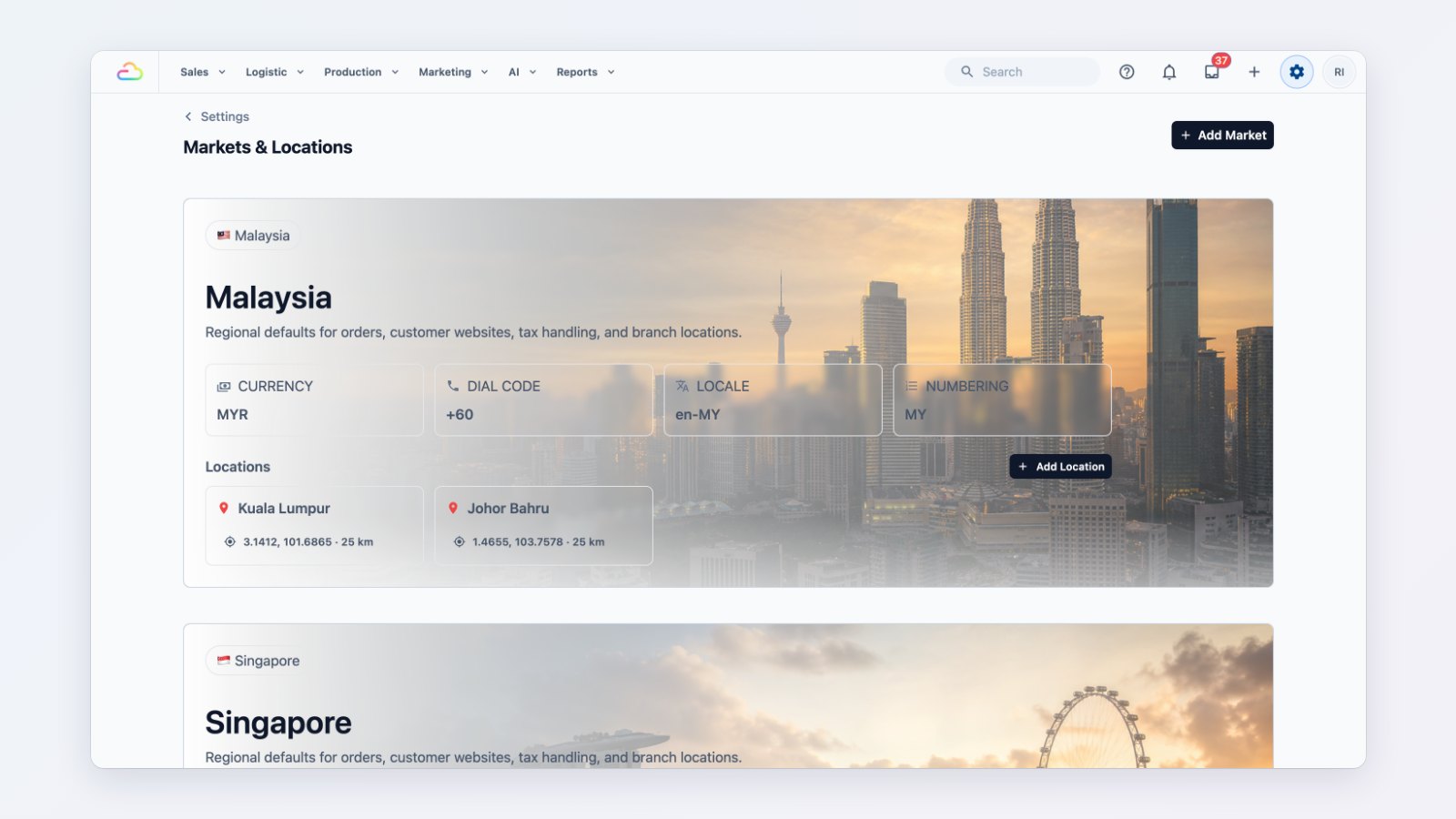
Opening your first shop across the border used to mean a second account, a second price list and a lot of copying. You can now run Singapore and Malaysia, or any other country, side by side in one EasyBiz account.
A market for each country
Each market has its own currency, tax registration, language and order-number prefix. Under it, add the physical locations you operate from, with their address and opening hours. Your shops and online channels belong to a location, so every sale knows which country it happened in.
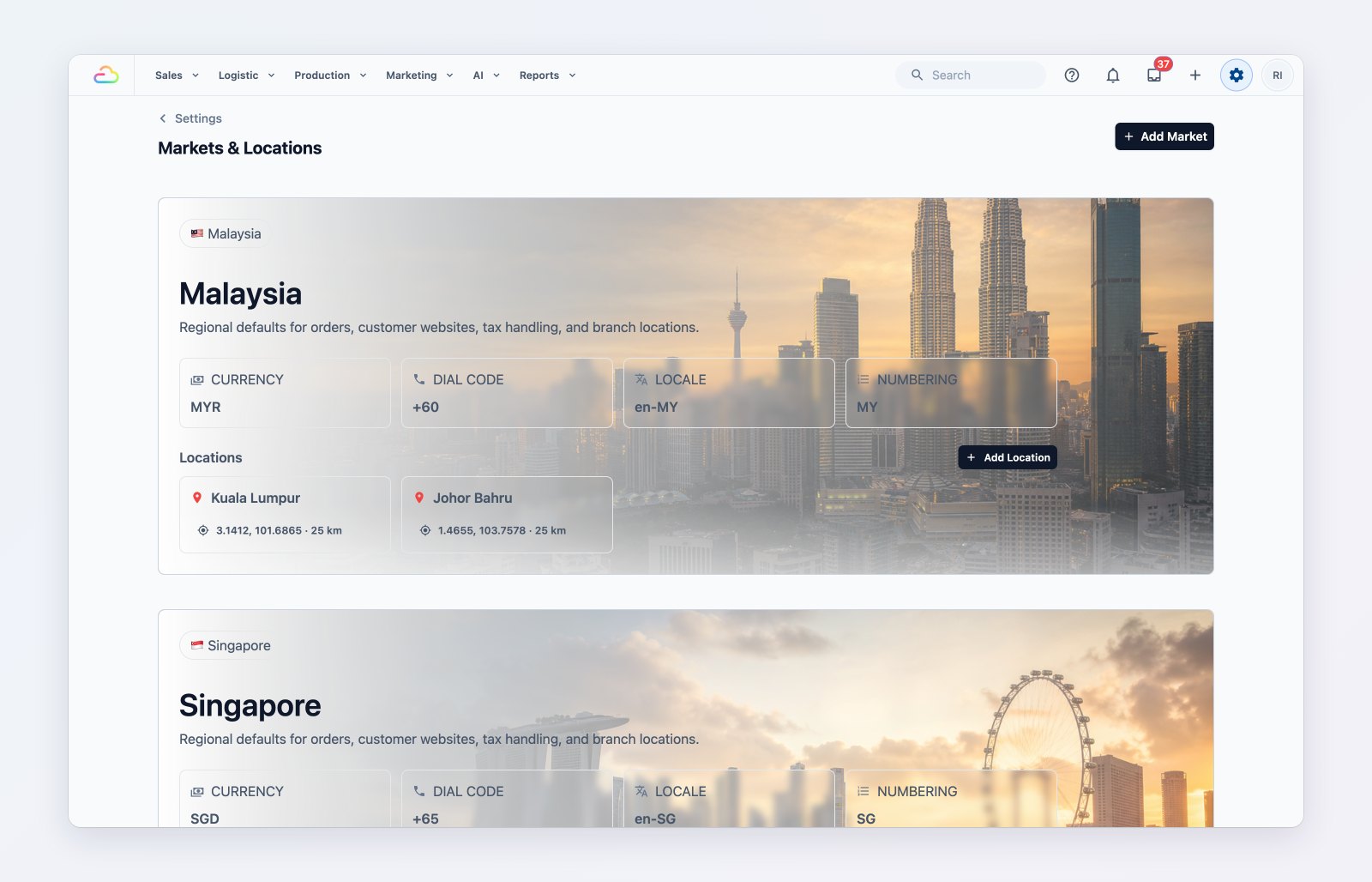
Each country has its own currency, tax settings and locations.
Prices and payments per market
Give each market its own price list in its own currency, and turn on the payment methods that work there. A Malaysian shop charges in ringgit with Malaysian tax, while your Singapore counters carry on as before.
Reports that don't mix currencies
Sales and payment reports show each currency in its own column instead of adding dollars and ringgit together, and lists such as orders and jobs can be filtered by location.
Where to find it
Go to Settings → Markets & Locations. See Introduction to markets and locations and Setting up a location.