
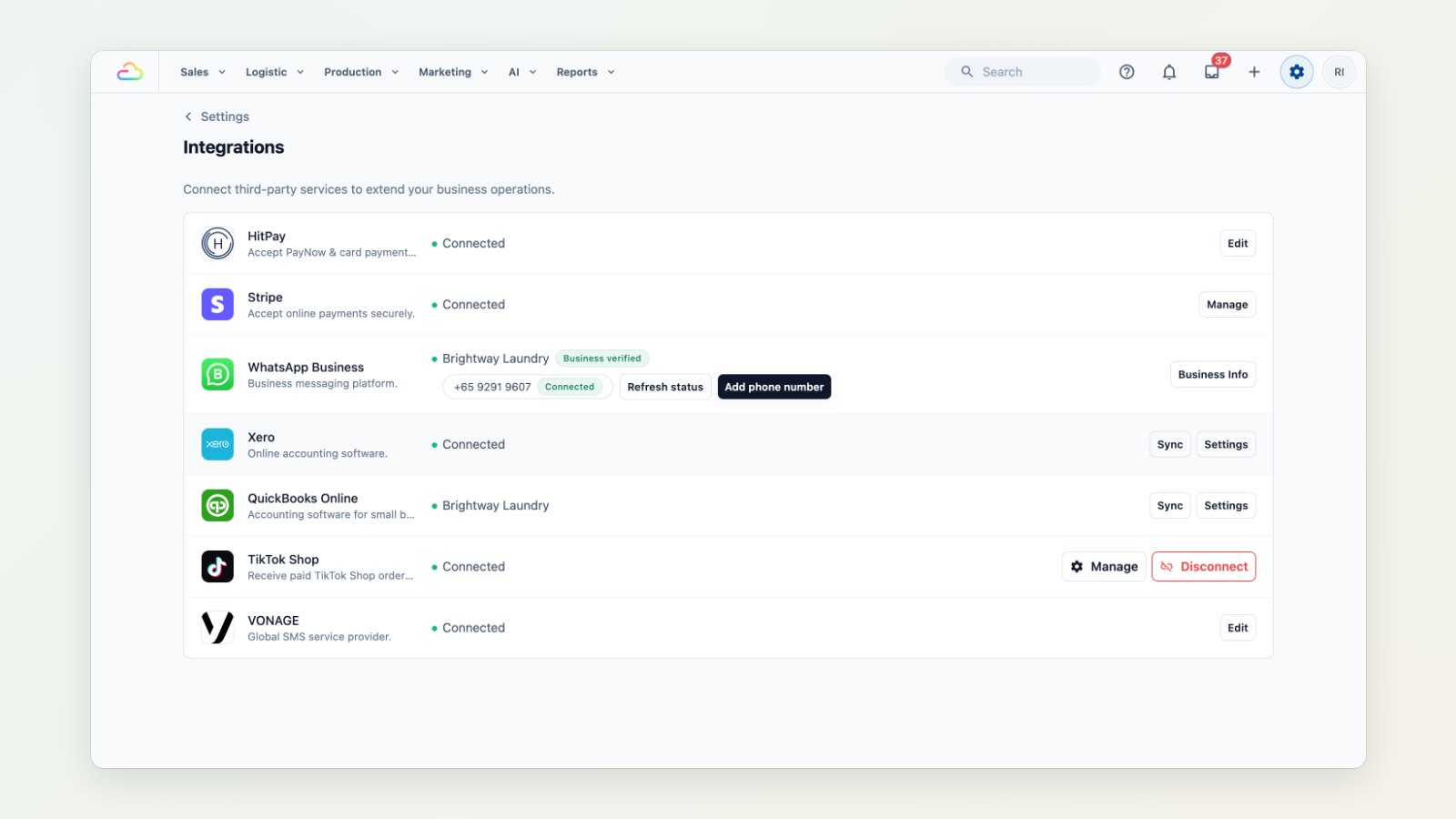
Not every accountant uses Xero. You can now connect QuickBooks Online instead, or as well, and stop re-keying sales into your books.
Your sales in QuickBooks, automatically
Once connected, EasyBiz sends invoices, payments and credit notes to QuickBooks as they happen. Map EasyBiz to your QuickBooks setup once: which income and payment accounts to use, which customer to post walk-in sales to, which items, and which tax codes.
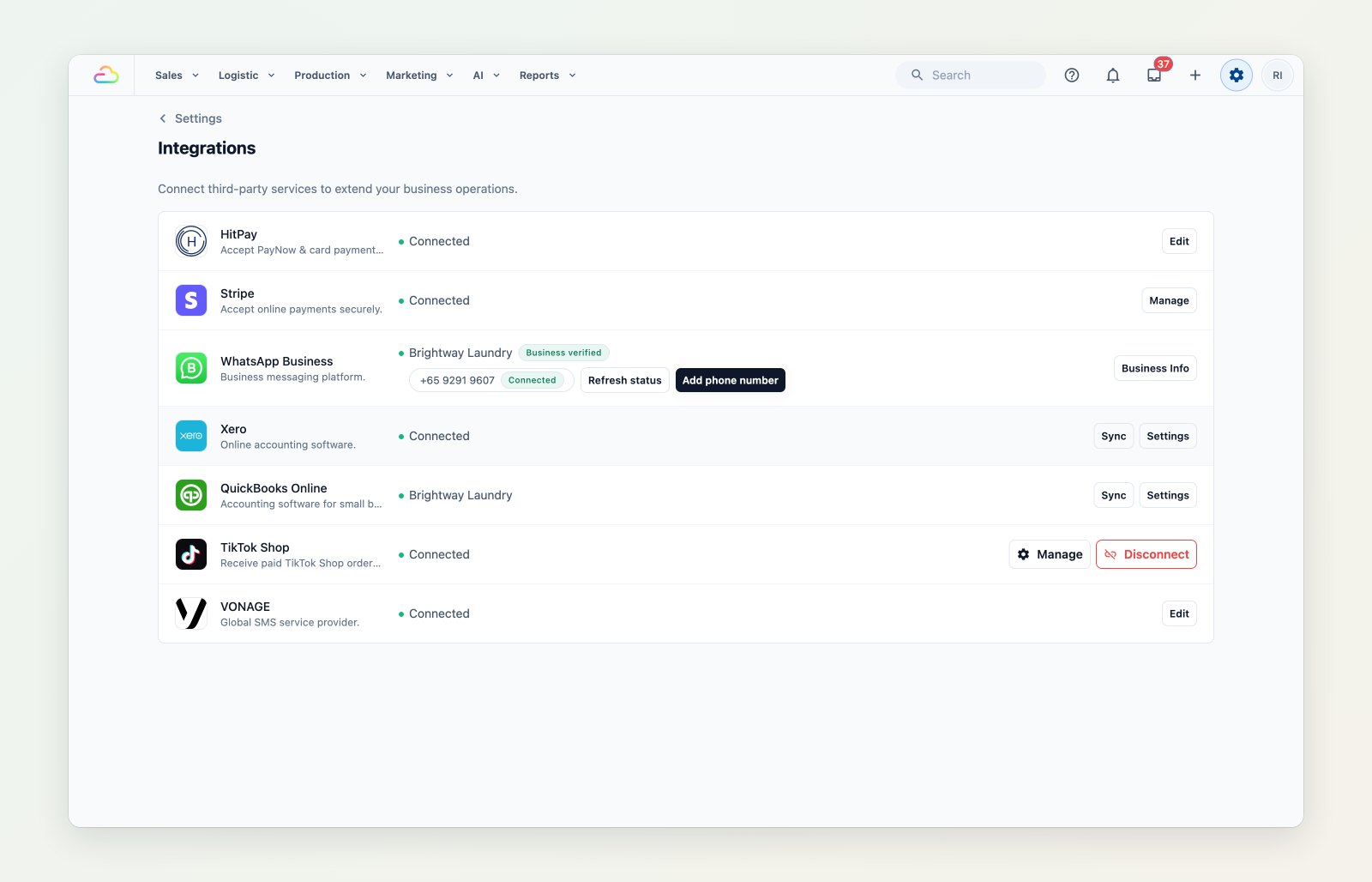
Connect QuickBooks Online in Settings → Integrations, then map your accounts, items and tax codes.
Revenue by outlet
Send each outlet's sales to its own income account, so your profit and loss shows how every shop is doing.
Payments both ways
When a customer pays an invoice and your bookkeeper records it in QuickBooks, the payment comes back into EasyBiz, so your receivables stay right in both places.
Where to find it
Go to Settings → Integrations → QuickBooks. See Connecting QuickBooks to EasyBiz, Setting up your QuickBooks mappings and Syncing payments from QuickBooks.