
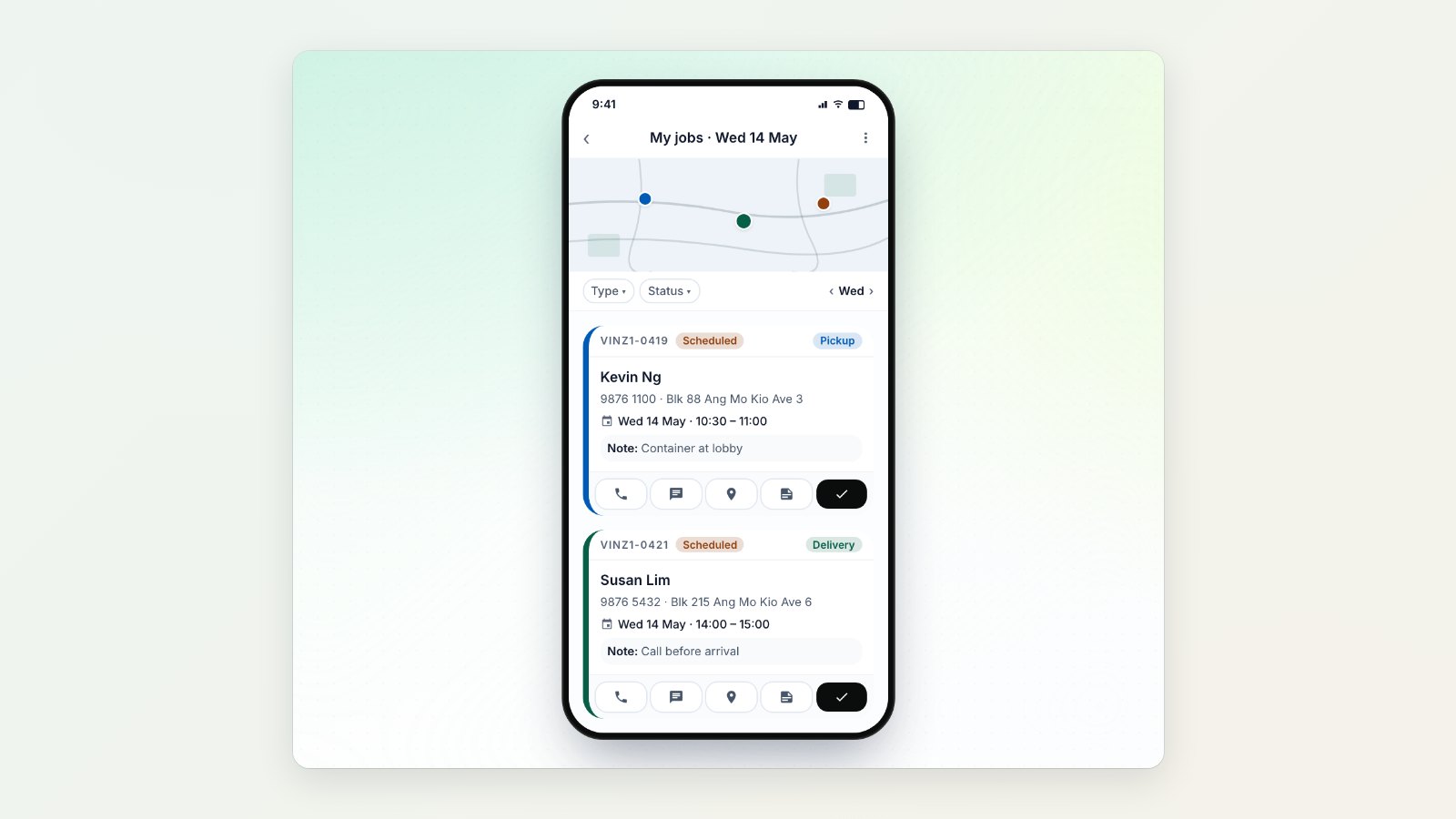
Pickups, deliveries and home visits happen away from the shop, so the people doing them need everything on their phone. The EasyBiz app now gives drivers and technicians their whole day in one list.
Today's jobs at a glance
Each person sees the day's jobs with the time window, address and notes, and can filter by status or by worker and move between dates. From a job they can call the customer, open directions, add a note, reschedule or assign it to someone else.
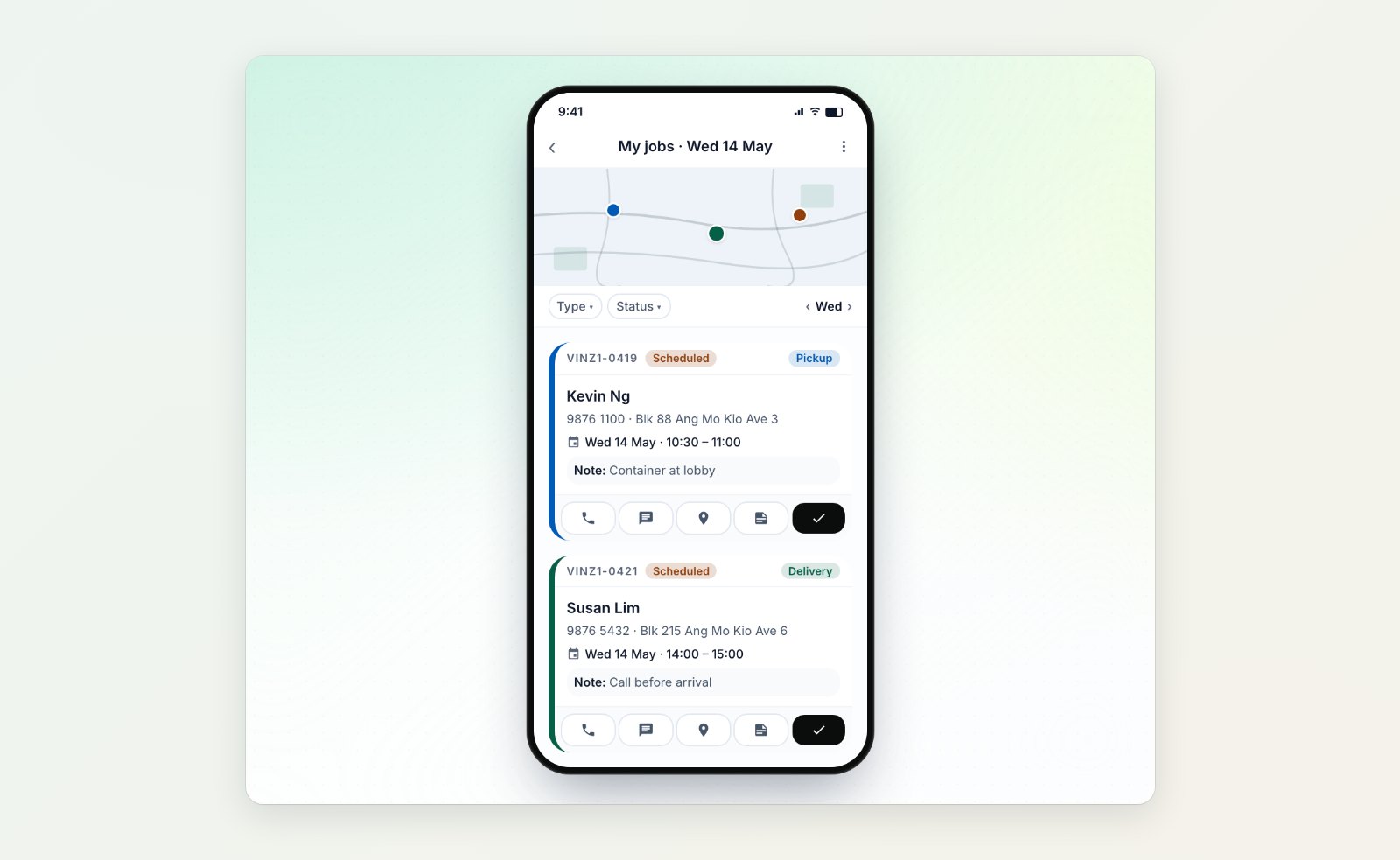
Each job has the time, address, notes and one-tap call, directions and complete.
Step by step, with proof
Jobs follow the steps you set up for them, such as checking items, taking photos and getting the customer's signature, so every pickup and delivery is done the same way and you have proof if a question comes up later.
Get paid at the door
Drivers can take payment when they deliver: a PayNow QR code, card, cash, store credit or points, with coupons and adjustments if needed. Payment is recorded on the order straight away.
Sign up new customers on the spot
Staff can register a new customer and save their address from the phone, so the next booking is quicker.
Where to find it
Your team uses the EasyBiz app. Choose what it shows in Settings → EasyBiz Mobile App. See What your team can do in the Workflow app and Introduction to scheduling and dispatch.