
Introduction to Products & Pricing
In this article
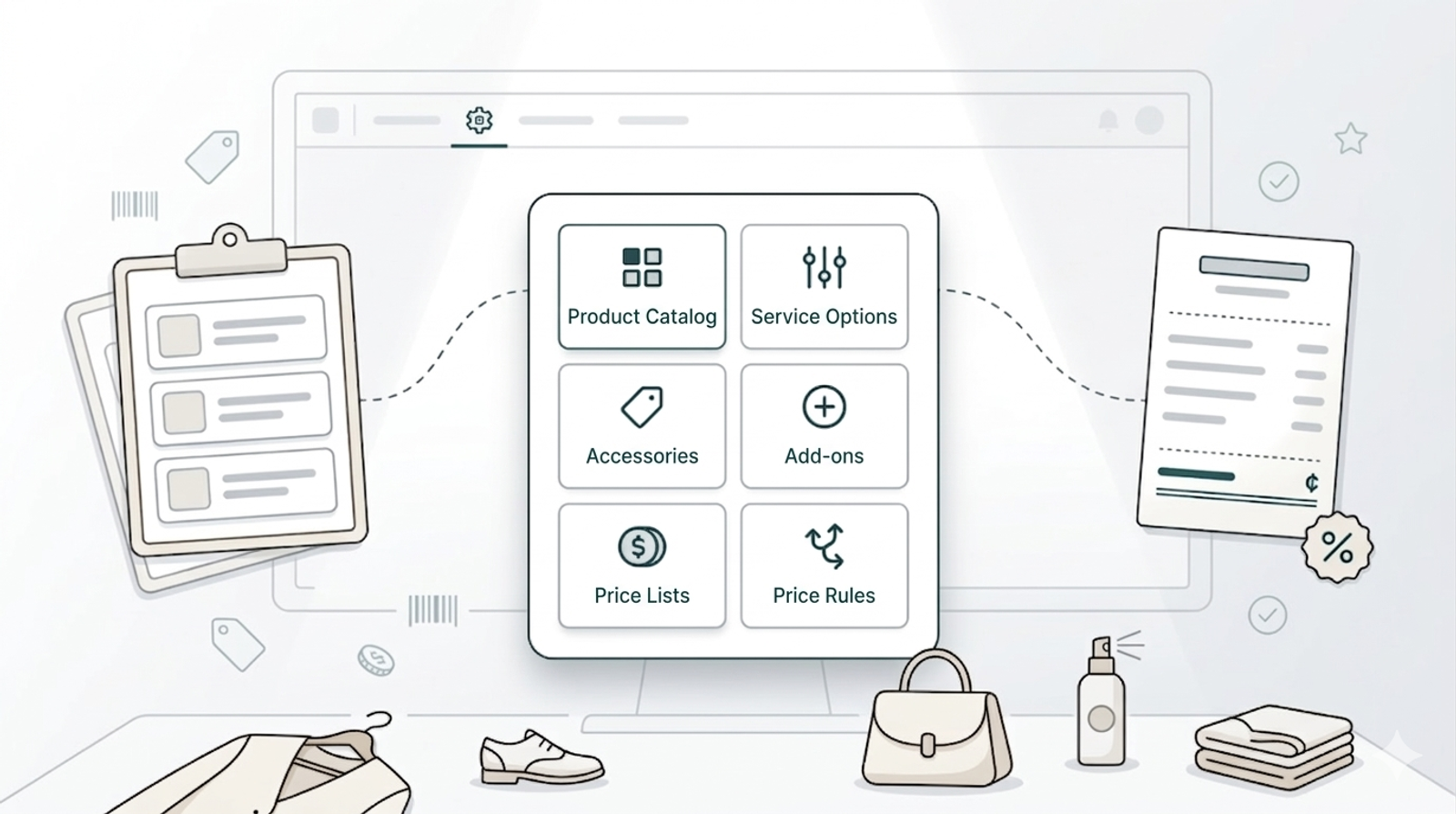
Everything your business sells — whether it's a laundry service, a bag deep clean, a repair job, or a care kit you sell at the counter — needs to be set up here before it can appear on your POS or online store. This section is where you tell EasyBiz what your services are, how much they cost, and how pricing works for different customers or situations. Once this is done, your staff will never have to guess a price or type numbers manually. The system works it out automatically every time an order is created. If you skip this section, your POS catalog will be empty and your staff won't be able to take orders. This is the most important setup step for your business.
Contents
Contents
Why This Section Matters
Right now, your prices probably live in your head, in a printed chart on the wall, or in a WhatsApp message you send to new staff. That means every time someone takes an order, there's a chance they get the price wrong or they have to stop and ask you.
Products & Pricing fixes that. You enter your services and prices once. After that, the system handles everything, the right price appears automatically, for every service, every time.
What You Will Set Up in This Section
Product Catalog
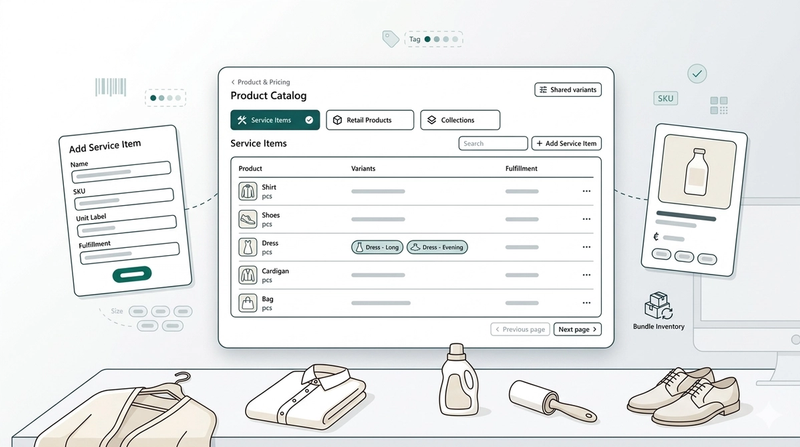
This is your list of items, the things your customers bring in (bags, shirts, curtains, shoes) and the things you sell at the counter (care products, accessories). Think of it as your shop's menu. Without this, your POS has nothing to show.
👉 [Setting Up Product Catalog]
Service Options
A service option is the type of work you do on an item — for example, Wash, Dry Clean, Deep Cleaning, or Repair. Each one has a pricing mode that tells the system how to calculate the price automatically. This is what makes your POS smart — your staff picks the service, and the price appears on its own.
👉 [Setting Up Service Options]
Price Lists
A price list is where you set the actual dollar amounts for each service. You can have different price lists for different situations — for example, one for regular walk-in customers and a lower one for corporate clients or agents. The right price list is applied automatically depending on who the customer is.
Accessories
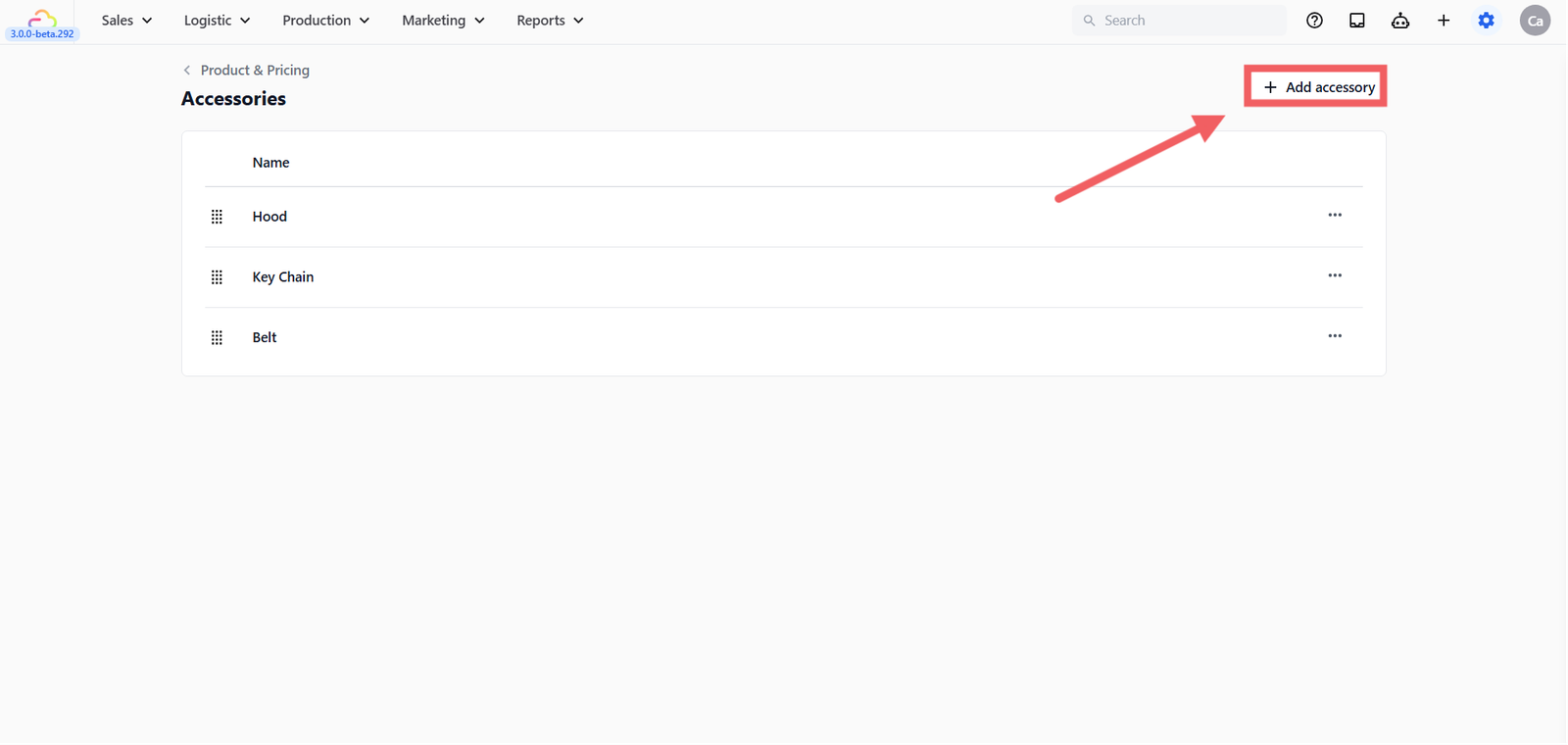
Accessories are extra physical items that came with the bag or garment when the customer drops it off. For example, a hood, a keychain, or a belt. Your staff records these at intake so nothing gets lost or mixed up during the service.
To set these up:
- Go to Settings → Products & Pricing → Accessories
- Click + Add accessory
- Enter the accessory name and click Add to save
Add-ons
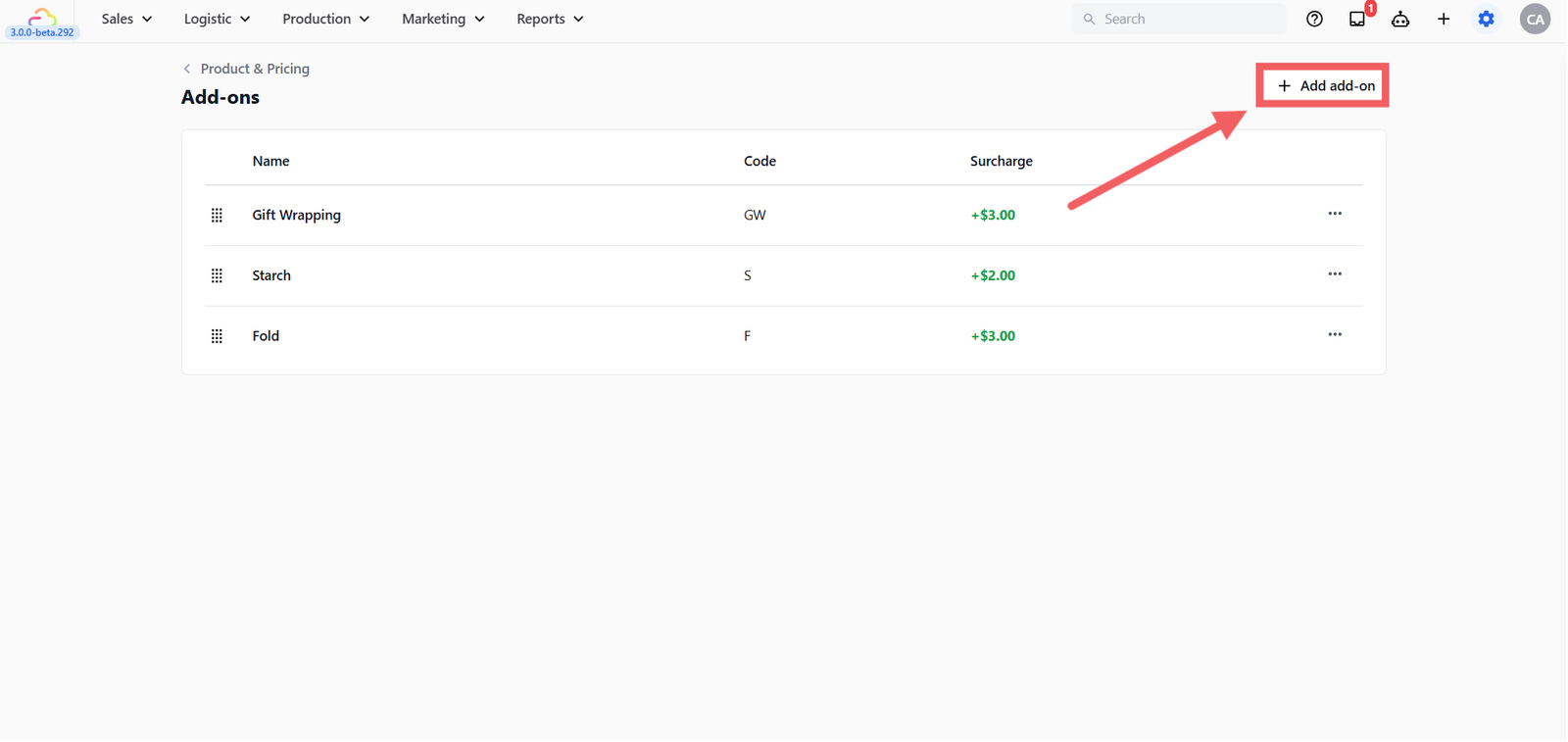
Add-ons are optional extras your staff can attach to an order at the counter. For example, gift wrapping, starch, or folding. Each add-on has a fixed surcharge that gets added to the order total automatically when selected.
To set these up:
- Go to Settings → Products & Pricing → Add-ons
- Click + Add add-on
- Enter the name, code, and surcharge amount and click Add to save
Price Rules
Advanced pricing logic for businesses with more complex needs. For example, automatically applying a higher price for exotic leather, or giving a discount when a customer brings in more than 5 pieces. If you're just getting started, skip this for now and come back once your basics are set up.
👉 [Setting Up Price Rules] (coming soon)
Where to Start
If you are setting up EasyBiz for the first time, follow the guides in this order:
- Product Catalog — Add your items first
- Service Options — Define what you do and how it's priced
- Price Lists — Set your actual prices
Once those three are done, your POS will be ready to take orders.
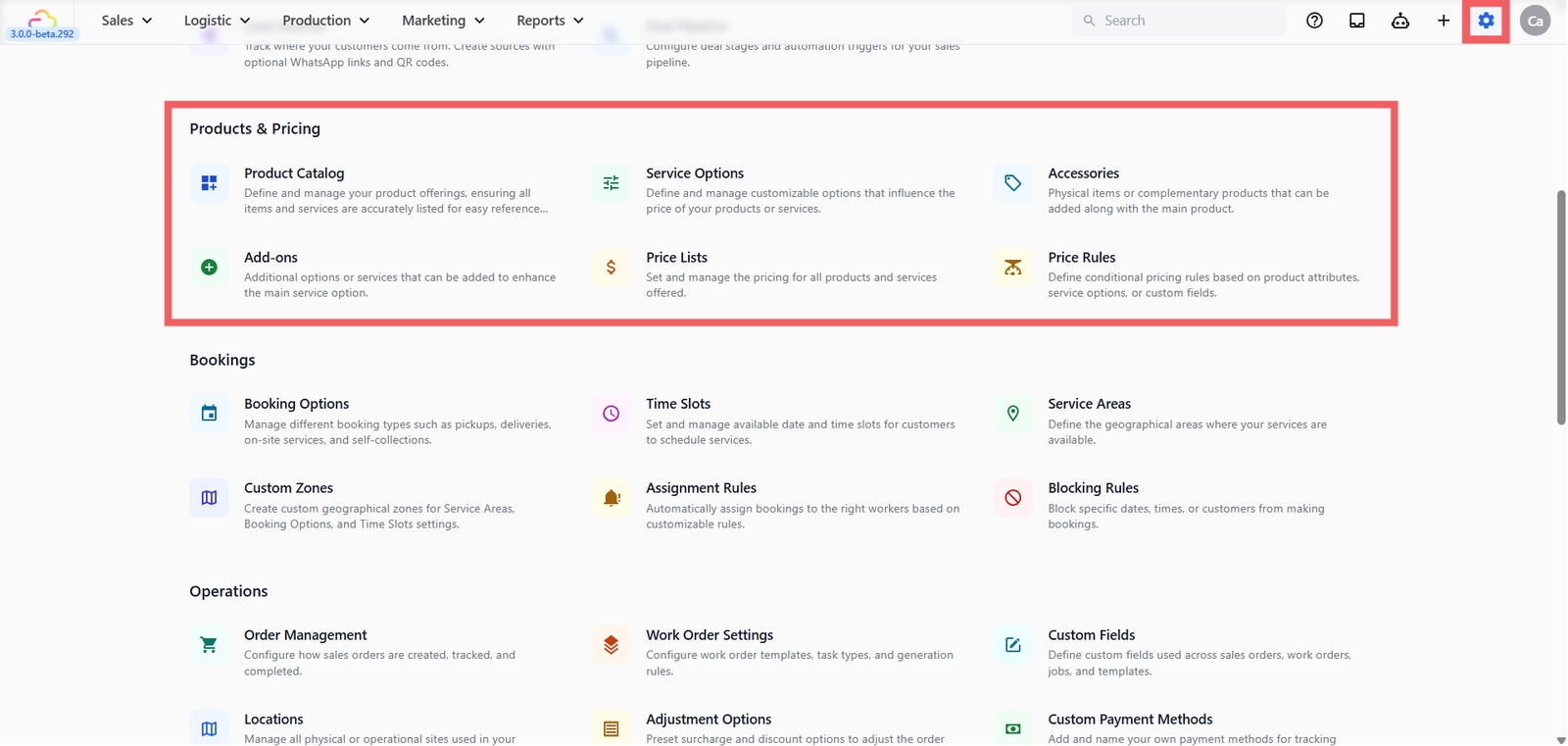
How to Access Products & Pricing
- Click the Settings icon from the top navigation bar
- Scroll down and find the Products & Pricing section
Give feedback
Up next
Setting Up Product CatalogSet up your services and products in one place so your team can take orders quickly — no guessing, no manual pricing.
Read more