
POS Setup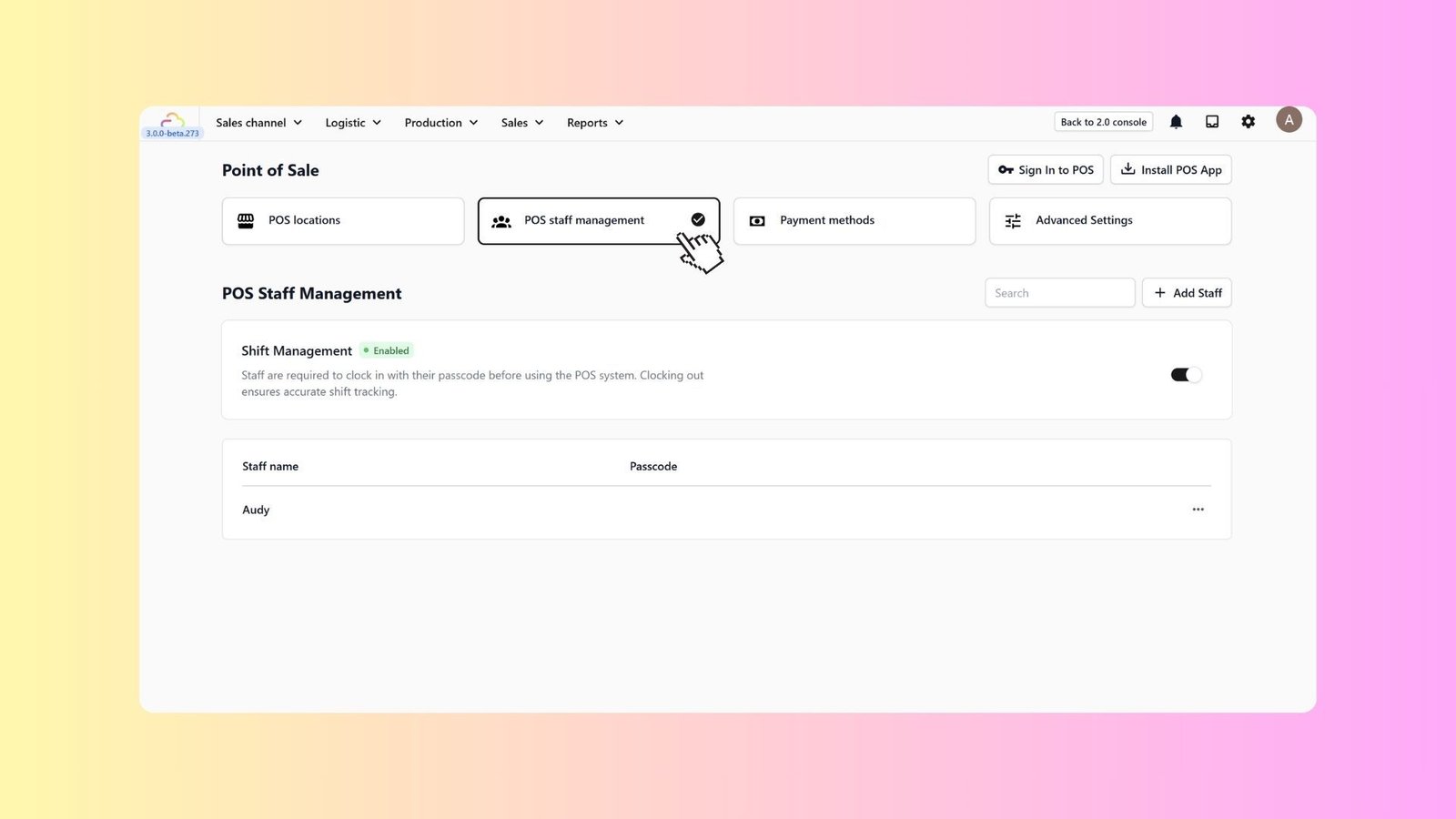
Manage POS Staff
In this article
Your staff are your frontline, but they also handle your cash. The "Manage POS Staff" feature allows you to secure your register by assigning unique, role-based logins for every employee. Instead of a shared "Admin" password that everyone knows, each staff member gets their own 4-digit PIN. This means the system tracks exactly who opened the drawer, who processed that refund, and who gave that discount.
Contents
Contents
Enable Shift Management
- Go back to the Point of Sale main menu.
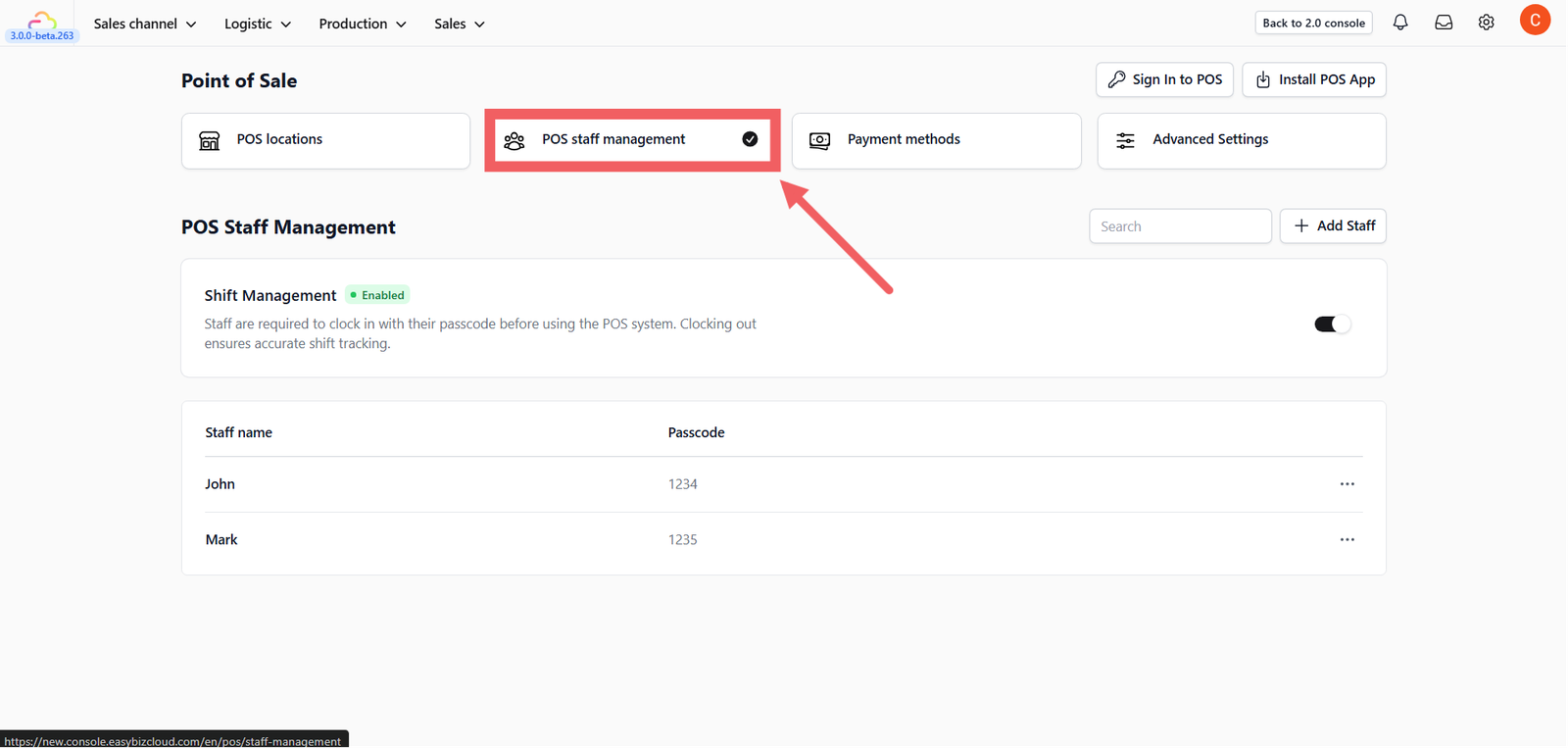
- Click the POS Staff Management card.
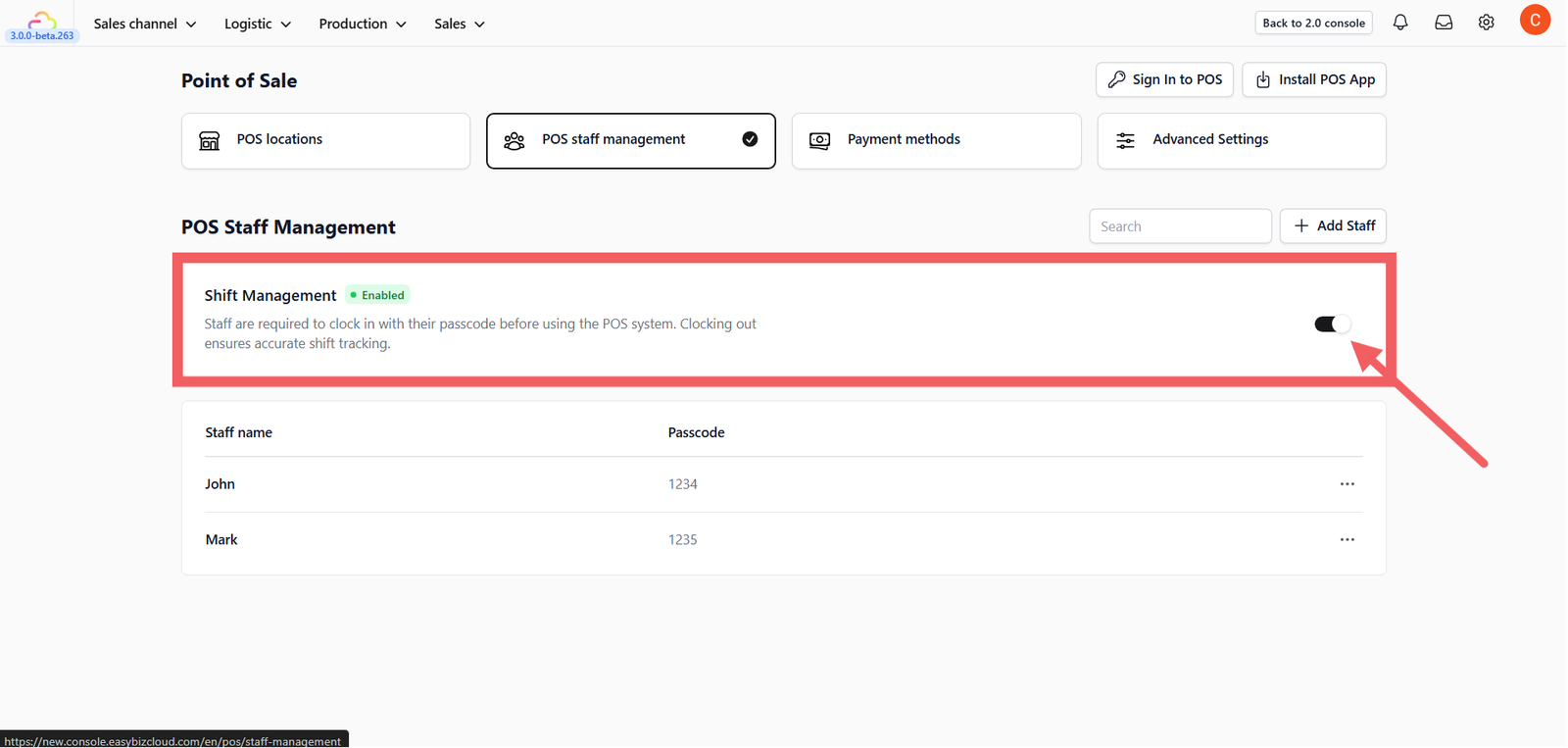
3. Toggle Shift Management to Enabled.
- Why? This forces staff to clock in with their passcode before they can make a sale, ensuring accurate attendance records.
Add a Staff Member
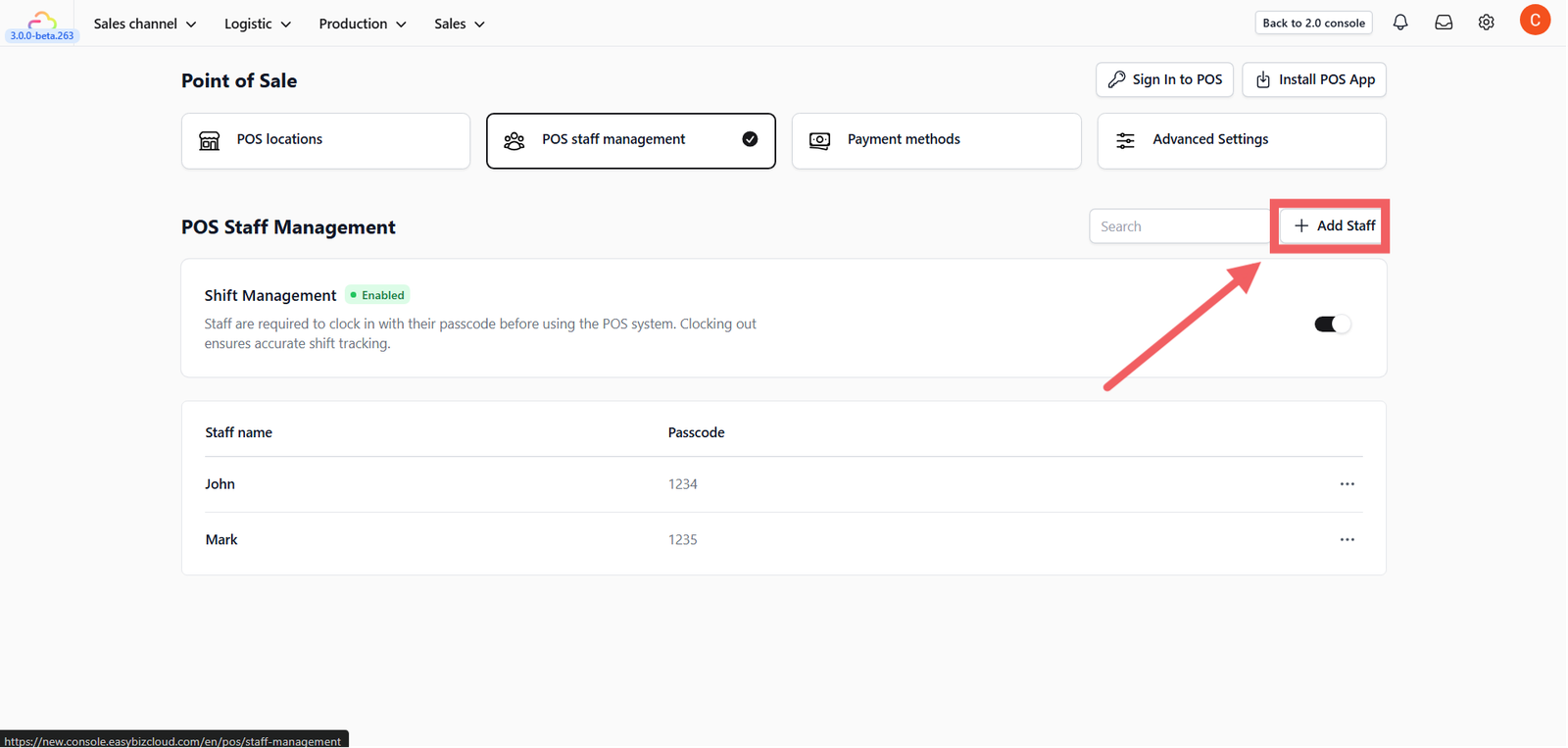
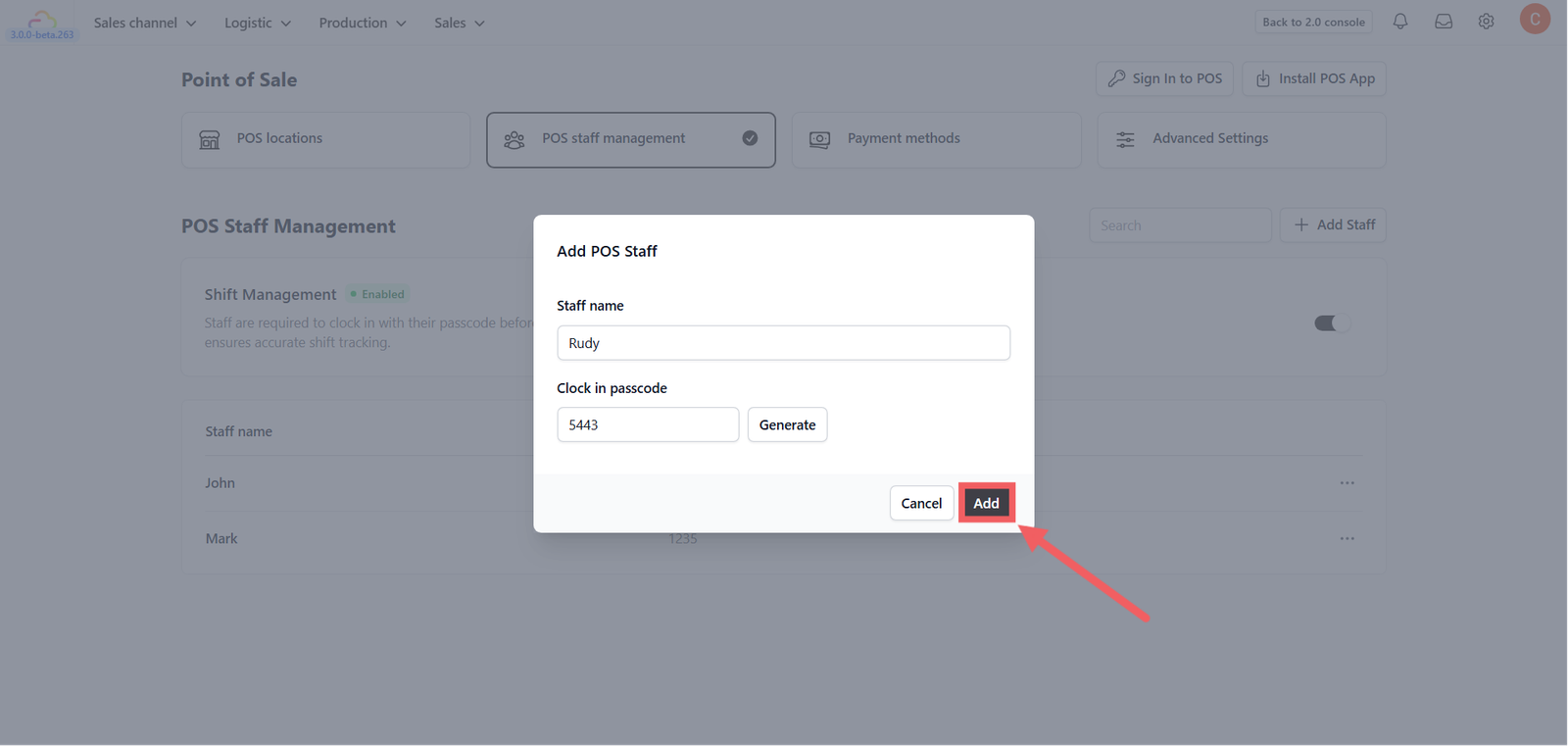
- Click the + Add Staff button.
2. Staff Name: Enter the employee's name (e.g., "John Doe").
3. Passcode:
- Type manually: Enter a 4-digit PIN.
- Generate: Click Generate to create a random secure PIN.
4. Click Add.
Tip: Each staff member must have a unique PIN. This allows you to track exactly who processed a specific refund or voided a transaction.
Give feedback
Up next
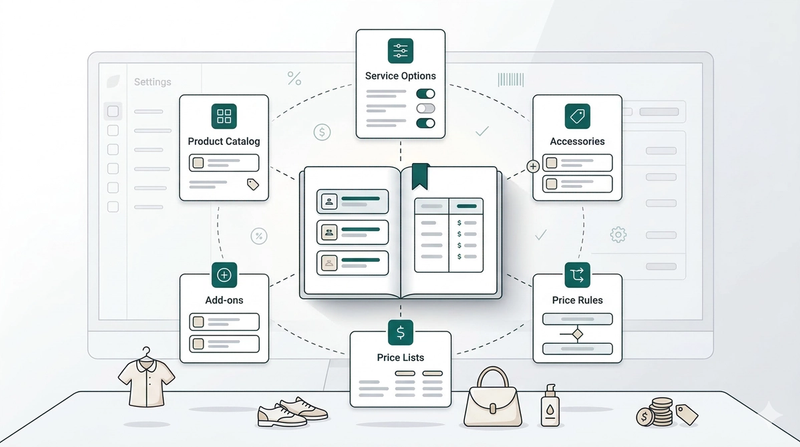
Products & PricingLearn how to organize your items, manage service options, and apply dynamic pricing rules to streamline your sales process.
Read more