
Introduction to Loyalty Program
In this article
The EasyBiz Loyalty module is not just about giving discounts, it is a strategic engine designed to change customer behavior. By combining three powerful tools Paid Memberships (Status), Top-Up Credits (Cash Flow), and Points (Gamification) you create an ecosystem where customers feel "invested" in your business and have no reason to go to your competitors.
Contents
Contents
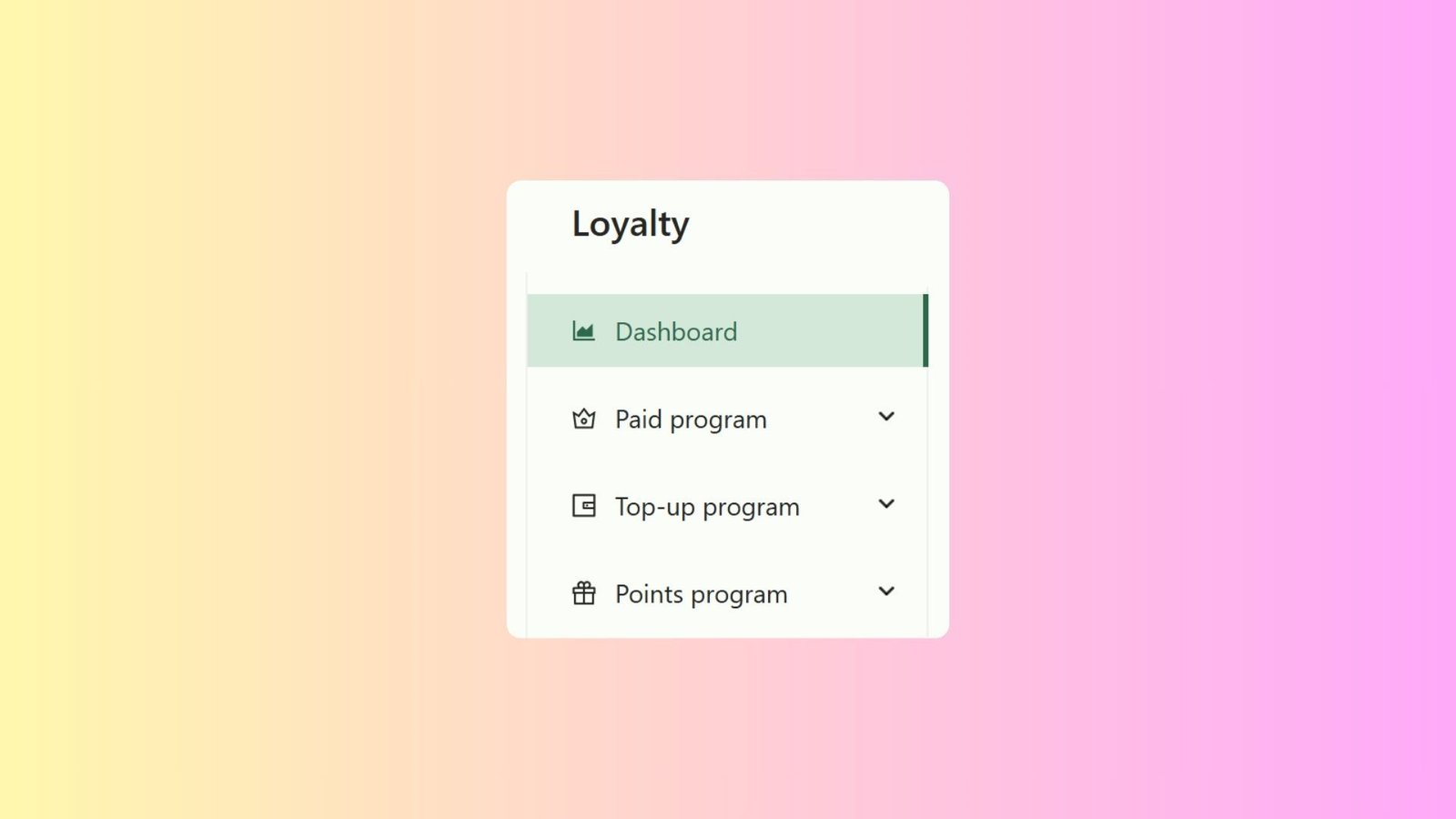
The Loyalty module consists of three core pillars:
- Paid Program (Memberships): Create tiered membership levels (e.g., Gold, Silver) that grant exclusive perks like discounts or cashback.
- Top-Up Program: Allow customers to pre-pay for store credit, improving your cash flow while locking in future sales.
- Points Program: Implement a "spend-and-earn" system where customers accumulate points to redeem for rewards.
Why should I use Loyalty?
Implementing a loyalty strategy offers three major benefits:
- Stop Customer Churn: Customers with points or credit balances are psychologically "locked in" to your service. They lose money if they leave.
- Secure Cash Flow: Top-Up programs let you collect cash upfront before you even perform the service.
- Increase Average Order Value (AOV): Members often spend more per visit to maximize their points or utilize their exclusive perks.
How to Access Loyalty Settings (2.0 vs 3.0)
Currently, the Loyalty configuration is exclusively available in the EasyBiz Cloud 2.0 Console.
If you are logged into the 3.0 Beta Console:
- Look for the beta notice on your dashboard.
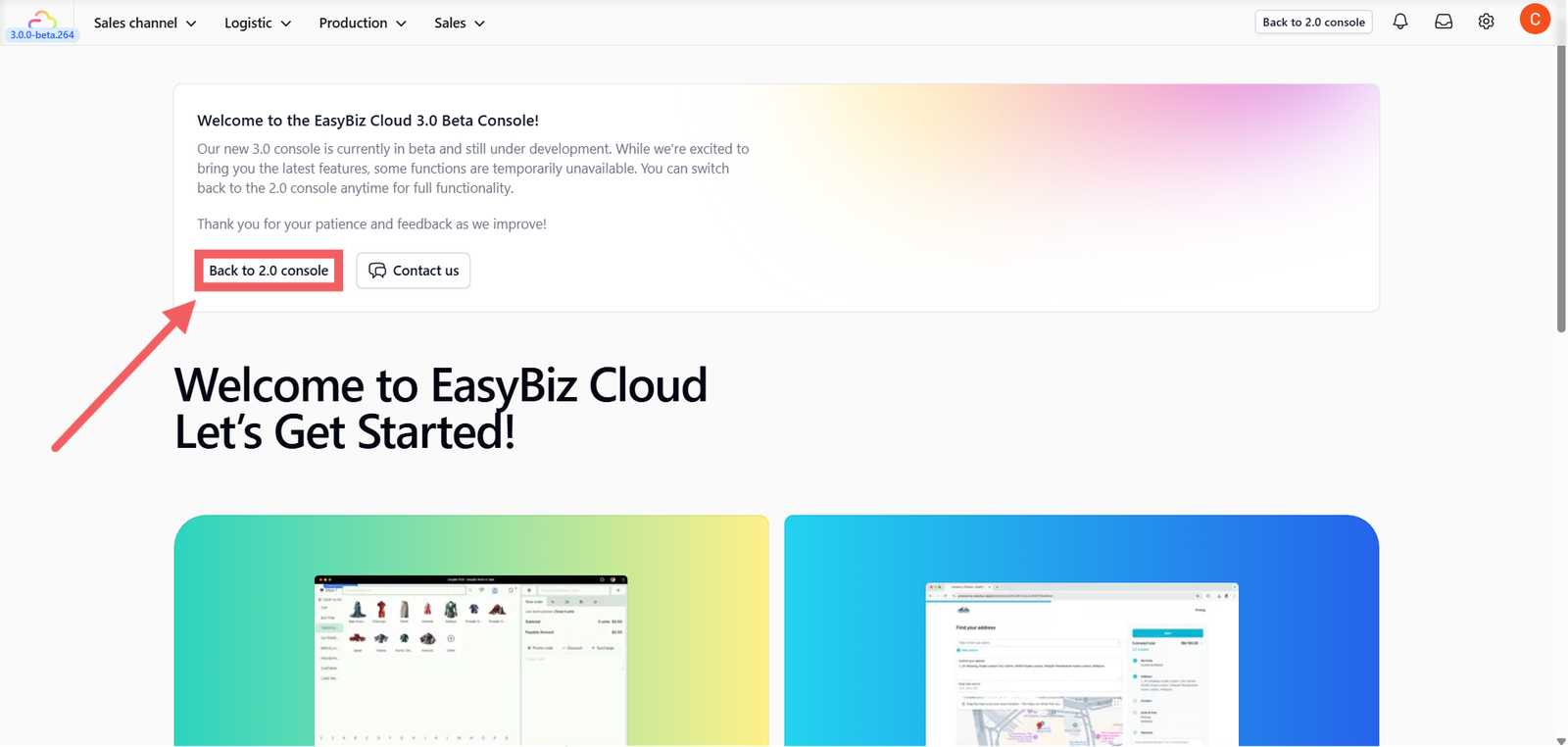
2. Click the Back to 2.0 console button.
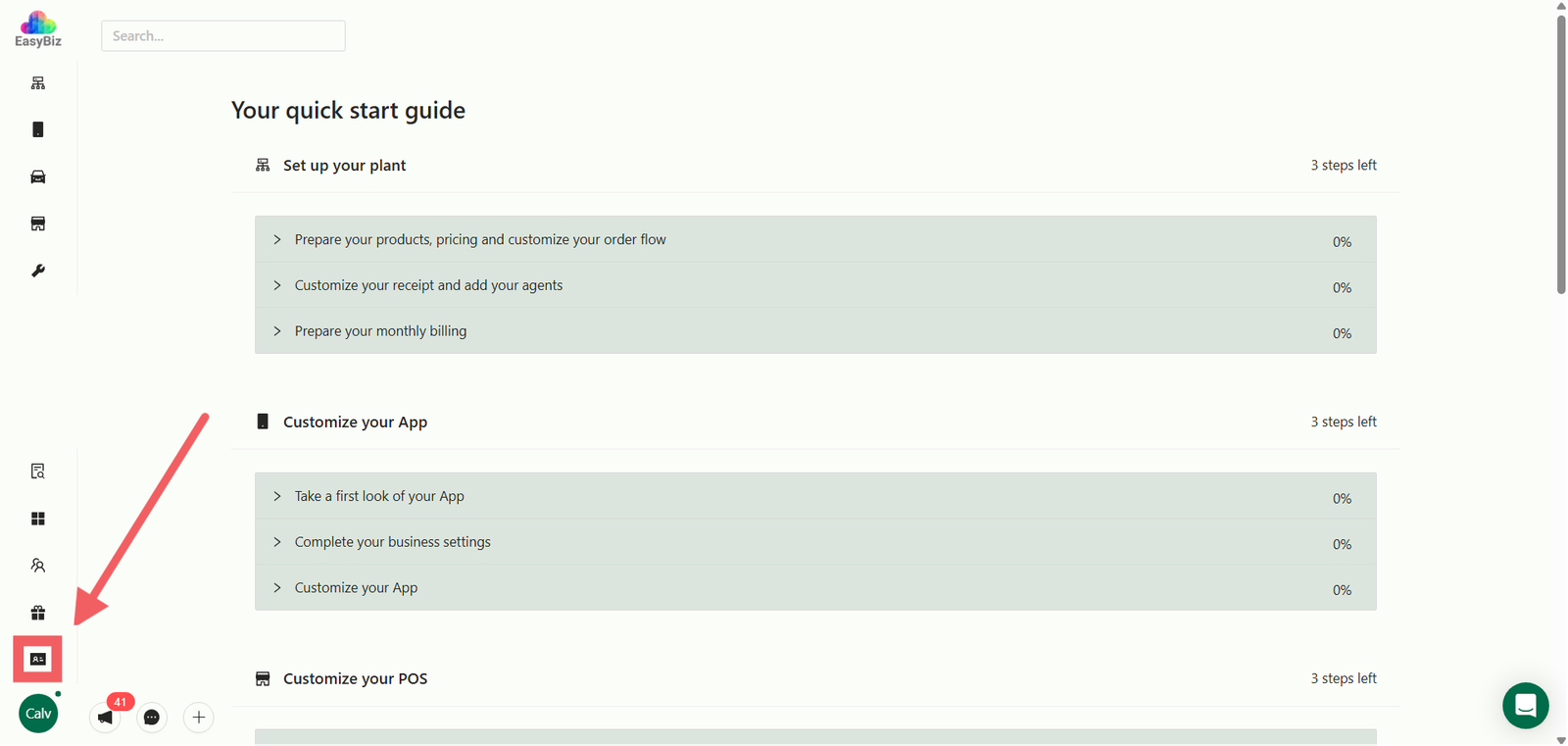
3. Once in the 2.0 Console, locate the Loyalty menu at the bottom left of your sidebar.
Give feedback
Up next
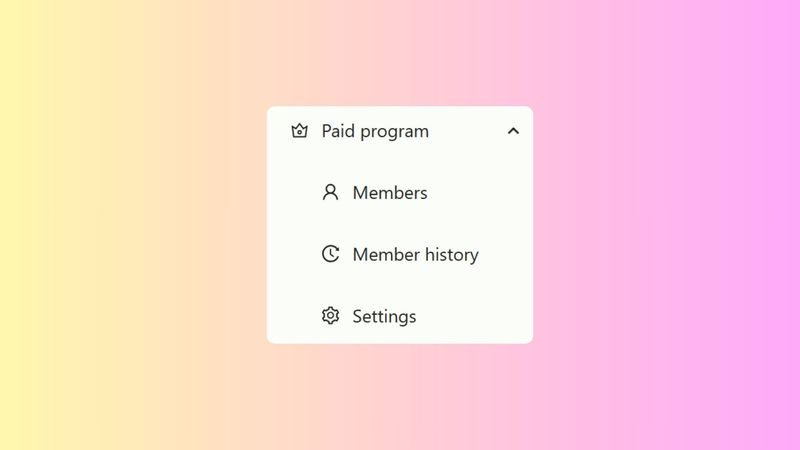
Setting Up Paid ProgramsCreate an exclusive VIP club. Learn how to set up tiered memberships that offer automated perks to your most valuable customers.
Read more