
Introduction to Loyalty & Rewards
In this article
EasyBiz gives you three tools to keep customers coming back: Store Credit lets customers prepay and spend their balance over time, Loyalty Points rewards them for every order they place, and Membership gives your best customers automatic perks and discounts. Each tool works on its own and can also be combined with the others. This article gives you a quick map of what each tool does and where to start.
Contents
Contents
Where to Find Loyalty & Rewards
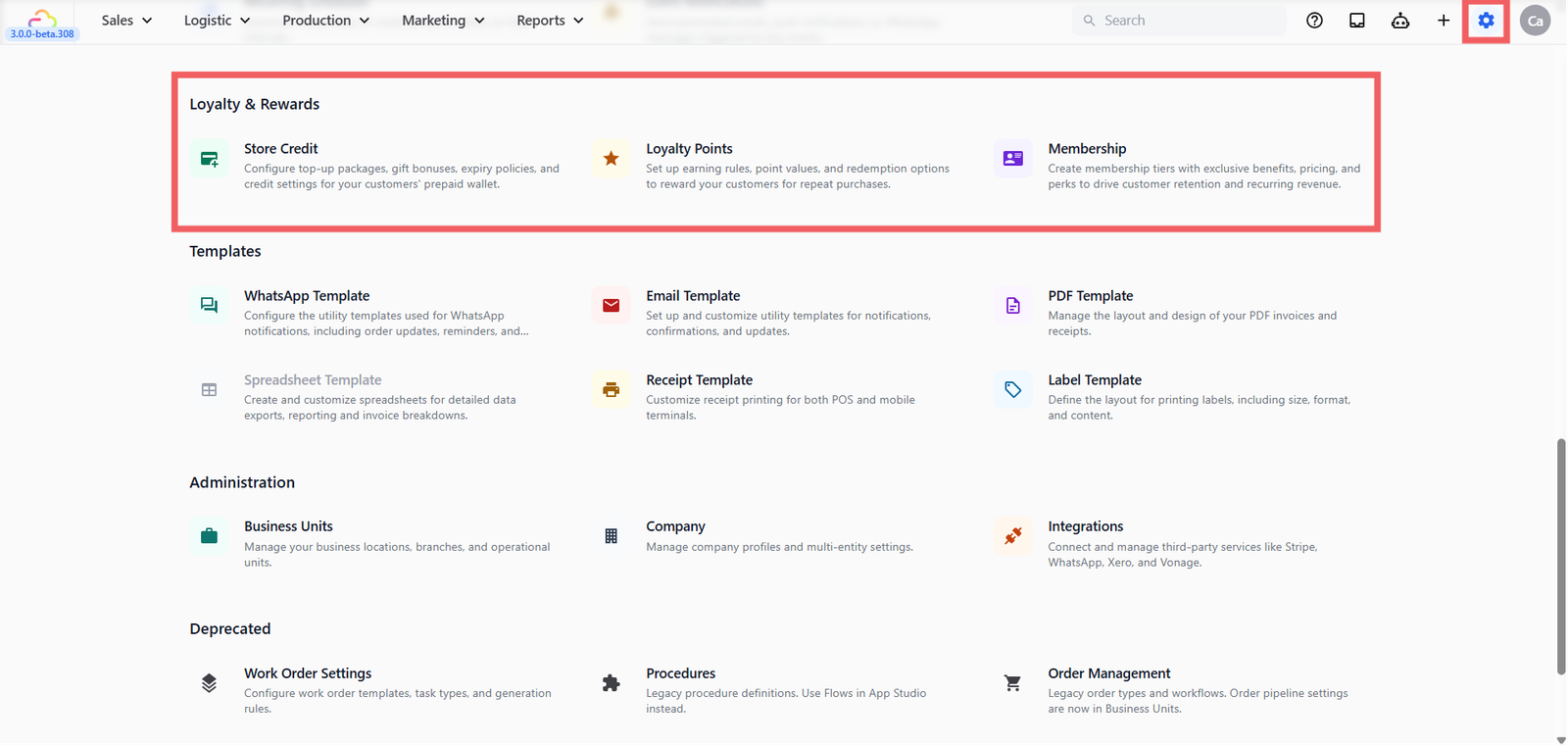
- Click the ⚙️ Settings icon in the top-right corner.
- Scroll to the Loyalty & Rewards section. You will see three entries: Store Credit, Loyalty Points, and Membership.
The Three Tools at a Glance
Store Credit
- Use this when -> You want customers to prepay and spend their balance over multiple visits
- What it does -> Customers top up at the counter, optionally with a bonus gift, and pay future orders from their wallet
- See guide -> [Setting Up Your Store Credit Program]
Loyalty Points
- Use this when -> You want customers to earn points on what they spend and redeem them later for discounts or free items
- What it does -> You set an earning rate, per-business-unit overrides, and a rewards catalog
- See guide -> [Setting Up Your Loyalty Points Program]
Membership
- Use this when -> You want VIP tiers with automatic discounts for your best customers
- What it does -> Defines tiers, perks, and pricing for your membership program
- See guide -> [Setting Up Your Membership Program] (Coming Soon)
Where Should I Start?
For shops that want a result this week, start with Store Credit. It is the easiest to explain to walk-in customers and gives them a clear reason to pay upfront.
| If you want to | Start with |
|---|---|
| Get paid upfront and reward bigger top-ups | Store Credit |
| Run a points program | Loyalty Points |
| Plan ahead for VIP tiers | Membership (Coming Soon) |
FAQs
Do I have to pick just one tool?
No. The three tools are independent. You can run Store Credit on its own and add Loyalty Points or Membership later.
Can a customer use store credit and points on the same order?
Yes. The tools stack. A single order can deduct store credit, earn points, and apply a membership discount.
Will my Store Credit settings carry over once Loyalty Points is on?
Yes. Each tool stores its own settings. Configuring one does not change the others.
Where do customers see their balance?
Balances are visible to your staff in the POS Credit tab and on the customer profile in the console.
What's Next?
Now that you know what each tool does, choose where to start:
- To let customers prepay and top up at the counter, head to [Setting Up Your Store Credit Program].
- To reward customers with points on every order, head to [Setting Up Your Loyalty Points Program].
- To set up VIP tiers and membership perks, see [Setting Up Your Membership Program] (Coming Soon).
Give feedback
Up next
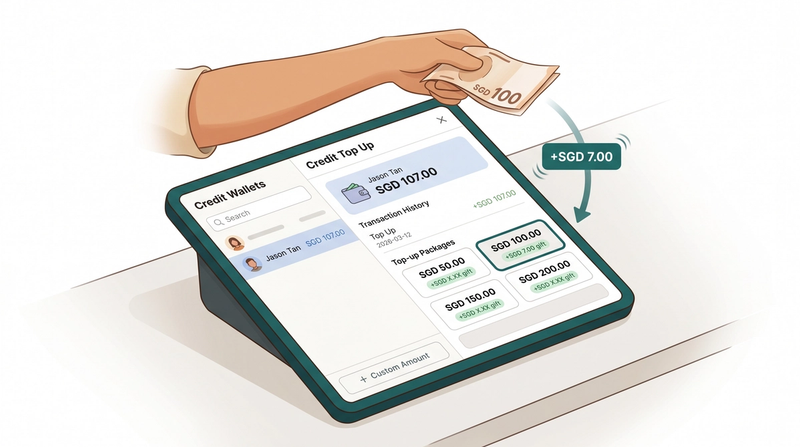
Setting Up Your Store Credit ProgramSet up Store Credit to let your shop sell prepaid top-up packages and reward customers with bonus credit they can spend at your counter.
Read more