
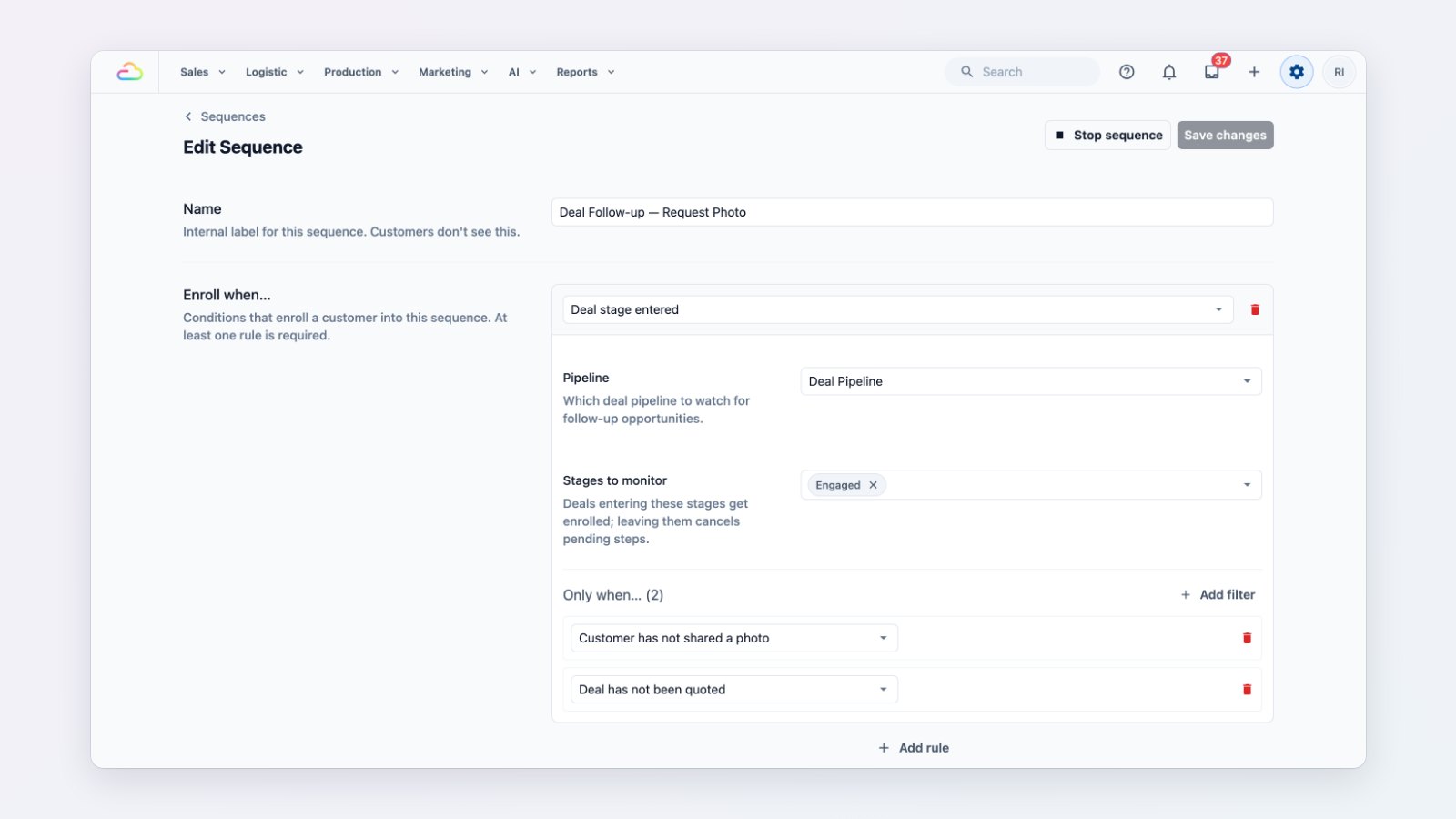
Most lost sales are not lost to a competitor. They are lost because nobody followed up. Sequences send your follow-ups for you, at the right time, in your own words.
Start from a template
Pick Deal follow-up to chase a quote that hasn't been accepted, or Service recall to invite a customer back a few months after their last aircon service or deep clean. You can also start from a blank sequence. Each step is a WhatsApp message with a delay, such as two days after the quote and again a week later.
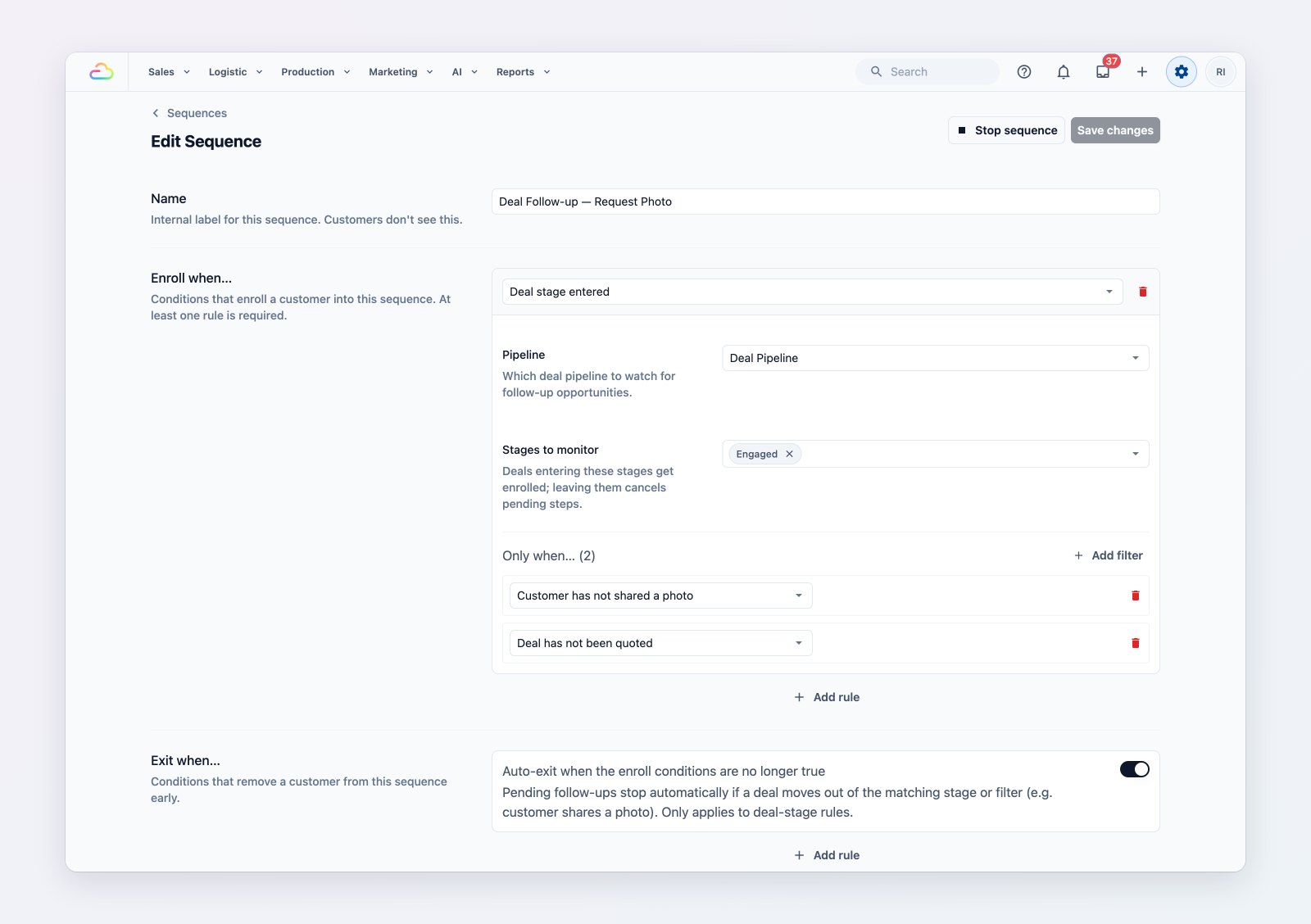
Each step has its own message, delay and send mode.
Automatic, or checked first
For each step, decide whether it sends by itself or waits in a Ready to send queue, where someone on your team can send it or skip it. Messages only go out inside the days and hours you allow, so nobody gets a reminder at midnight.
Stops when the customer replies
A sequence stops the moment the customer replies, so they never get a "just checking in" after they've already answered. If a customer replies STOP or UNSUBSCRIBE, they're opted out.
Where to find it
See running sequences in Marketing → Sequences, and create or edit them in Settings → Sequences. Each contact's page shows the sequences they're in.