
Introduction to Campaigns
In this article
Campaigns is your built-in marketing tool inside EasyBiz Cloud. It lets you create and send targeted promotions, announcements, and offers directly to your customers — all without leaving the platform. Whether it's a seasonal discount, a loyalty reward, or a new service launch, you can reach the right audience through the right sales channel.
Contents
Contents
Why we recommend you to use our Campaign feature?
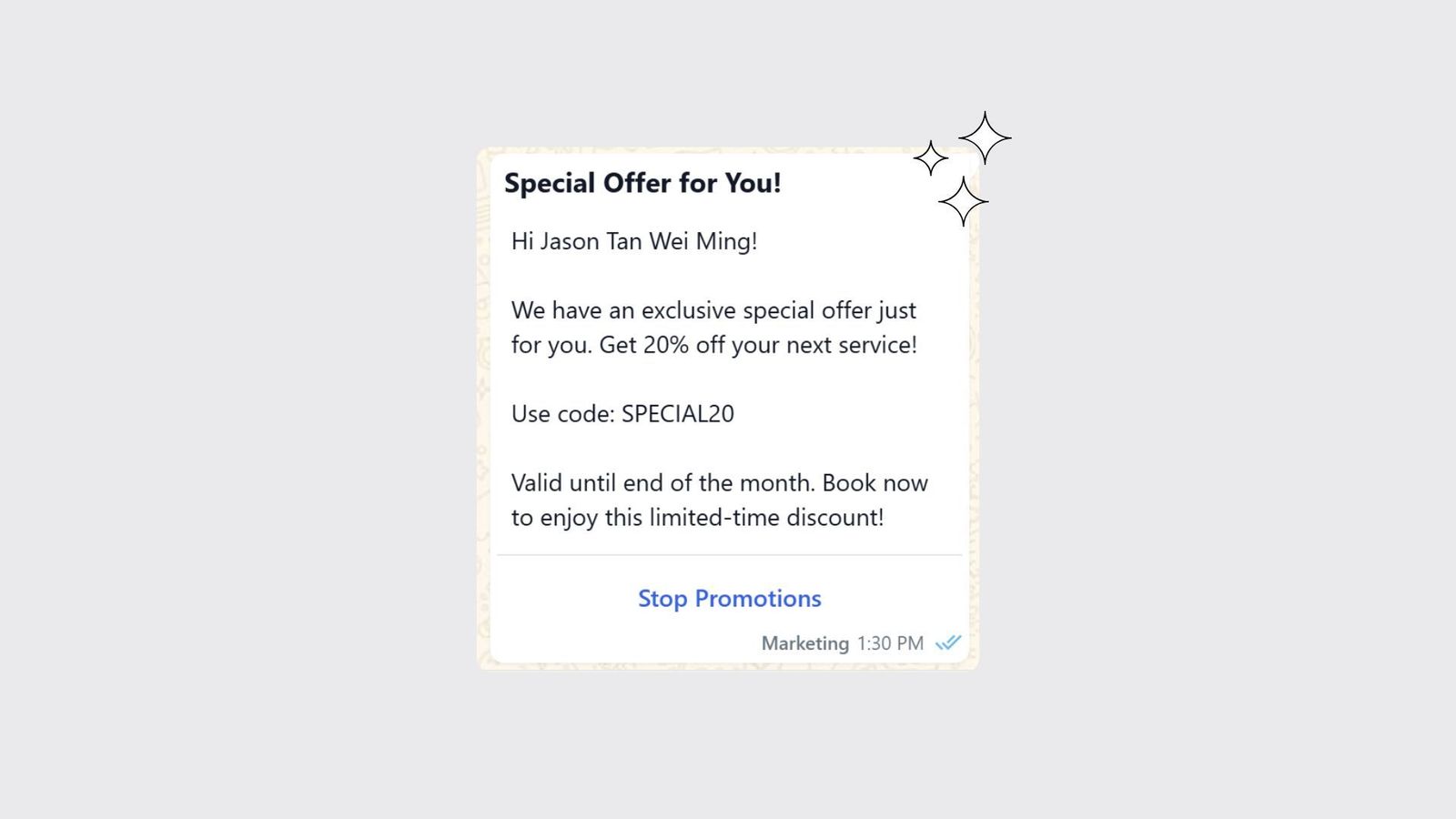
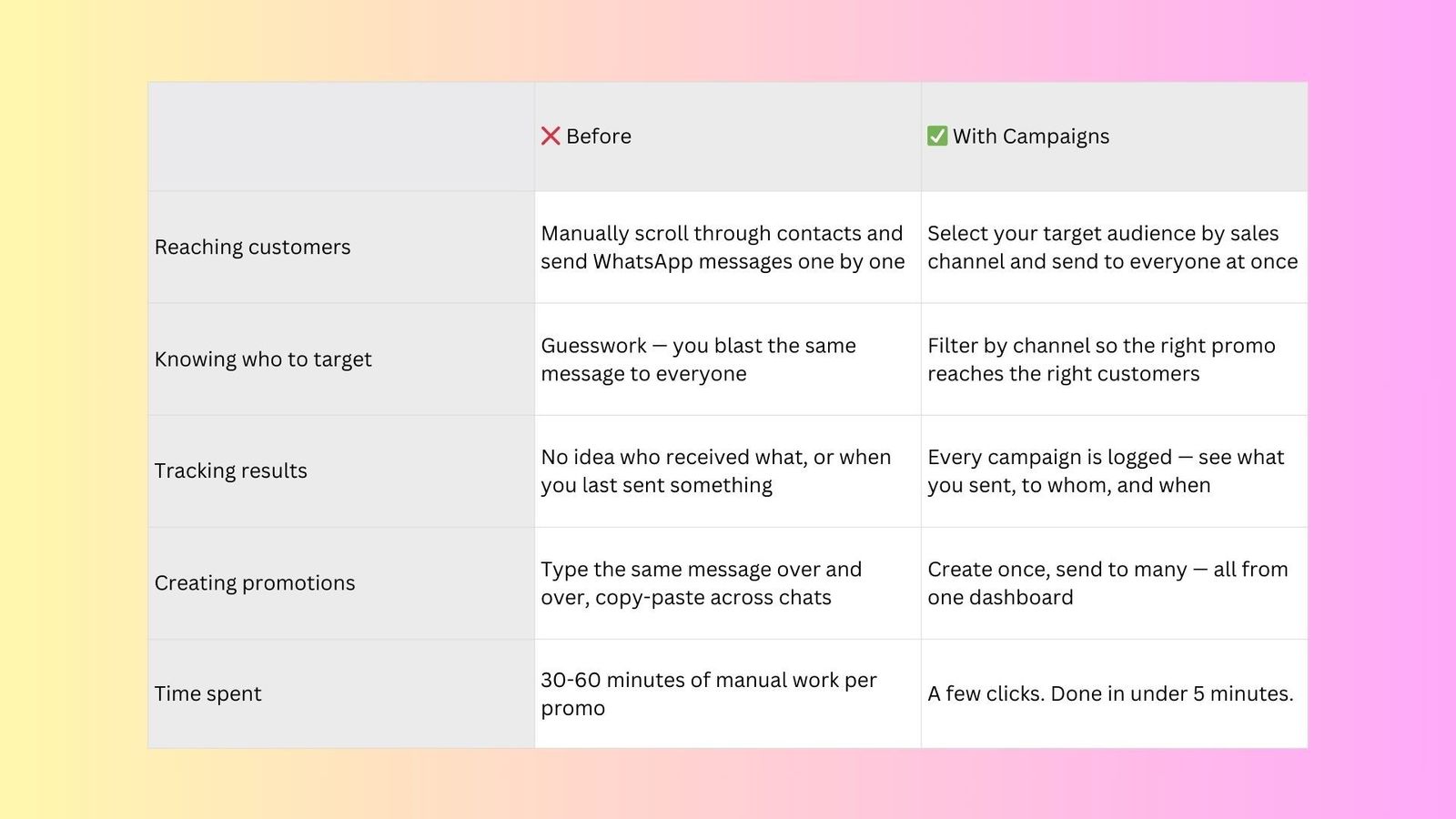
Most service businesses rely on word-of-mouth or scattered WhatsApp blasts to reach their customers. That's slow, hard to track, and easy to miss.
With Campaigns, you get:
- Targeted reach — Segment your audience by sales channel so your message lands where your customers actually are.
- No extra tools needed — No need to juggle Mailchimp, Google Ads, or spreadsheets. Everything lives inside your EasyBiz Cloud console.
- Measurable results — Know what you sent, to whom, and when — all in one place.
What can you do with Campaigns?
Here are a few things you can do with Campaigns:
- Send promotions to customers from specific sales channels (e.g. WhatsApp, Online Store, POS walk-ins).
- Announce new services, seasonal offers, or limited-time deals — and more.
- Re-engage past customers who haven’t booked in a while.
- Track all your campaigns in one centralized dashboard.
How to access Campaigns
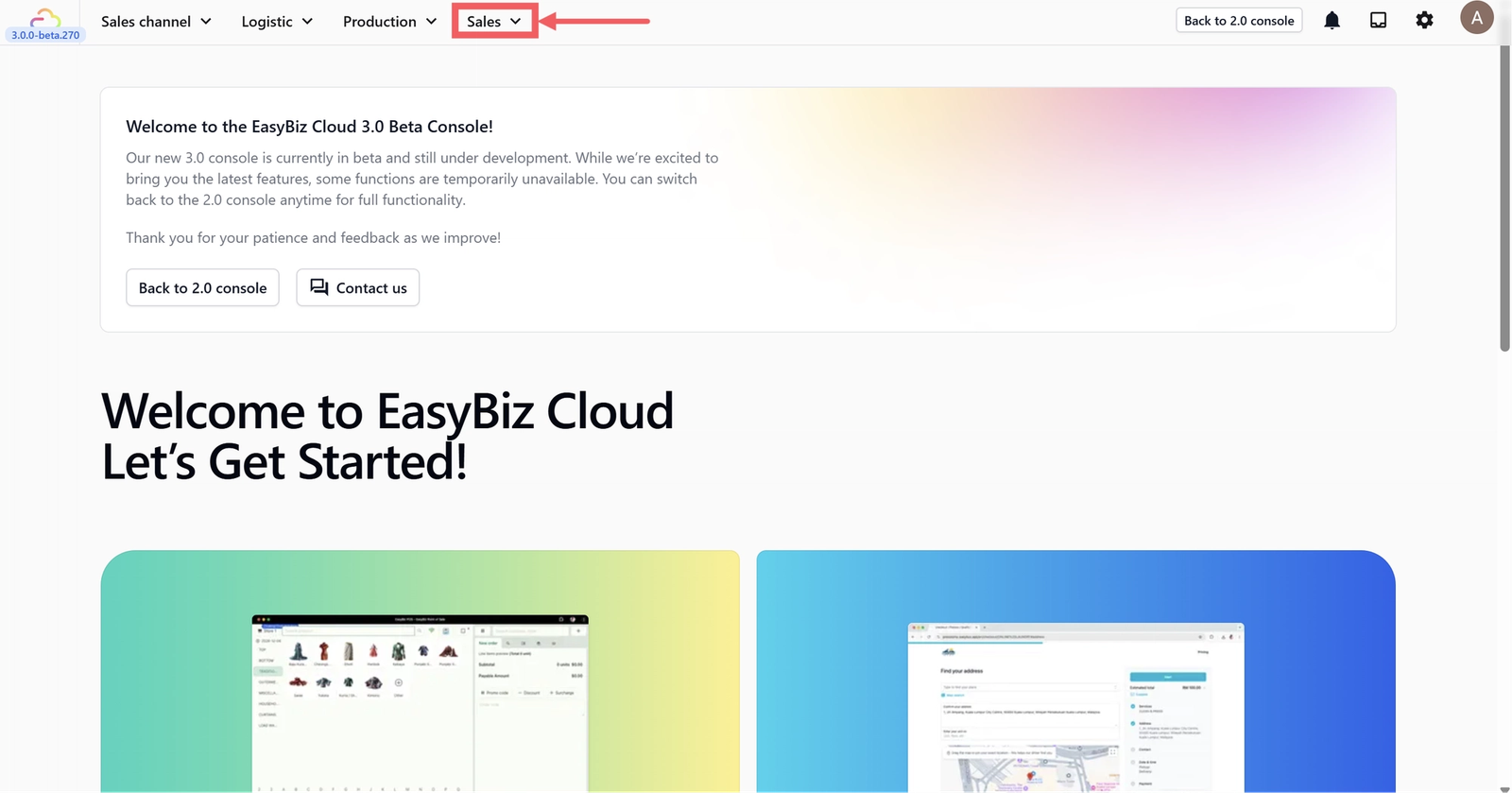
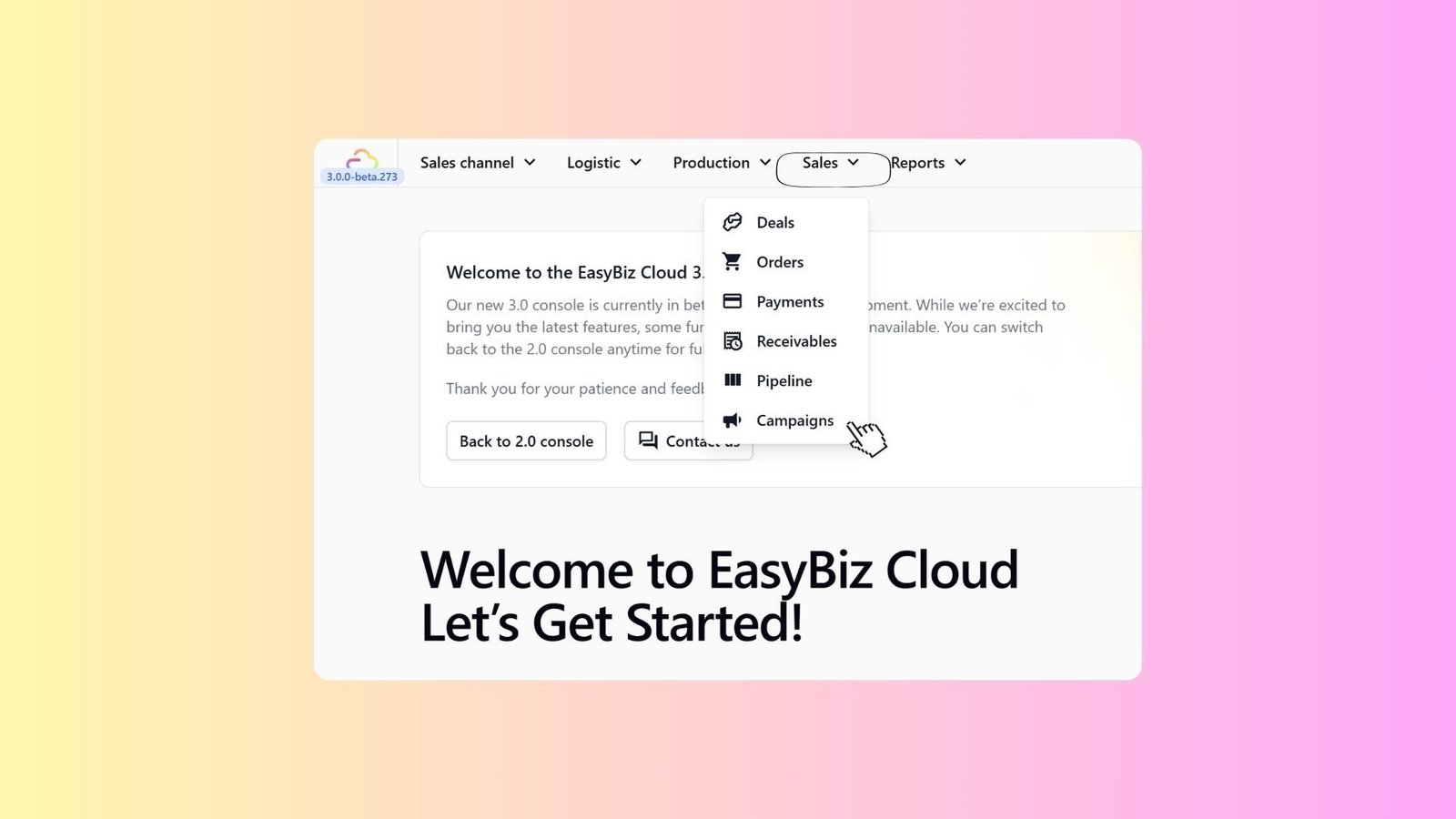
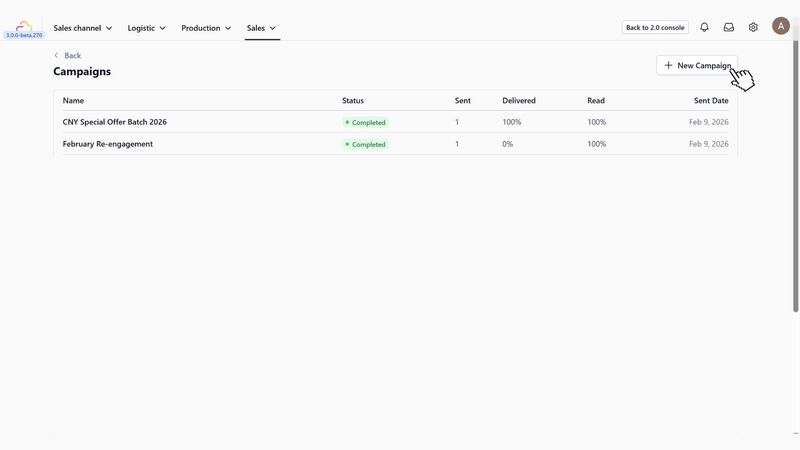
Head to your Console 3.0 and click on Sales in the navigation bar.
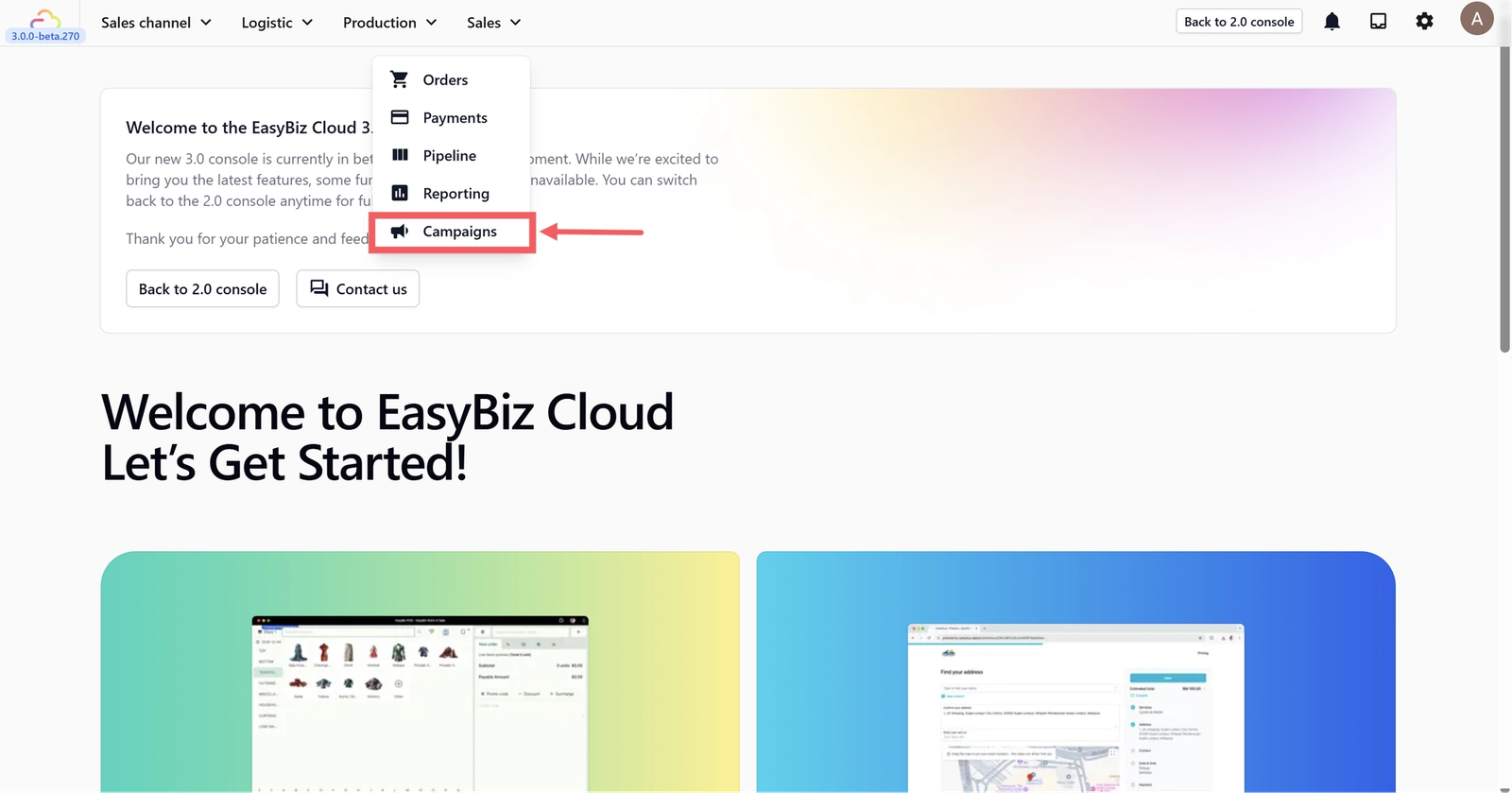
Select Campaigns — from here, you’ll be able to create new campaigns and track all your existing ones in one place.
Before vs After Campaigns
Give feedback
Up next
How to Create and Send a CampaignLearn how to create, target, and send promotional messages to your customers via WhatsApp, and track their performance in real-time.
Read more