
System Customization Overview
In this article
System Customization provides the flexibility to adapt the EasyBiz environment to your unique operational model. Rather than using a rigid, one-size-fits-all setup, you can modify every aspect of your mobile apps to match the specific workflows of your staff and service units. Use our pre-built templates as a foundation to get started quickly, then fully customize every page and setting later to achieve the perfect fit for your business.
Contents
Contents
Why is the system customization useful and important?
- Role-Specific Focus: You can build unique interfaces for different departments, such as Plant Workers, Agents, or Store Staff, so they only see what matters to them.
- Operational Efficiency: By removing unnecessary steps and pages, you help staff complete their tasks faster and with fewer distractions.
- Scalable Growth: As your business expands or adds new services, you can toggle essential modules on or off to keep the experience simple and organized.
- Business Alignment: It ensures each app version is perfectly assigned to the correct business unit and team members, preventing cross-department confusion.
Where to find System Customization
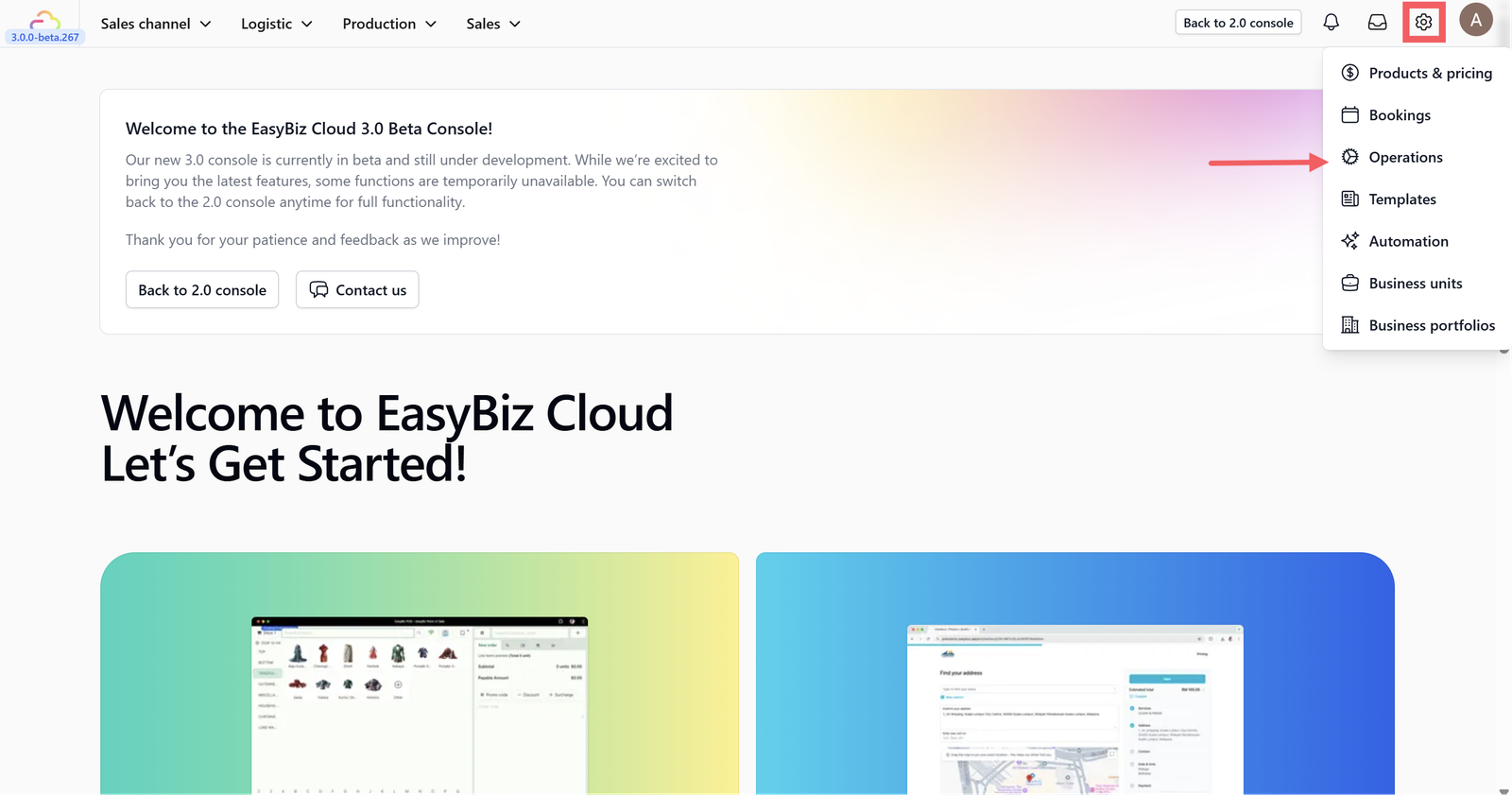
Click on the Settings icon in your dashboard and Choose Operations from the settings menu.
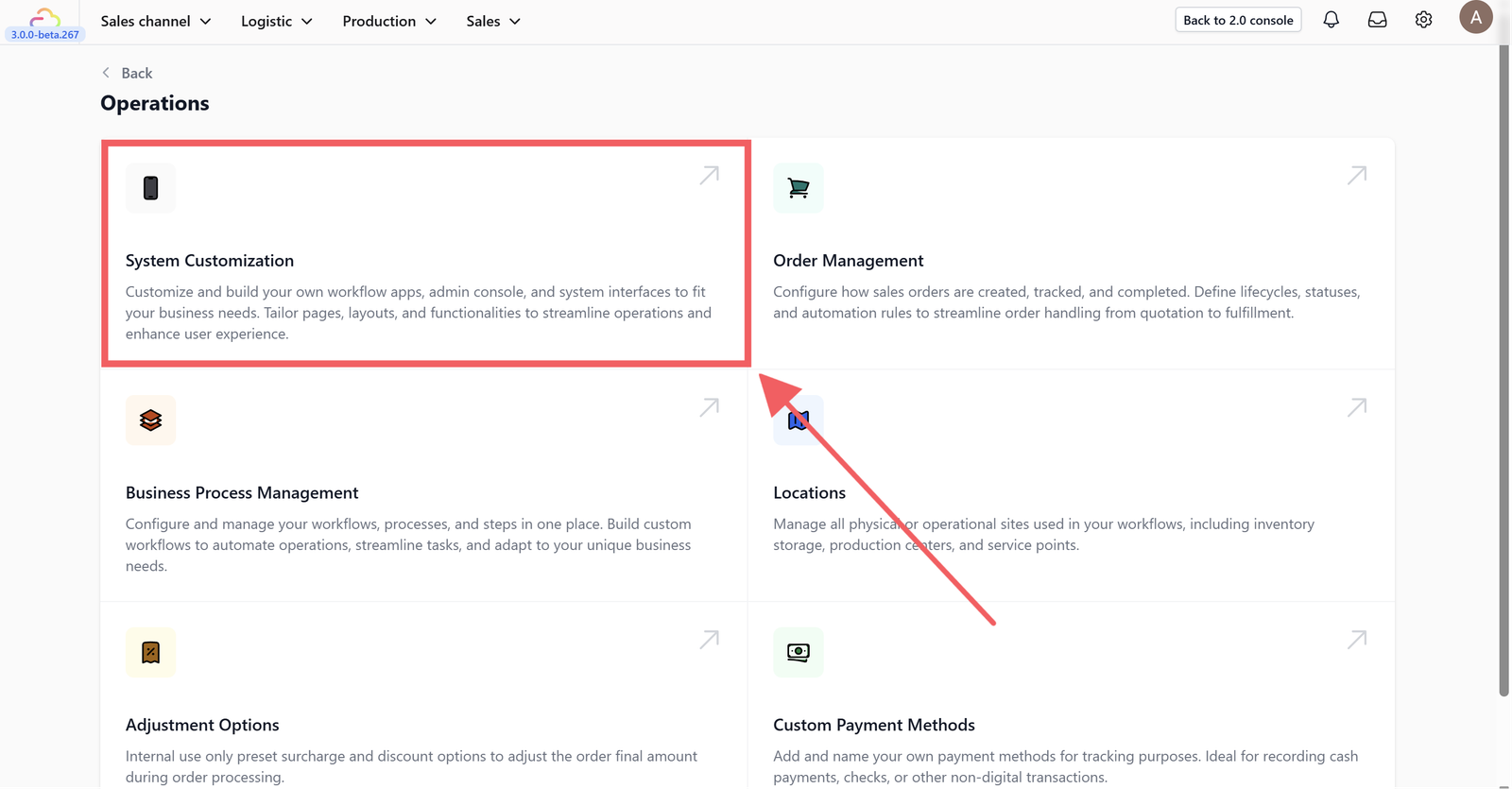
Click on System Customization.
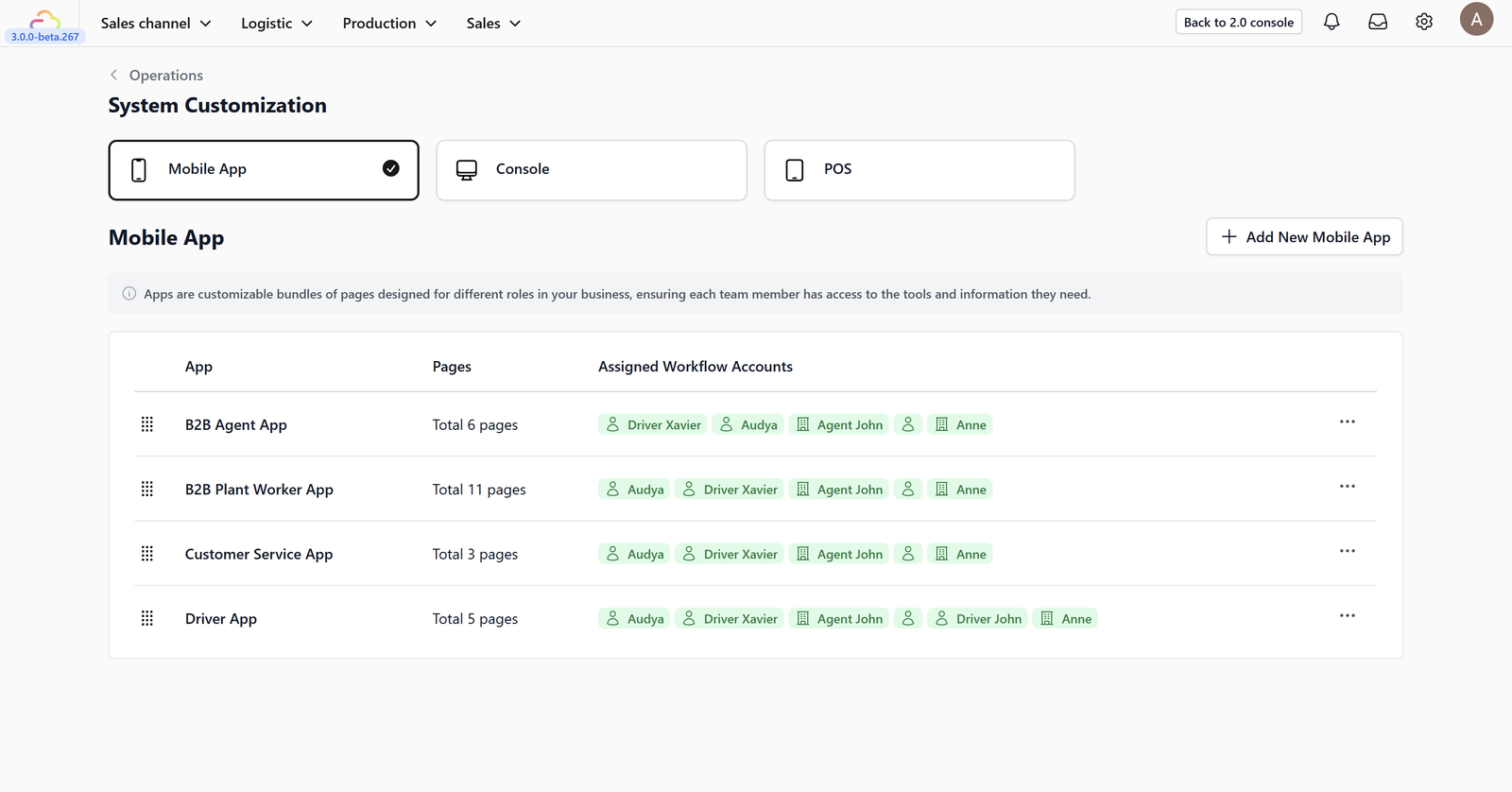
Here, you will see the list of all the apps you have created.
App Templates
Use these templates as a starting point. You can fully customize and modify every page setting later to fit your specific needs.
All pre-made templates come with essential pages already set up so you can start using the app immediately. However, you are never stuck with the default configuration—you can: Use it as-is/Add more pages/Modify settings
B2B Plant Worker App
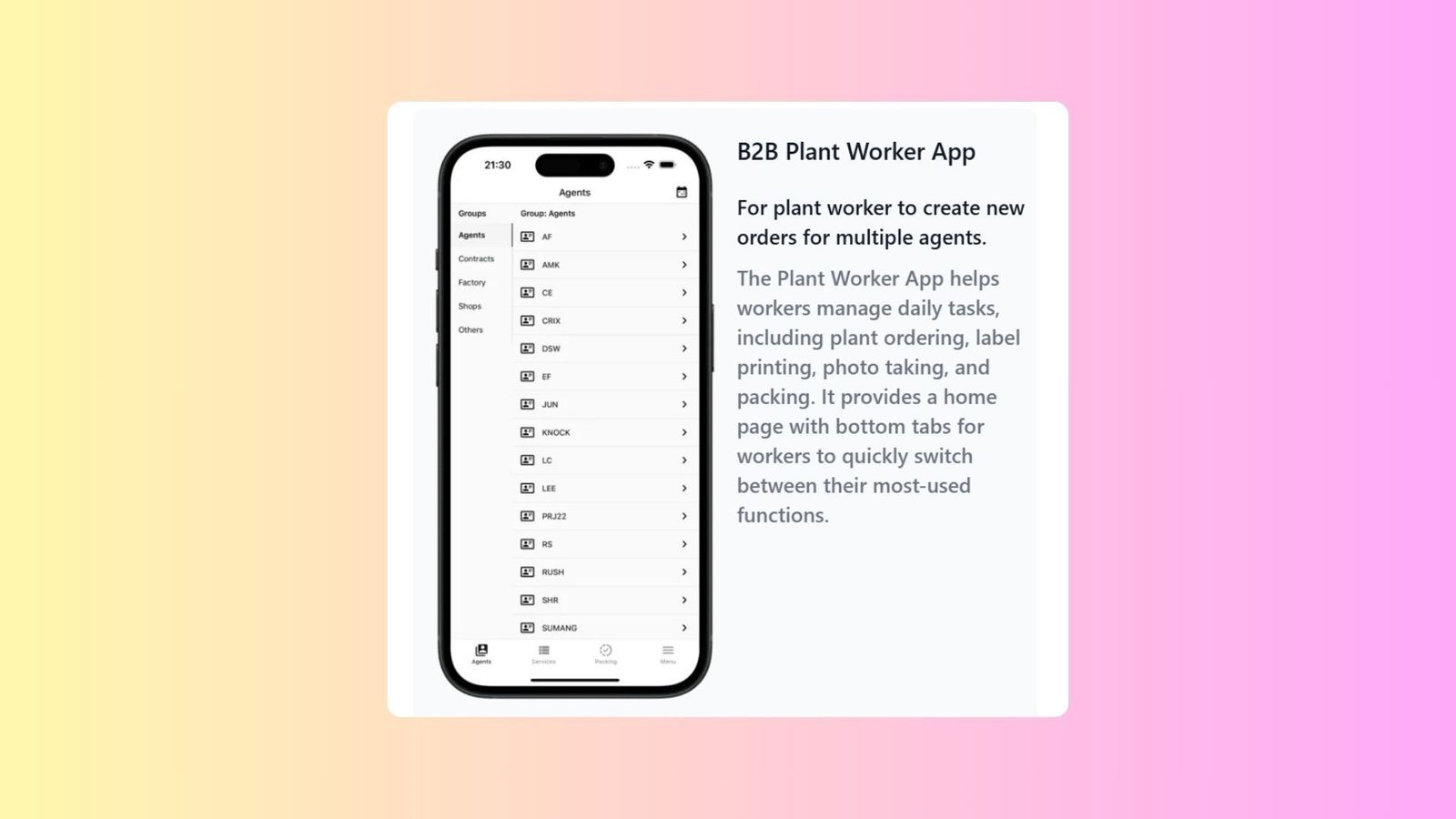
A dedicated interface for plant workers to manage high-volume production tasks and order fulfillment for multiple B2B agents.
Functionality:
- Helps workers manage daily tasks, including plant-side ordering, label printing, and packing.
- Features a home page with bottom tabs for quick switching between critical functions like "Agents," "Services," and "Packing".
- Allows documentation through photo taking to track item conditions during processing.
B2B Agent App
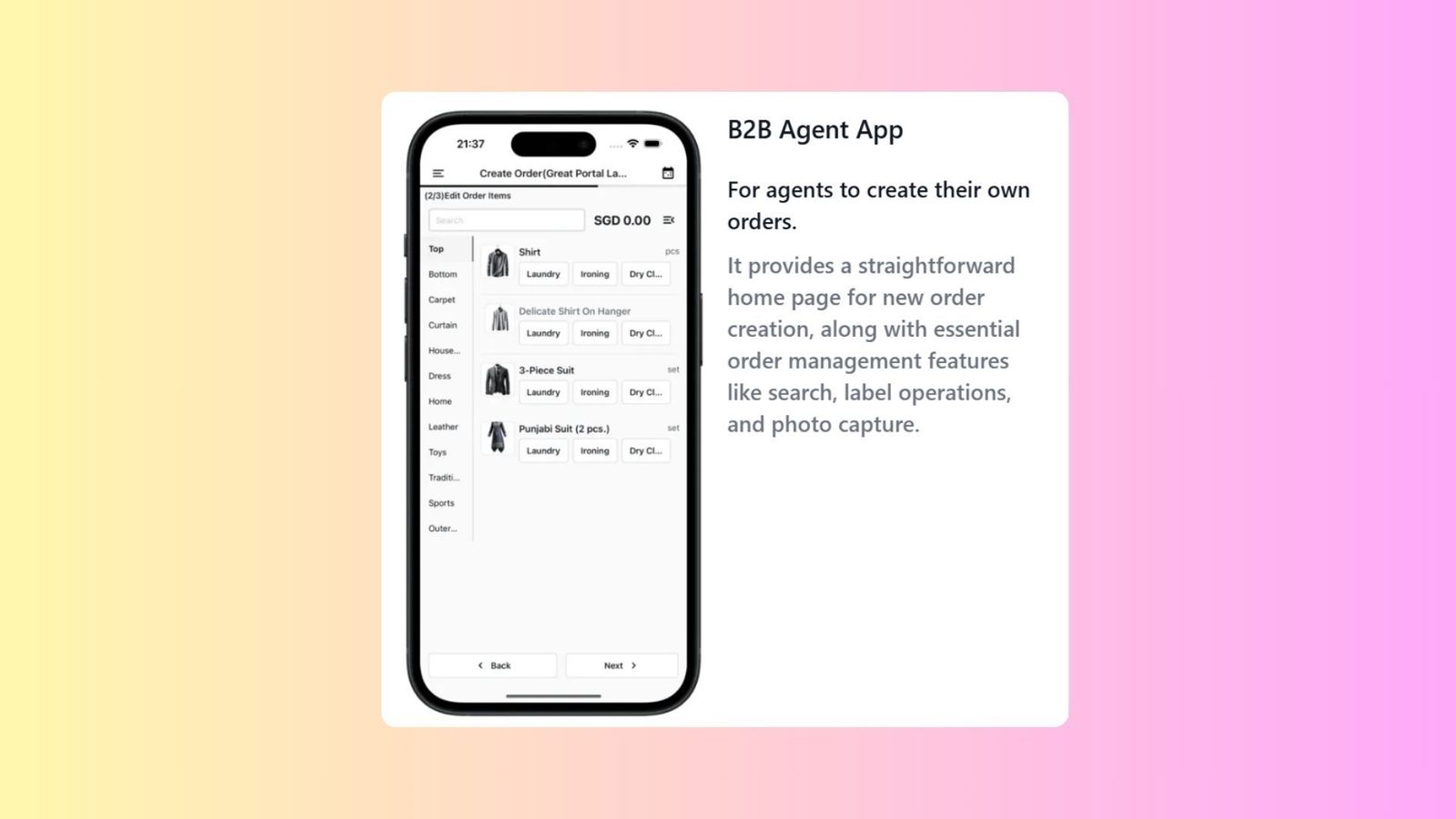
A simplified, self-service tool designed specifically for independent agents (such as hotels or contractors) to manage their own business orders.
Functionality:
- Provides a straightforward home page primarily focused on new order creation.
- Includes essential order management features like order search, label operations, and photo capture.
Customer Service App
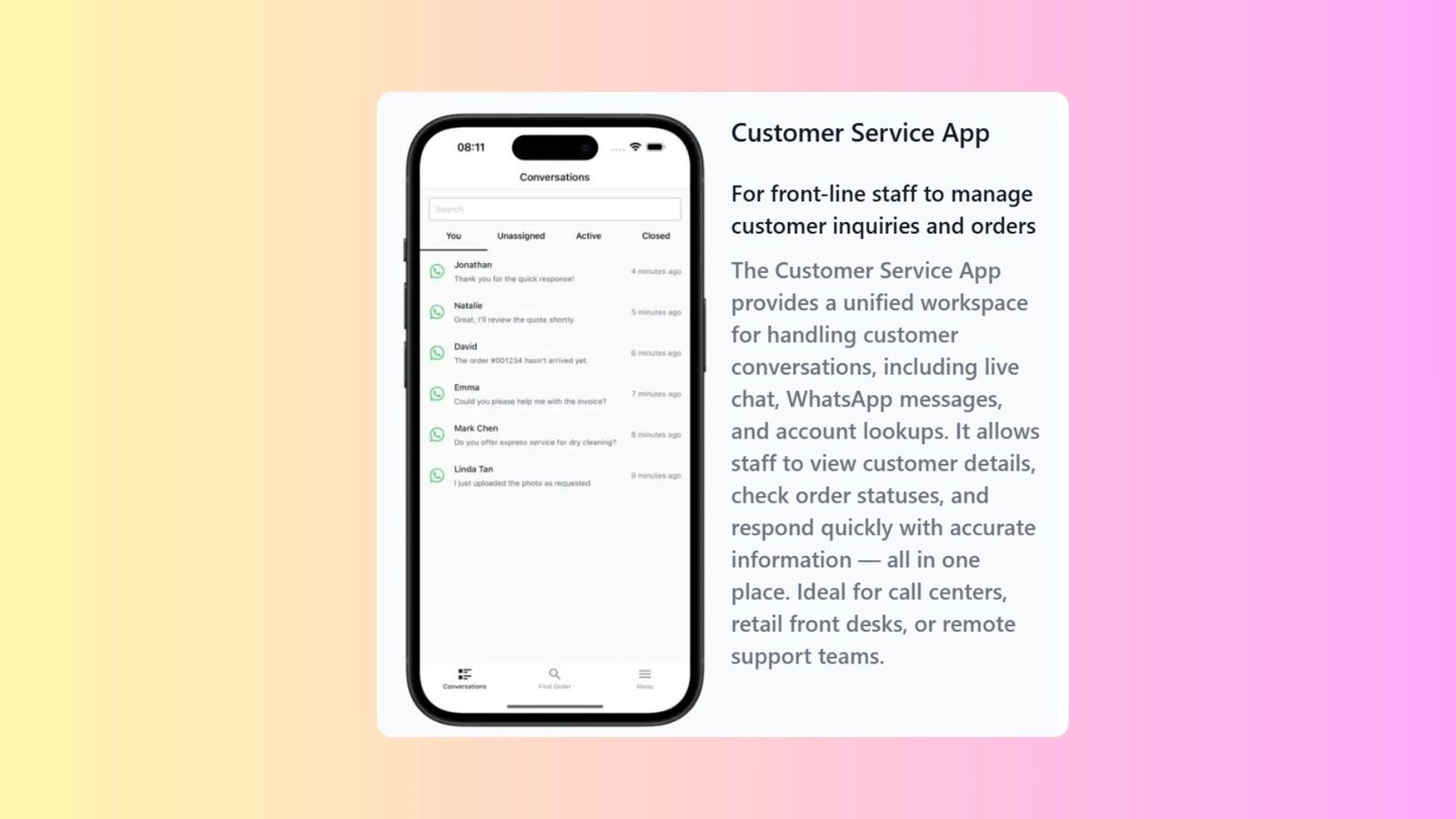
A unified workspace designed for front-line and support staff to manage all customer interactions and inquiries from a single location.
Functionality:
- Centralizes customer conversations, including live chat and WhatsApp messages.
- Enables account lookups, checking order statuses, and viewing customer details to provide accurate real-time information.
- Ideal for call centers, retail front desks, or remote support teams.
Driver App
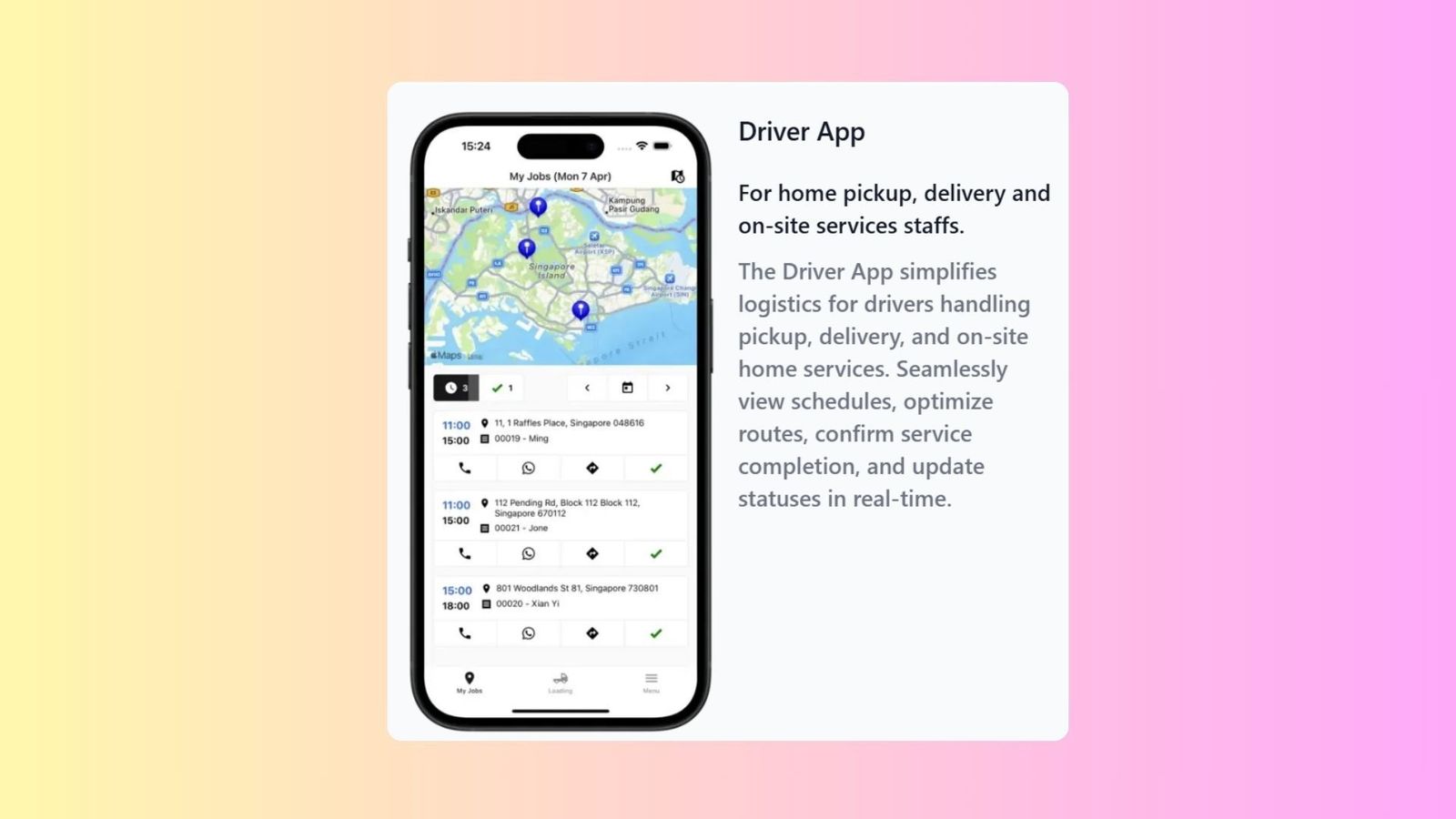
A logistics-focused application for staff handling home pickups, deliveries, and on-site services.
Functionality:
- Simplifies logistics by allowing drivers to view schedules and optimize their routes on a map interface.
- Enables real-time status updates and confirmation of service completion.
- Features specialized pages for route optimization, schedule viewing, and real-time status updates.
Service Center Worker App
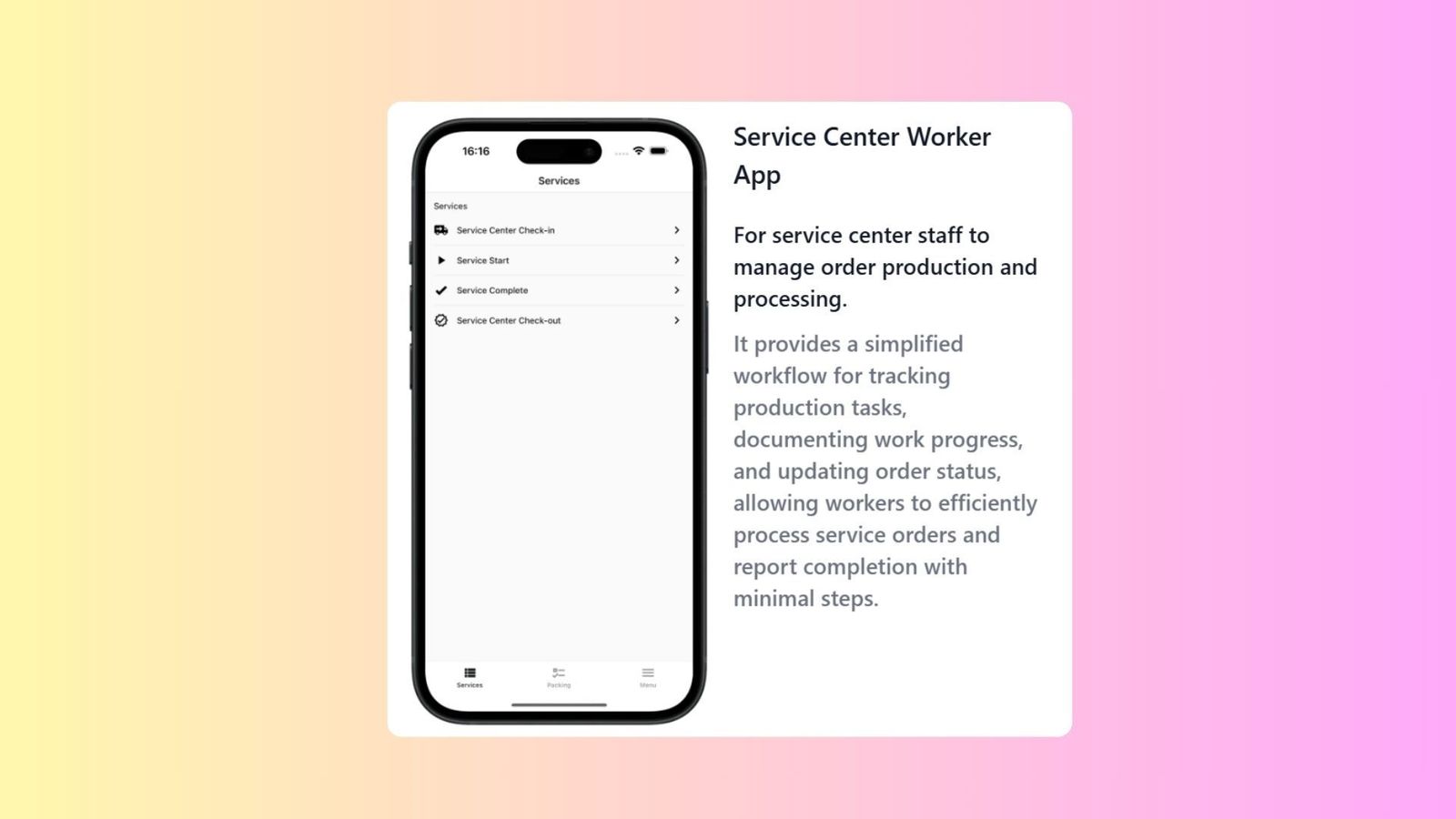
A specialized production tool for service center staff to manage the actual processing and cleaning of orders.
Functionality:
- Provides a simplified workflow for tracking production tasks and documenting work progress.
- Allows workers to update order statuses (e.g., Service Start, Service Complete) and report completion with minimal steps to ensure operational efficiency.
Photo Station App
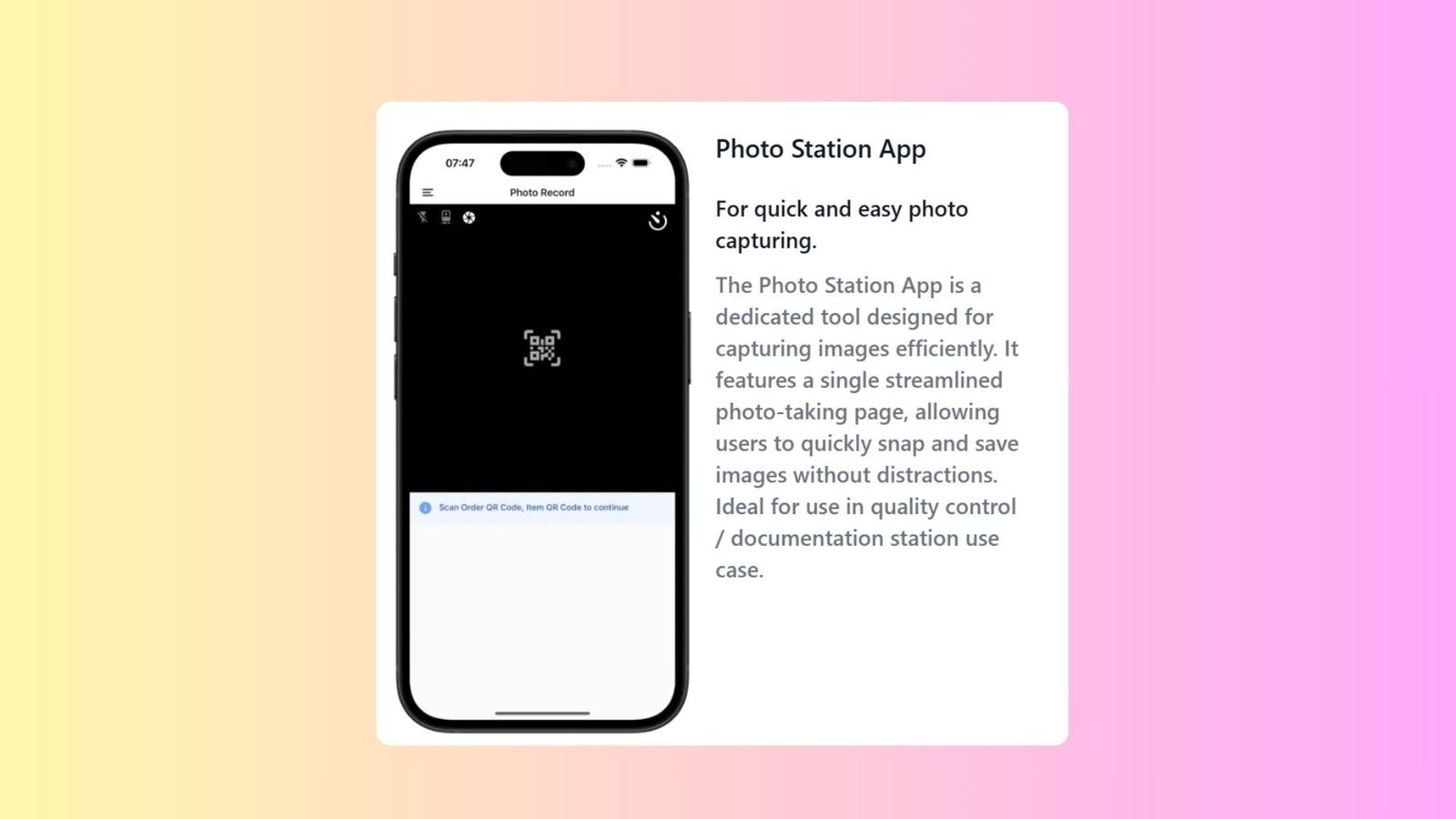
A single-purpose tool designed for high-efficiency photo capturing and visual documentation.
Functionality:
- Features a single, streamlined photo-taking page to allow users to quickly snap and save images without distractions.
- Ideally suited for fixed quality control or documentation stations where high-volume image recording is required.
Store Counter Staff App
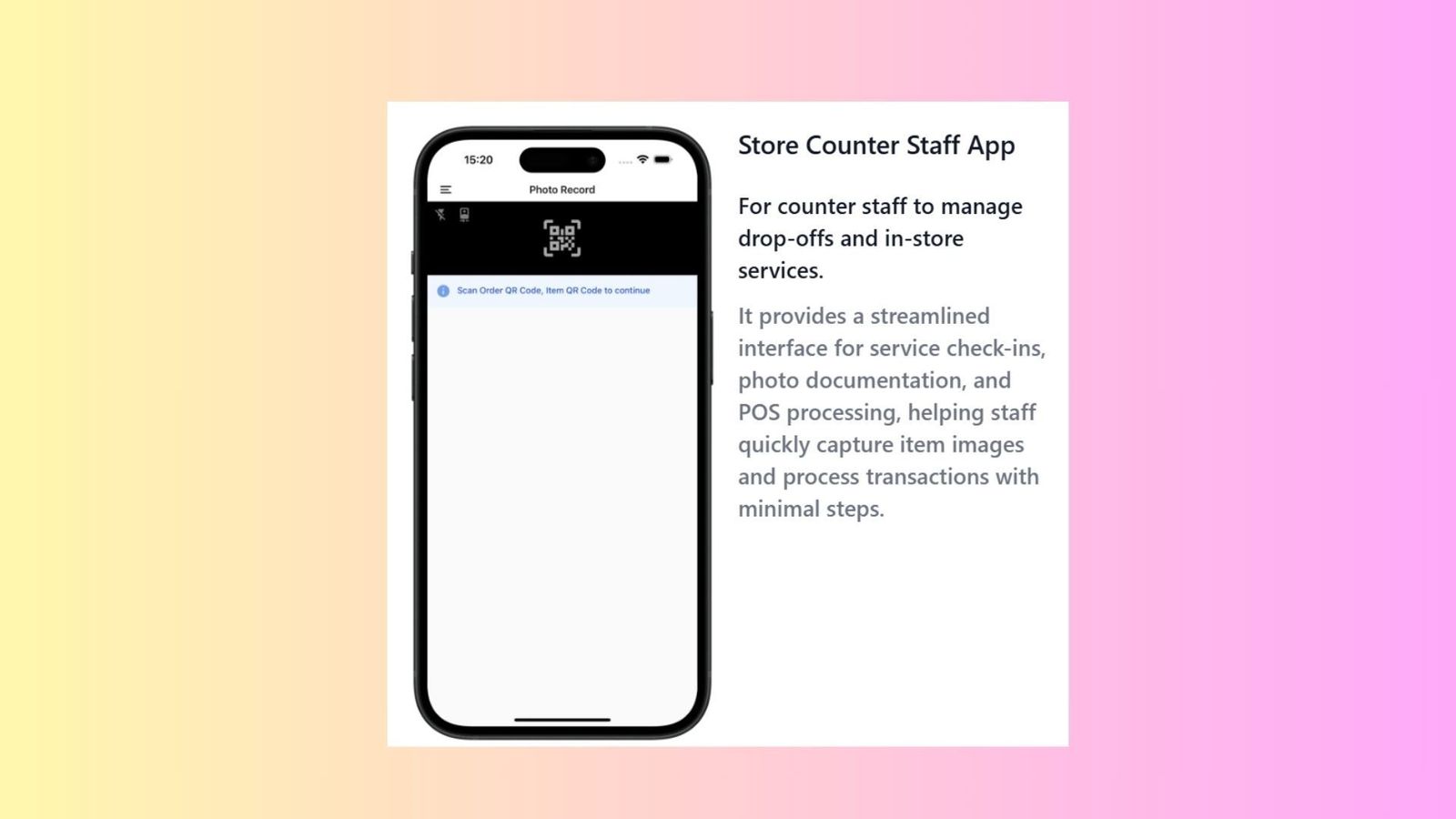
A retail-oriented interface for counter staff to manage customer drop-offs and standard in-store services.
Functionality:
- Provides a streamlined interface for service check-ins, customer registration, and POS (Point of Sale) processing.
- Assists staff in quickly capturing item images and processing transactions with minimal operational steps.
Blank App
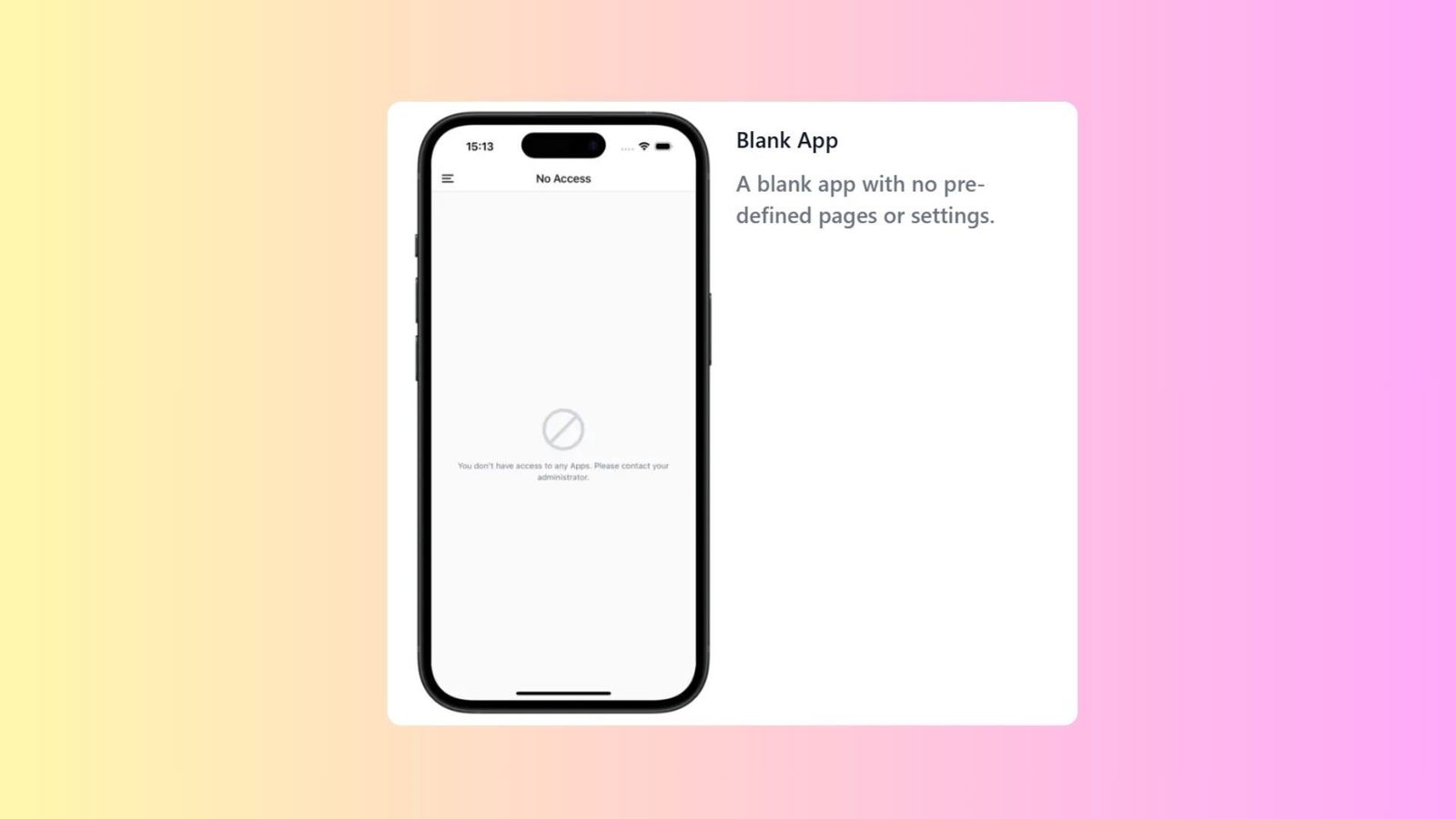
A complete sandbox template with no pre-defined pages, settings, or navigation links.
Functionality:
- Serves as a starting point for businesses with highly unique needs who want to build a workflow entirely from scratch.
- Allows total freedom in defining every page and navigation element without a preset structure.
Give feedback
Up next
Team & PermissionsManage your team's access to EasyBiz — add teammates, set up what they can see and do, and keep your business running securely.
Read more